Miniature World
Folien, Videos & InfografikenEinsetzen in: Folien / Infografik
A tilt-shift view featuring blocky, toy-like characters and high saturation. Best for "Big picture" overview of facilities, smart cities, or logistical hubs.
Geteilt von Mark Carver — Visual Style Guide for NotebookLM Presentations – Anerkennung, wo sie hingehört.
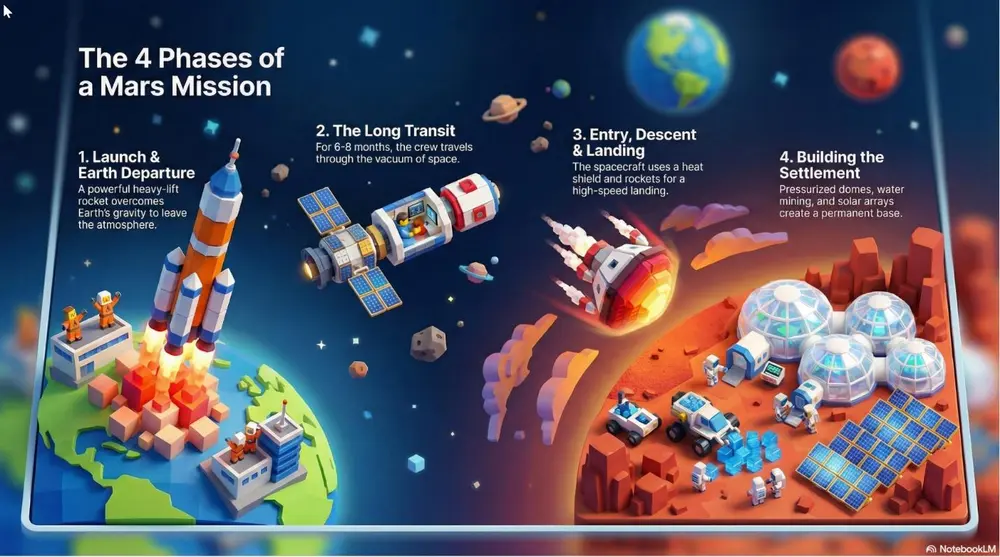
A tilt-shift miniature world view featuring blocky, toy-like 3D characters and high-saturation colors. Use a narrow focal plane to create the illusion of a small-scale logistical hub or smart-city model.
So verwenden Sie ihn
- 1Wählen Sie im Studio-Bereich Folien oder Infografik und öffnen Sie das zugehörige Prompt-Feld.
- 2Fügen Sie die Stilvorgabe ein.
- 3Generieren, dann bei Bedarf die Formulierung anpassen, falls das Ergebnis abweicht.
Eckige Klammern markieren die Stellen, die Sie durch Ihr eigenes Thema oder Ihre Frage ersetzen.
Weitere folien, videos & infografiken-Prompts
- ChalkboardWhite "chalk" lines on a dark slate background with textured shading. Best for academic lectures, physics/math proofs, and historical retrospectives.
- WhiteboardA clean look resembling markers on a glossy whiteboard. Best for internal team briefings, "live" brainstorming sessions, and agile project updates.
- Sketch NotingHand-drawn icons and connectors with a classic "visual note-taking" feel. Best for executive summaries, workshop synthesis, and human-centric storytelling.
- Graphite & Charcoal RealismA fine-art style using monochromatic hand-drawn textures, cross- hatching, and realistic smudging. Best for high-stakes ethical discussions, historical reflections, or "Day in the Life" human-centric storytelling.