Gemini Gems vs Gemini Notebook (NotebookLM): the real difference, and how to combine them
Google now ships three products with overlapping "notebook" and "Gemini" branding: Gemini Gems, Gemini Notebook (renamed from NotebookLM), and Notebooks in Gemini. People are visibly confused by this in Reddit threads, teacher Facebook groups, and even mainstream tech coverage: Forbes ran a piece literally titled "NotebookLM Is Now Gemini Notebook. I'm Confused." This guide covers the two people mix up most, Gems and Gemini Notebook, what each one actually does, where the real numeric limits come from, and a genuinely useful trick most guides skip: you can plug a Gemini Notebook notebook directly into a Gem.
Gemini Gems are custom AI personas. You write instructions once ("you're my coding partner," "you're my writing editor") and Gemini remembers them in every chat with that Gem. Attaching documents is optional, and a Gem will still answer from its general training knowledge if you don't add any.
Gemini Notebook (formerly NotebookLM) is a source-grounded research tool. Adding documents is required (you can't use it without sources), and it's built to answer strictly from what you gave it, with a citation back to the exact passage, rather than general knowledge.
You can connect them. Since a documented 2026 update, Gemini's file picker for Gems includes a "Notebooks" option alongside Google Drive and local files, letting a Gem pull in an entire Gemini Notebook notebook as part of its knowledge base, confirmed directly on Google's own Gems help page.
Neither one has a published, Gem-specific file cap. Gems inherit Gemini's general chat-upload limit (10 files per prompt, 100MB each), which is a smaller and less structured ceiling than Gemini Notebook's own per-plan source limits (50 to 600 sources per notebook). That asymmetry is the real, practical difference behind the marketing description.
What a Gemini Gem actually is
A Gem is Gemini's version of a saved, custom chatbot persona, the same basic idea as a custom GPT. You write a set of instructions once (a personality, a task, a tone, a format), save it, and every new chat with that Gem starts from those instructions instead of a blank Gemini session. Google's own help center frames good instructions around four pillars: Persona (who the Gem is), Task (what it does), Context (background it should know), and Format (how it should respond). You can optionally upload files, from your device, Google Drive, code repositories, or (as covered below) a Gemini Notebook notebook, to give a Gem specific reference material. But that step is optional. Ask a fresh Gem a question with zero files attached and it will still answer, drawing on Gemini's general training data, the same way base Gemini would.
That optionality is the single most important thing to understand about Gems, and it's also where they can go wrong if you expect Notebook-style grounding from them. In a hands-on comparison published on LinkedIn, consultant Mikael Klambro uploaded the same PDF to Gemini, a Gem, and NotebookLM, then asked questions both inside and outside the document's scope. The Gem answered questions outside the document's actual content anyway, filling gaps with general knowledge, while NotebookLM correctly refused. If you need a tool that will say "that's not in my sources" rather than guess, a Gem with a file attached is not a substitute for a genuinely source-locked tool. It's a persona with optional context, not a citation engine.
What Gemini Notebook (NotebookLM) actually is
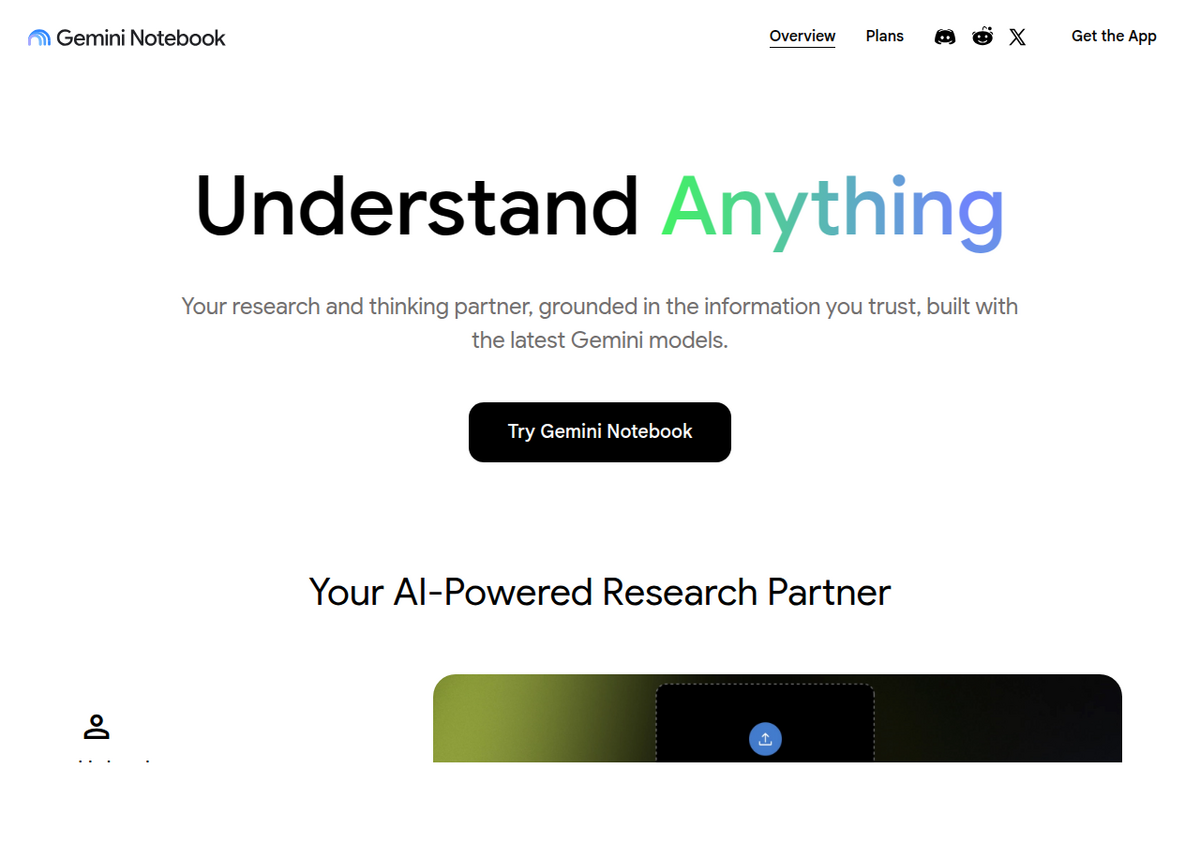
Gemini Notebook, the product Google renamed from NotebookLM in July 2026, works in the opposite direction. You can't skip the sources step: a notebook with nothing added to it has nothing to answer from. Every response is generated only from the documents, links, or media you explicitly added, and every claim comes with a citation you can click to jump straight to the passage it came from. There's no "just ask it anything" mode; the entire design is built around trusting a bounded set of material rather than the model's general knowledge. That's why it exists as a separate product instead of just being a Gem: the constraint is the feature, not a limitation to work around.
The two side by side
Gemini Gems                          Gemini Notebook (NotebookLM)
-----------------------------------------------------------------------
Adding documents: optional            Adding documents: required
Answers from: instructions + general  Answers from: only your sources
  training knowledge                    (retrieval-grounded)
Citations: none                       Citations: every claim, clickable,
                                         traces to a source passage
Knowledge limit: general Gemini       Knowledge limit: 50-600 sources
  chat-upload cap (10 files/prompt,     per notebook depending on plan
  100MB each) - no Gem-specific cap     (Standard/Plus/Pro/Ultra tiers)
Best for: a repeatable persona or      Best for: research where every
  workflow ("my coding partner,"        answer must be traceable to a
  "my writing editor")                  specific document you chose
Hallucination risk: higher (can       Hallucination risk: lower by
  answer beyond attached files)         design (refuses ungrounded
                                         answers more consistently)
Audio/Video Overviews: no             Audio/Video Overviews: yes
The file-limit row is worth a second look, because it's the one number most comparisons get wrong or skip. Google's Gems help pages never state a Gem-specific knowledge-file cap; they defer to the general Gemini file-upload limits page, which caps any single chat turn (Gem or not) at 10 files, 100MB each for most file types, with separate video and audio duration limits. That means a Gem's "knowledge base" isn't a persistent, expandable library the way a Gemini Notebook notebook is. It's bounded by the same ceiling as a single ordinary Gemini upload. Gemini Notebook's source caps, by contrast, are tier-specific and explicitly per-notebook: 50 sources on the free Standard tier, 100 on Plus, 300 on Pro, 500 on Ultra 20TB, and 600 on Ultra 30TB, each notebook tracked separately. If you're picking a tool because you need to hold a large, growing document set, that structural difference, not the marketing copy, is what actually decides it.
The trick most guides skip: put a Notebook inside a Gem
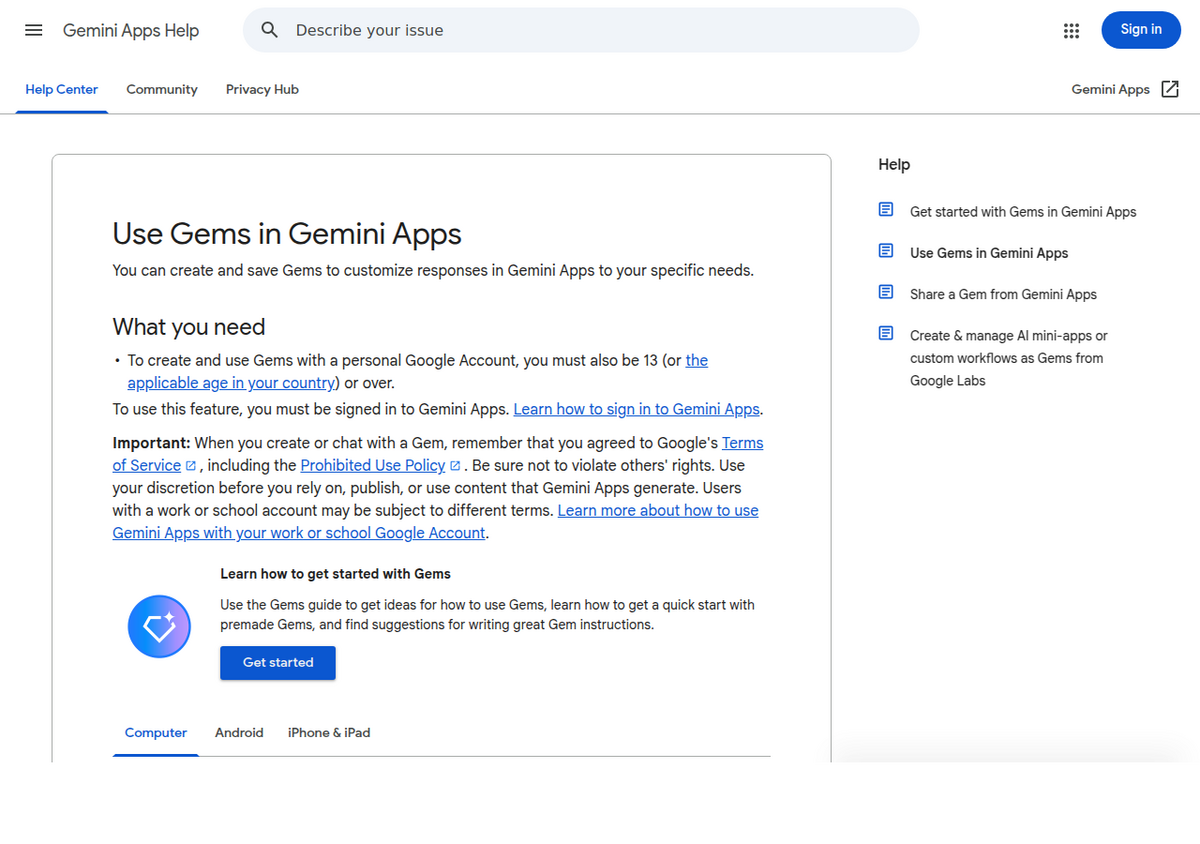
Since a 2026 update, Gemini's Gem-creation screen has a file picker with a "Notebooks" option, confirmed directly on Google's own help page: "To add a NotebookLM notebook: click More uploads and then Notebooks." In practice, that means you can curate a document set once inside Gemini Notebook, where the source-grounded retrieval and citation checking actually happens, and then attach that entire notebook to a Gem so the Gem can reference it across every conversation without you re-uploading files each time.
A concrete way to use this: build a "Course Tutor" Gem, then attach a separate Gemini Notebook notebook for each subject you're studying, each one built from your actual lecture slides, readings, and notes. The Gem holds the consistent personality and instructions ("quiz me, don't just summarize," "explain like I'm new to this topic"), while each attached notebook supplies the subject-specific, source-grounded material. XDA-Developers reported testing this workflow by linking seven separate notebooks to a single Gem's knowledge base without hitting an apparent wall, though neither Google's documentation nor any source we could verify states whether attached notebooks count against the same 10-file cap that governs ordinary uploads, or are tracked separately. Treat that as an open question to test yourself rather than a documented guarantee, and don't build a workflow that depends on an undocumented behavior staying the same.
One real limit: this doesn't work if the Gem is shared
There's a genuine limitation buried in Google's own support forums that no comparison guide we found mentions: a NotebookLM/Gemini Notebook notebook can only be attached to a Gem you're not sharing with anyone else. A Gemini Apps Community thread reports exactly this: once a Gem is shared, the notebook-attachment option stops being available for it. If you're building the combined Gem-plus-Notebook workflow above for a team or a classroom rather than solo use, test the sharing step first, since the feature that makes this combination useful can silently disappear the moment you try to share the result.
The 10-file, 100MB general upload limit that governs a Gem's knowledge base also carries more specific sub-limits worth knowing before you plan around it: video files are capped at 5 minutes total length on the free tier, extendable to 1 hour on Google AI Pro or Ultra; audio is capped at 10 minutes, extendable to 3 hours on Pro or Ultra; a single code folder or GitHub repository can hold up to 5,000 files at up to 100MB total; and a ZIP archive can hold up to 10 files and 100MB, but can't contain video or audio at all. None of these sub-limits are Gem-specific either, they're the same general Gemini upload rules a Gem inherits, which is the pattern worth remembering: whenever you hit a wall inside a Gem that seems arbitrary, it's very likely a general Gemini limit you'd hit in an ordinary chat too, not something Google restricted specifically for Gems.
A third product makes this more confusing, not less
Google added a third overlapping product in April 2026: Notebooks in Gemini, a project-organization space inside the regular Gemini chat app for grouping chats, files, and custom instructions by project. It syncs bidirectionally and automatically with the standalone Gemini Notebook app (add a source in one place and it appears in the other), but it cannot generate Gemini Notebook's Studio outputs (Audio Overviews, Video Overviews, mind maps, infographics) from inside the Gemini app view. It's neither a Gem nor the standalone Gemini Notebook; it's a workspace that happens to share data with the standalone app while living inside a different interface. If a comparison you're reading only mentions two of these three products, it's missing a real distinction, not simplifying one. Our own Gemini Notebook vs Gemini guide covers the Gemini-app-versus-standalone-app split in more depth; this one is specifically about Gems.
When to use which
- Use a Gem when you want a repeatable persona or workflow you'll return to often, and general AI knowledge plus optional light context is enough, a brainstorming partner, a tone-consistent writing editor, a coding-style assistant.
- Use Gemini Notebook when the answer has to be traceable to a specific document, and you'd rather the tool say "I don't know" than guess, a literature review, meeting notes, a contract you need summarized without invented clauses.
- Use both together when you want a consistent instruction layer on top of a real, curated document set: build the source library in Gemini Notebook, then attach it to a Gem for a persona that references it every time without you re-uploading files per conversation.
- Use Notebooks in Gemini when you want the Gemini Notebook source set available inside a broader Gemini project alongside chats and other files, but don't need Studio outputs like Audio Overviews from that view.
People also ask
Are Gemini Gems the same as Gemini Notebook?
No. Gems are custom AI personas that can optionally reference uploaded files but will still answer from general knowledge without them. Gemini Notebook (formerly NotebookLM) requires you to add sources and answers strictly from that material, with clickable citations. They're built for opposite goals: flexibility versus strict grounding.
Can a Gemini Gem use a Gemini Notebook notebook as a source?
Yes. Google's own Gems help page confirms you can attach a Gemini Notebook (NotebookLM) notebook to a Gem's knowledge base by clicking "More uploads" and then "Notebooks" during setup, letting the Gem reference that notebook's sources in every conversation.
How many files can a Gem hold?
Google doesn't publish a Gem-specific file cap. Gems inherit the general Gemini chat-upload limit, up to 10 files per prompt and 100MB per file for most types, which is smaller and less structured than Gemini Notebook's dedicated per-notebook source limits (50 to 600 depending on plan).
What's the difference between Gemini Gems and Notebooks in Gemini?
They're unrelated features that happen to share the word "Gemini." Gems are custom AI personas. Notebooks in Gemini is a project-organization space inside the Gemini app that syncs with the standalone Gemini Notebook app but can't generate Studio outputs like Audio Overviews on its own.
Which one hallucinates less, Gems or Gemini Notebook?
Gemini Notebook is built specifically to reduce hallucination by refusing to answer beyond its attached sources and citing every claim. Gems don't have that constraint by default: a hands-on comparison found a Gem answered questions outside an attached document's actual content, while Gemini Notebook correctly declined.
Xuất NotebookLM của bạn chỉ với một cú nhấp
Tiện ích Chrome miễn phí. PDF, Word và Markdown. Kết xuất trên máy của bạn — không tải gì lên.