Gemini Notebook can now talk back in real time, and record your lectures, but Google's own announcements don't agree on when
On 15 September 2026, Google announced that Gemini Notebook, the research tool most people still know by its old name, NotebookLM, would let you have a real-time spoken conversation with your own notes and record audio directly from the mobile app, instead of only typing questions and reading text answers. Both features are tied up with a set of study tools Google shipped the same week. Two of Google's own posts about this rollout, one on its main blog, one on the Workspace Updates blog, give different answers for exactly which tier gets the voice feature first and whether a specific quiz format is called "multiple select" or "multiple choice." Here's what's actually live, what still isn't, and which of Google's own pages to trust for which claim.
Real-time voice conversations with your Gemini Notebook notebooks, speak a question, get a spoken answer grounded in your sources, interrupt mid-answer, in nearly 100 languages, are rolling out now on the Android and iOS apps. Per Google's own 15 September announcement, Google AI Ultra subscribers got it first, with Google AI Pro and other tiers following afterward on no fixed date. The feature is gated to users 18 and older.
A separate mobile audio recorder lets you record a lecture or your own spoken notes directly inside the Gemini Notebook app; the recording becomes a source you can chat with and cite like any other, no retyping. It started rolling out the week of 22 September 2026. Unlike the voice feature, it's available to users under 18, but the chat-and-cite functionality currently requires your account's output language to be set to English.
This is not the same feature as Audio Overviews. Audio Overviews generate a scripted, podcast-style discussion *about* your sources that you listen to. The new voice feature is a live, two-way spoken conversation *with* your notebook, and the recorder captures *new* audio into a notebook as a source. All three are separate tools that now coexist in the same app.
Google's own two announcement posts disagree on some specifics, including whether the voice feature is tier-staged or already open to everyone past the age gate, and whether a new quiz format is called "multiple select" or "multiple choice." We cite both and flag every discrepancy below rather than silently picking one.
What actually shipped on 15 September
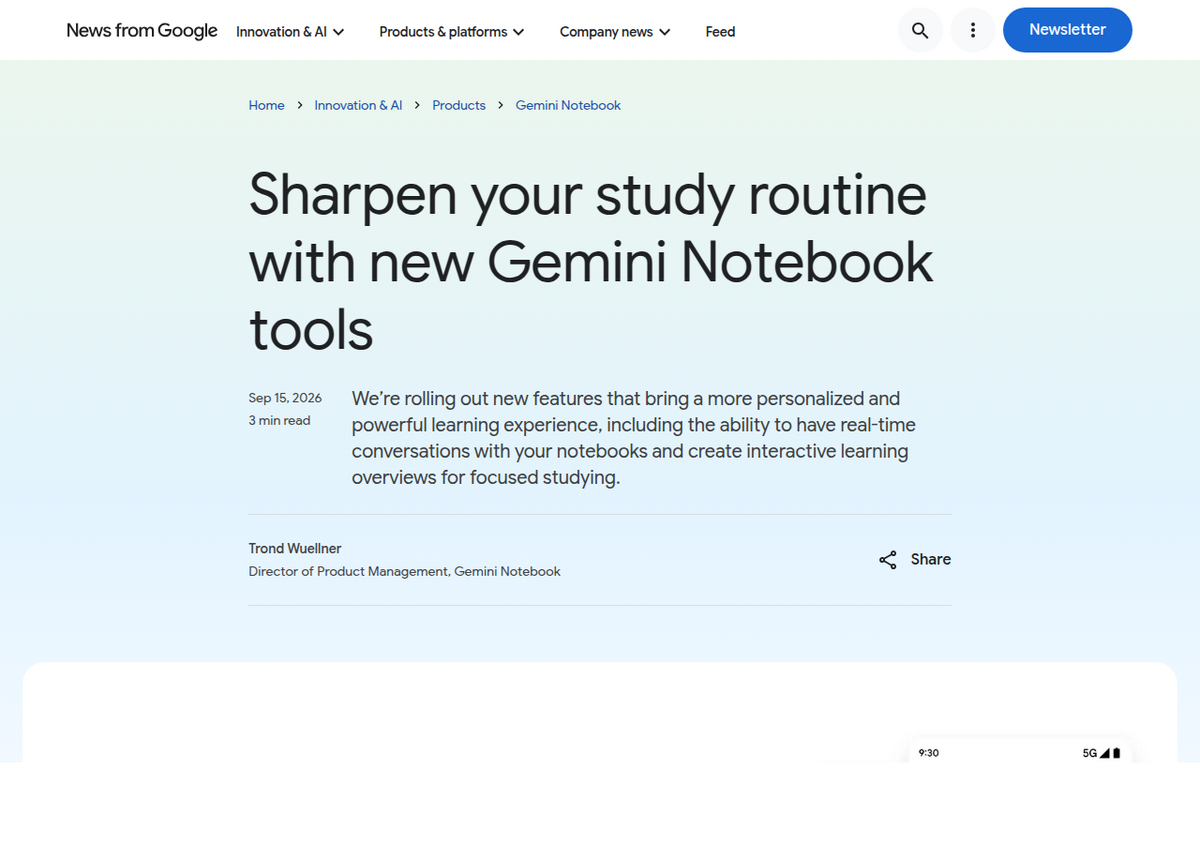
Per Google's own announcement, written by Trond Wuellner, Director of Product Management for Gemini Notebook, the update bundles two headline features with three smaller study-tool additions. The framing is explicitly aimed at students heading back into a new term, but nothing in the feature set is actually restricted to an education account; any Gemini Notebook user gets access on the same schedule.
Real-time voice conversations: the rollout Google's own pages describe differently
The headline feature lets you talk to a notebook out loud from the mobile app and get a spoken answer back, grounded only in the sources you've added, the same citation discipline Gemini Notebook applies to typed chat. You can ask follow-up questions, request step-by-step guidance through a concept, and interrupt the response mid-sentence just by speaking, rather than waiting for it to finish. Google states it supports nearly 100 languages.
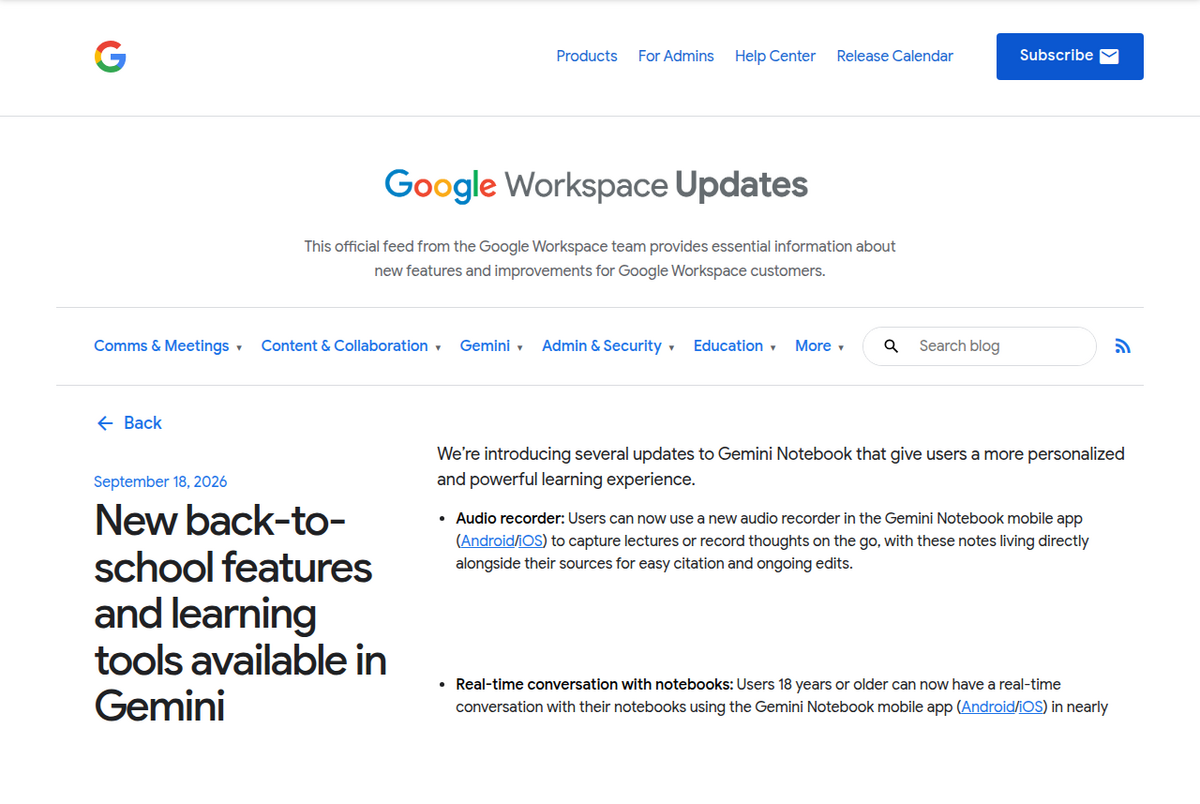
Where it gets confusing is tier-gating. Google's main blog post includes a footnote, easy to miss if you only read the headline feature description, stating the feature is "Rolling out to Google AI Ultra subscribers (18+) this week and coming to Google AI Pro and others soon," with no committed date for the Pro rollout. But the Google Workspace Updates post, published three days later on 18 September, describes the same feature in flat present tense: "Users 18 years or older can now have a real-time conversation with their notebooks," with no mention of Ultra going first or Pro waiting. Neither post has been corrected to resolve the conflict as of this writing, and we couldn't find a Gemini Notebook help-center page that resolves it either. The most defensible read: the staged Ultra-then-Pro rollout was real on 15 September, and by the 18th it had likely reached enough of the user base that Google's own Workspace-facing team stopped bothering to caveat it. If you're on Google AI Pro, Plus, or the free Standard tier and don't see the option yet inside the mobile app, that's expected and not a bug; try again in a few days before assuming something's wrong on your end.
The 18+ age gate is the one point both posts agree on exactly, and it has a real consequence worth flagging: it means Gemini Notebook's voice conversations are currently off-limits to the same under-18 education users Google is otherwise explicitly marketing this update toward with its "sharpen your study routine" framing. A high-school student reading the announcement can use everything else in it except the headline feature.
The audio recorder: a different timeline, and an English-only catch
The second new feature is a recorder built into the Gemini Notebook mobile app (Android and iOS) for capturing lectures, meetings, or your own spoken notes on the go. Once recorded, the audio becomes a source inside your notebook, the same way a PDF or pasted text would, so you can chat with it, cite it, and keep editing or appending to it over time rather than treating it as a one-off transcript dump.
Timing is the first discrepancy here. The 15 September blog.google post says the recorder would arrive "starting next week," which points to roughly the week of 22 September. The 18 September Workspace Updates post already describes it in the present tense, "Users can now use a new audio recorder," consistent with a rollout that had completed within that one-week window. If you checked for the recorder on 16 September and didn't find it, that's consistent with both posts; if you still can't find it in early October, something's likely wrong with your app version rather than the rollout being incomplete.
The more consequential catch is language. Google's footnote on the recorder states plainly: "This is supported on web and mobile for users (including U18) with English as the selected output language under settings." Two things follow from that sentence. First, unlike the voice conversation feature, the recorder is explicitly available to users under 18. Second, and easy to miss, the chat-and-cite functionality that makes a recording actually useful currently depends on your account's output language being set to English, not just the device language or the language you speak into the microphone. If your Gemini Notebook output language is set to anything else, check that setting before assuming the recorder is broken or unavailable in your region. Once a recorded lecture turns into notes you want to keep outside the app, the free NotebookLM to PDF extension exports a notebook's chat answers or notes as Markdown or PDF, formatting intact.
Where Google's two posts actually disagree, side by side
Claim                          blog.google (15 Sept)              Workspace Updates (18 Sept)
--------------------------------------------------------------------------------------------
Voice feature rollout         Ultra subscribers first "this        "Users 18 years or older
                                week," Pro and others "soon"         can now" use it (no tier
                                                                      staging mentioned)

Audio recorder timing         "Starting next week"                 "Users can now use" it
                                (~week of 22 Sept)                   (present tense, live)

New quiz format name           "multiple select"                    "multiple choice"

Source: blog.google/innovation-and-ai/products/gemini-notebook/new-study-tools-september-2026
and workspaceupdates.googleblog.com, both accessed 1 Oct 2026.
None of these are large discrepancies on their own, but they're the kind of thing that makes a single-source summary (including most of the coverage that followed the announcement) quietly wrong depending on which Google post the writer happened to open. If you see a third-party article confidently state Gemini Notebook's new quiz format is called "multiple choice" with no caveat, or flatly assert the voice feature is open to every tier right now, it's reading only one of Google's two official pages. One more spot worth a lighter flag than those two: the main blog post lists interactive learning overviews as combining summaries, infographics, quizzes, and flashcards, while the Workspace post lists summaries, quizzes, flashcards, and mind maps. Both posts use "like" before their lists, signaling examples rather than a complete inventory, so this reads less like a contradiction and more like two different partial lists, worth knowing about if you go looking for infographics or mind maps specifically and can't find one.
The smaller additions in the same update
Three more features shipped alongside the headline pair, all under what Google calls Reports inside a notebook. Interactive learning overviews combine a written summary with Studio-style outputs, infographics, quizzes, and flashcards per the main blog post, with the Workspace post additionally naming mind maps, rolling out to all users over the following few weeks from the 15 September announcement. Expanded quiz formats add short-answer and fill-in-the-blank options alongside the existing format, plus the "multiple select" or "multiple choice" format disputed above; you can also now ask your notebook's chat directly about your performance on a completed quiz or flashcard set to find where to focus next, and customize generated questions by editing or adding your own. Short Video Overviews add a roughly 60-second, narrated-and-animated video format aimed at explaining a single formula, diagram, or concept, available in more than 80 languages and shareable with classmates, a shorter, more focused sibling to Gemini Notebook's existing longer Video Overviews rather than a replacement for them.
The free-year student offer bundled into the same announcement
Google used the same post to reopen a student subscription offer. Eligible US college students can claim one year of Google AI Pro free (normally $19.99/month), which Google states unlocks 4x higher Gemini Notebook usage limits versus a non-subscriber account; the offer must be redeemed by 31 December 2026, after which it converts to a paid $19.99/month subscription unless cancelled. Students outside the US, in more than 140 eligible markets, can claim one year of Google AI Plus free instead (2x usage limits), with the same December 2026 redemption deadline and a $4.99/month (or local equivalent) rate afterward. Google's own list of exclusions for the non-US offer is specific: it does not apply in the US itself, Bolivia, Albania, Canada, Macau, Hong Kong, or Tunisia. Eligible students can claim the offer directly through Google. For the exact difference in what Pro versus Plus gets you beyond the usage multiplier, including Gemini Notebook's source and notebook caps on each tier, see our Google AI Plus vs Pro breakdown.
For Workspace and Education accounts
Per the Workspace Updates post, all of these features are available to Google Workspace customers, Workspace Individual subscribers, and personal Google accounts alike, rolling out on both Rapid Release and Scheduled Release tracks starting 15 September 2026, with Google warning the extended rollout could take longer than its usual 15-day visibility window. There's no separate admin toggle for any of these specific features: if Gemini Notebook itself is turned on for a user or organizational unit, these ship automatically with no end-user setting to find or disable individually. If you administer a Workspace for Education domain and store Gemini Notebook access behind a specific organizational unit, that's the only lever that currently affects whether your students see any of this.
What this doesn't change
None of this touches Gemini Notebook's existing source caps, notebook counts, or Deep Research quotas, which still follow the compute-based system Google introduced on 2 September 2026 and which we cover in full in our Gemini Notebook usage limits guide. A voice conversation or a recorded lecture still counts against the same underlying usage pool as a typed chat message; Google hasn't published a separate quota specifically for voice minutes or recording length as of this writing. And if you're trying to figure out whether this is the same product as Gemini Study Notebooks, a different, education-branded Google product launched in June 2026, it isn't; the two are easy to confuse by name alone, and we break down exactly how they differ in our dedicated comparison.
People also ask
Can I talk to Gemini Notebook in real time?
Yes, as of a 15 September 2026 rollout, you can have a real-time spoken conversation with a notebook's sources via the mobile app, in nearly 100 languages. Google AI Ultra subscribers got access first; Google AI Pro and other tiers follow on no committed date. The feature requires you to be 18 or older.
Can Gemini Notebook record audio from a lecture?
Yes. A mobile audio recorder, rolling out the week of 22 September 2026, lets you record lectures or spoken notes directly in the app; the recording becomes a source you can chat with and cite. Unlike the voice-conversation feature, it's available to users under 18, but the chat-and-cite functionality requires your account's output language to be set to English.
Is the new voice feature the same as Audio Overviews?
No. Audio Overviews generate a pre-scripted, podcast-style discussion about your sources for you to listen to. The new feature is a live, two-way spoken conversation where you ask questions out loud and get spoken answers back in real time.
Why does one Google page say my tier doesn't have voice chat yet, while another says everyone has it?
Google's own announcement posts disagree. Its main blog (15 Sept) describes a staged rollout, Ultra first, Pro and others later. Its Workspace Updates blog (18 Sept) describes the feature as already available to all users 18+, with no tier distinction. If you're not on Ultra and don't see it yet, that's consistent with the first post; check back within a week or two rather than assuming a problem.
Is the Gemini Notebook audio recorder available in my language?
The recorder itself works regardless of spoken language, but per Google's own footnote, the resulting note's chat-and-citation functionality currently requires your Gemini Notebook account's output language to be set to English. Check Settings if a recorded note isn't behaving as expected.
ส่งออก NotebookLM ของคุณได้ในคลิกเดียว
ส่วนขยาย Chrome ฟรี รองรับ PDF, Word และ Markdown ประมวลผลบนเครื่องของคุณเอง — ไม่มีการอัปโหลด