ChatGPT's new "Intelligent UI" can draw you a diagram. It still can't touch your files.
On 7 October 2026, OpenAI started replacing some ChatGPT answers with interactive widgets instead of plain text: a clickable diagram of how a bicycle derailleur shifts, a cooking "app" with a guest-count stepper, an editable savings calculator. Paid tiers got it first, with free and Go tiers following a day later. Here's what actually shipped, how to turn it down if you'd rather have text, and the gap every demo so far has in common: not one of them touches an uploaded document.
OpenAI's "Intelligent UI" rolled out to ChatGPT's Chat tab on 7-8 October 2026. Plus, Pro, Business and Enterprise accounts got it first on 7 October, running on GPT-6 Sol; Free and Go accounts followed on 8 October, running on the cheaper GPT-6 Luna. Instead of always answering in plain text, ChatGPT now picks between text, a diagram, or an interactive widget (a calculator, a stepper, a small embedded app) depending on what it judges the question needs.
It doesn't touch ChatGPT Work or Codex, OpenAI's more task-oriented surfaces, which keep running their existing models unchanged. Every public demo so far, airplane lift, bicycle repair, a dinner-party planner, a hiking map, is a general-knowledge or everyday-planning question. None involves an uploaded file, a spreadsheet, or a research task.
To get fewer visuals, go to Settings and turn off "Layout and visuals" on the web, per one detailed write-up of the rollout; we couldn't locate an official OpenAI help page naming the toggle, so treat the exact label as reported rather than confirmed. The same source describes the feature turning itself off if you switch ChatGPT's reasoning effort to Pro. Separately confirmed: it isn't available yet in the older macOS or Windows desktop apps, only on web and mobile.
A build of this same rich-UI behavior was already live and unstable for more than a week before the official launch. Users on OpenAI's own developer forum reported it appearing, then vanishing with no setting to bring it back, starting 28 September, nine days before the 7 October rollout. That thread is still the best real-world account of what using it is actually like day to day.
What actually shipped, and on which tier
OpenAI's GPT-6 Sol and GPT-6 Luna aren't new models as of this launch. Both debuted on 22 September 2026 for ChatGPT Work, Codex, and the API, more than two weeks before Intelligent UI reached ordinary chat. What changed on 7-8 October is that the Chat tab started using those same models to decide, per message, whether to answer in text or to generate a self-contained interactive component instead. OpenAI product manager Aarush Selvan demoed the feature by asking ChatGPT how an airplane wing generates lift and getting a clickable diagram back, framing it as a shift away from what he called a "predominantly text-based interface."
The rollout split by plan: Plus, Pro, Business and Enterprise accounts got GPT-6 Sol with Intelligent UI on 7 October, available globally in the Chat tab. Free and Go accounts followed on 8 October with GPT-6 Luna, the cheaper tier model. Enterprise access can additionally depend on a workspace admin's own settings. OpenAI's announcement also repeats the company's usual engagement figure, more than 1.2 billion weekly users, as context for the scale of the rollout; treat that as OpenAI's own claim, not an independently verified number.
What the widgets actually look like
The examples OpenAI and early coverage have shown are consistently everyday and general-knowledge, not document-oriented: a diagram of bicycle gearing you can tap through part by part, a dinner-planning "app" with a guest-count stepper that auto-scales a shopping list and a copy-to-clipboard button, a personal savings calculator with editable fields, a multi-day hiking-trip map, and even a small in-chat Snake game. Android Authority's coverage also mentions a bill-splitter. The model streams these progressively, rendering structure as it generates rather than waiting for a complete response, which OpenAI says makes answers feel like they start sooner; one detailed report of the rollout cites a 44% reduction in time-to-first-response specifically for questions requiring web retrieval, versus the GPT-5.6 Instant model. We weren't able to confirm that figure against an OpenAI-published page, so treat it as reported rather than an official OpenAI statistic.
Every one of those examples is a general-knowledge or everyday-planning prompt. Neither OpenAI's own announcement nor any of the outlets that covered the launch, TechCrunch included, shows Intelligent UI being used on an uploaded PDF, a research question, or a spreadsheet. That's an absence, not a denial: it's plausible the same rendering layer could eventually apply to data from a file you've shared. But as launched, it's scoped to open-domain chat, and the surfaces built around files and longer tasks, Work and Codex, are explicitly unaffected by this release.
How to turn it down, and where it quietly won't appear
- To get fewer visuals on web: open Settings and turn off "Layout and visuals," per reported descriptions of the rollout; some visual elements may still show up anyway, so treat this as a dial, not a confirmed hard switch, until OpenAI documents it directly.
- It reportedly turns itself off at Pro effort. One detailed account of the rollout describes Intelligent UI as available from Instant through Extra High reasoning levels, but not with Pro effort, the highest setting on paid plans. We couldn't verify this against an OpenAI-published page, so confirm it yourself if you rely on Pro effort regularly.
- It isn't in the older desktop apps yet. The macOS and Windows ChatGPT apps don't support Intelligent UI at launch; OpenAI's guidance is to use ChatGPT on the web instead, or check for an app update.
- It carries no separate usage quota. Your existing plan limits for messages and tools apply the same way they did before the visuals arrived.
The best real account of using it: an OpenAI forum thread
Before the official launch, a version of this rich-UI behavior was already live for some users and visibly unstable. A thread on OpenAI's own developer community, running from late September into early October, has the clearest first-hand account available anywhere. The original poster reported the automatic visual cards and clickable options working for several days, then disappearing entirely with no setting found to bring them back; several other users confirmed the same on-again, off-again pattern, with one explicitly asking whether a toggle existed and getting no answer from anyone in the thread.
The reactions weren't uniformly negative. One user, an architect, said the rich interface streamlined concept exploration in a way that losing it made noticeably worse, reducing output to flat text they described as lacking project context. Another, studying control systems, said the visual cards and better equation layout genuinely helped with technical study material, one of the more specific "useful, not gimmicky" accounts in the thread. As of early October some users reported the feature stabilizing; others still didn't have it. If you're trying Intelligent UI today and it seems to come and go, that inconsistency has precedent, not just bad luck.
A second ChatGPT thread worth knowing about: people are already tired of UI changes
A separate, unrelated OpenAI community thread from the same week, "Stop making pointless UI changes and fix the actual problems", wasn't about Intelligent UI specifically, it targeted message-reaction emoji and accent-color tweaks, but it's a useful temperature check: a meaningful slice of ChatGPT's existing user base is already fatigued by interface churn, independent of whether any one individual change is good. Intelligent UI is a bigger shift than an emoji picker, and it's landing into that same mood.
ChatGPT's Intelligent UI vs. Google's Generative UI
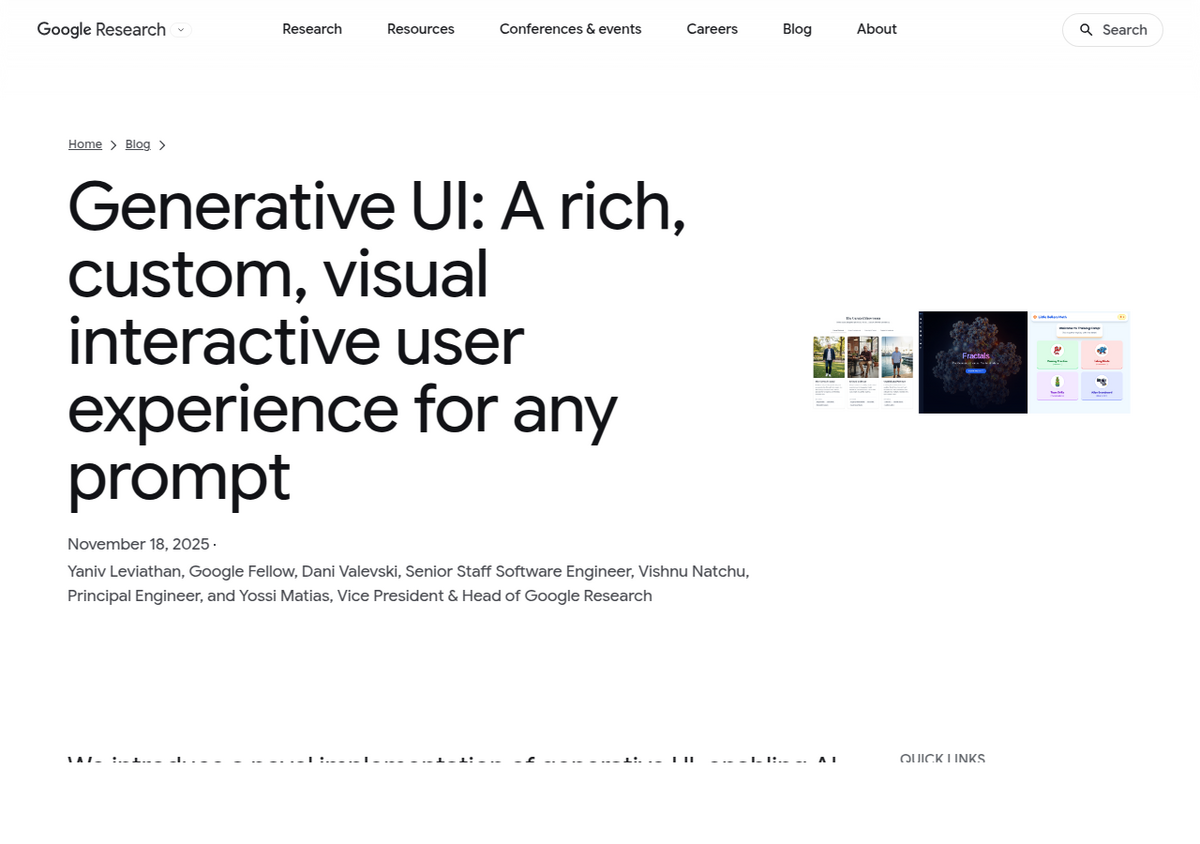
OpenAI isn't the first to try this. Google has its own version, branded Generative UI in Google Research's own description and shipped user-facing as "dynamic view" inside the Gemini app, with a related capability in Search's AI Mode restricted to Google AI Pro and Ultra subscribers in the US; the Gemini app's own dynamic view carries no stated plan or country restriction in Google's description. The two approaches frame the problem differently: Google describes generating a fully custom, freshly coded interface per prompt using Gemini's own coding ability, while OpenAI frames Intelligent UI as choosing among a fixed library of pre-built, streamable components, with plain text as an explicit fallback when nothing else fits. Neither company has published independent, third-party benchmarking of which approach users actually prefer; Google cites its own internal human-rater study, and OpenAI cites its own usage figures. Treat both companies' framing as marketing until someone outside either lab tests them side by side.
What neither company has shown is this layer applied to a user's own uploaded material. That's the gap worth noticing if you're a NotebookLM or Gemini Notebook user rather than a general ChatGPT or Gemini user: Gemini Notebook's Studio panel already produces audio overviews, clickable mind maps, infographics, flashcards and data tables, but every one of those outputs is generated from sources you uploaded, not from open-domain knowledge. ChatGPT's Intelligent UI and Gemini's Generative UI are both, so far, closer to a more visual general chat than to a grounded-research tool. If your actual use case is turning a stack of PDFs or a spreadsheet into something explorable, neither of this week's launches changes what you'd use for that today.
Two things worth watching before you lean on this
Two concerns raised in Gizmodo's coverage of the launch are worth carrying into how you use the feature, not just noting in passing. First, rendering structured components costs more tokens than plain text, and OpenAI hasn't published a usage-cost comparison; if you're on a metered API plan rather than ChatGPT's flat-fee tiers, a chatty interactive widget response could cost meaningfully more than the equivalent sentence would have. Second, and more practically, an interactive calculator or chart can bury a wrong number inside a built interface in a way that's harder to spot than the same wrong number sitting in a sentence you're already reading critically. A savings calculator with one bad default assumption still produces a plausible-looking number. Check anything you'd actually act on, the same rule that already applies to plain-text ChatGPT answers, just easier to forget when the answer looks like a finished app.
People also ask
What is ChatGPT's Intelligent UI?
A feature that lets ChatGPT answer with an interactive widget, diagram, or small embedded app instead of plain text, chosen automatically based on the question. It launched 7 October 2026 for Plus/Pro/Business/Enterprise on GPT-6 Sol, and 8 October for Free/Go on GPT-6 Luna, in the Chat tab only.
How do I turn off or reduce ChatGPT's Intelligent UI?
Reported guidance says to go to Settings on the web and turn off "Layout and visuals"; some visual elements may still appear even with it off, and we couldn't confirm the toggle's exact name against an OpenAI help page. Switching a conversation to Pro reasoning effort reportedly disables Intelligent UI entirely. Confirmed separately: it isn't available yet in the older macOS/Windows desktop apps.
Does Intelligent UI work with uploaded files or documents?
No public demo, OpenAI's own announcement, or press coverage shows it applied to an uploaded file, spreadsheet, or research task. All examples so far are general-knowledge or everyday-planning questions, and ChatGPT Work and Codex, the more document- and task-oriented surfaces, are explicitly unaffected by this release.
Is ChatGPT's Intelligent UI the same as Google's Generative UI?
They solve a similar problem differently. Google's Generative UI, shipped as "dynamic view" in the Gemini app and Search's AI Mode, generates a fully custom coded interface per prompt. OpenAI's Intelligent UI chooses among a fixed library of pre-built interactive components, falling back to text when none fits. Neither has been independently benchmarked against the other.
Is GPT-6.1 Sol the same as the GPT-6 Sol used for Intelligent UI?
No. Intelligent UI runs on GPT-6 Sol (paid tiers) and GPT-6 Luna (free/Go), both released 22 September 2026 for Work, Codex and the API, then extended to regular Chat on 7-8 October. GPT-6.1 Sol is a separate, later model upgrade for Work, Codex and the API only, announced 29 September 2026 and not involved in the Chat-tab Intelligent UI launch.
클릭 한 번으로 NotebookLM 내보내기
무료 Chrome 확장 프로그램. PDF, Word, Markdown 지원. 내 컴퓨터에서 직접 렌더링되며 업로드되는 것은 없습니다.