プロンプトライブラリ
「要約して」を超える142のプロンプト
掲載しているプロンプトはすべてコミュニティ発 — r/notebooklm のスレッドや公開まとめから集め、共有元へのクレジットとリンクを添えています。それぞれ、チャット・ノートブックの設定・音声解説やスライドのプロンプト欄のどこで使うかを明記しています。
ソースを理解する
アップロードした資料から本当の答えを引き出す。比較・矛盾・信頼性——単なる「要約」では出てこないもの。
学ぶ・教える
ノートブックを試験対策や教材に。フラッシュカード、クイズ、読書計画、専門テキストの精読。
何かを作る
ノートブックを出発点に。ポッドキャスト、スライド、記事の下書き。
判断し、動かす
仕事向け。意思決定メモ、リスクチェック、ソースから成果物までの再現可能なパイプライン。
すべてのプロンプト
- シニア研究者による統合分析
ルール、プロセス、7部構成のアウトプットまでを備えた本格的な学術レビュー用フレームワーク。コミュニティが共有した中で最も完成度の高いリサーチ用プロンプトです。
詳細分析チャット投稿者 u/Dry-Writing-2811 on r/notebooklm
### 役割
あなたはシニア学術研究者兼、専門的な分析レビュアーとして振る舞います。思考プロセスは、厳密な学術文献分析の基準に従う必要があります。

### 目的
提供されたソースのみに基づいて、包括的な分析的統合(シンセシス)を作成してください。この統合は、以下のリサーチクエスチョンまたは分析テーマに答えるものでなければなりません。

### リサーチクエスチョン
"""
[ここにリサーチクエスチョンまたは分析テーマを入力]
"""
あなたのタスクは、この問いへの回答に直接的または間接的に寄与する情報を、ソースの中からすべて抽出・整理・分析することです。

### 基本ルール
提供されたソースに含まれる情報のみを使用してください。外部知識は一切持ち込まないこと。問いに答えるために必要な情報がソース内に存在しない場合は、「ソース内に該当情報なし」と明記してください。元のソースで使われている専門用語はそのまま保持してください。正確性と、著者の主張への忠実さを最優先してください。複数のソースが同じ論点を扱っている場合は、それらを明示的に比較してください。ソースに根拠のない憶測や解釈は避けてください。

### 分析プロセス
統合分析を書く前に、以下を行ってください。各ソースの主要な論点を特定する。主要な論拠・データ・方法論を抽出する。リサーチクエスチョンに関連する洞察を、テーマごとのクラスターにまとめる。ソース間の一致点、相違点、方法論上の限界を特定する。

### 統合分析に求められる構成
1. 問いの再定義 — リサーチクエスチョンと、そこに含まれる分析上の論点を改めて述べる。
2. コーパス全体の中心的テーゼ — ソース群から浮かび上がる、問いに最も的確に答える中心的な考え。
3. テーマ別分析 — 最低3つのテーマについて、それぞれ詳細な説明、主要概念、実証的知見、用いられた方法論、問いへの貢献を述べる。
4. ソース間の一致点と相違点 — 合意、矛盾、解釈の違い、対立する仮説。
5. ニュアンス・レーダー — 条件的な記述(「もし」「しかし」「ただし」など)、方法論上の限界、不確実な領域、潜在的なバイアス。
6. 重要な引用(原文のまま) — 最も重要な発言を原文のまま引用し、出典を示し、それぞれが重要である理由を説明する。
7. 最終統合 — 強く裏付けられていること、まだ議論の余地があること、そして主な含意。
詳細ページを開く使い方
- 1notebooklm.google.com でノートブックを開きます。
- 2[角括弧]の部分を、ご自身の内容に置き換えます。
- 3プロンプトをチャット欄に貼り付けて送信します。
角括弧の部分は、ご自身のトピックや質問に置き換えてください。
- インサイト・メタプロンプト(v5.1)
要約はしません。あなたのノートをレッドチーム的に検証し、盲点をあぶり出すための5つのカスタムプロンプトを設計します。作者はノートブックを添付したGeminiで実行していますが、Gemini Notebookのチャットに貼り付けても機能します。
詳細分析チャット役割: エリート級の[メタプロンプト・アーキテクト + インサイト抽出ストラテジスト + レッドチーム・アナリスト + 意思決定インテリジェンス・デザイナー]として振る舞ってください。 中核目的: あなたのタスクは、添付された資料を要約することではありません。あなたのタスクは次の通りです。テキストを深く解剖する。その明示的・暗示的なロジックをマッピングする。盲点、隠れた緊張関係、検証されていない前提、弱いシグナル、未活用のインサイトの可能性を特定する。そして、そのうえで初めて、5つの卓越した高品質メタプロンプトを設計する。これらのメタプロンプトは、同じ資料に対して実行した際に、次のようなアウトプットを生み出すよう設計されなければなりません。自明でないインサイトを暴き出し、解釈を転換させ、隠れたリスクを明らかにし、確固たる意思決定上の優位性をもたらすこと。 指導原則: 汎用的な分析プロンプトは禁止です。モデルに対して、表面的な結論を素通りさせず、誤った確信を打ち砕き、二次・三次の波及効果をマッピングし、事実と推測を厳密に区別することを強制してください。 絶対ルール&品質ガード: - 真実 > 独創性(最重要):華やかさより正確さ。大胆だが未検証のプロンプトよりも、地に足のついた精緻なプロンプトを優先すること。 - 意思決定デルタ:提案する各プロンプトは、次のうち少なくとも1つを変化させるアウトプットを導かなければならない。現実の解釈、優先順位付け、リソース配分、実行順序、確信度。 - 重複防止チェック:5つのプロンプト間の重複を最小化すること。隣接する論点に部分的に触れることはあっても、主要な分析ベクトルは実質的に異なるものでなければならない。 - 証拠の閾値:ノートブック内の独立したシグナルが2つ以上ない強い主張は禁止。ただし[H](仮説)と明示的にタグ付けした場合は例外とする。 - 密度と鋭さ:知的な情報量を最大化し、語数を最小化すること。無駄な言葉は一切不要。短いプロンプトで同じ効果が得られるなら、長く書かないこと。 - 幻覚とニセの洞察の防止:著者の意図や根拠のないメカニズムを勝手に創作しないこと。暗示的な層に関する主張には特に注意すること。複数のノートブック上のシグナルに裏付けられない限り、動機・戦略・潜在構造を推測しないこと。裏付けがなければ[H]としてマークすること。 - フォールバックモード:資料が混沌としていたり、浅すぎたり、深い抽出を行うには不完全な場合は、その旨を明示的に述べること。その場合は、まず思考構造を整えたり、問いを洗練させたり、決定的に欠けているデータを明らかにするためのプロンプト設計へと軸足を移すこと。 認識論的マップ(すべてのプロンプトに必須の出力構造): [F] ノートブックからの事実 [I] 複数のシグナルから導かれた推論 [H] 検証を要する仮説 [M] 欠けている変数 実行可能性(すべてのプロンプトに必須): - 判別実験:2つ以上の競合する説明を有意に判別でき、結果がどちらに転んでも次の意思決定を変えるような、安価で後戻り可能なテストを最低1つ用意すること。 - 意思決定へのインパクト:「このインサイトは意思決定・優先順位・リソース配分をどう変えるか?」という専用セクションを設けること。 実行プロトコル(STEP 1、2、3を厳密に実行すること): STEP 1:ノートブック診断(最初に出力) - 資料の種類:これは何か?(戦略、リサーチ、オペレーションなど) - 明示的レイヤーと暗示的レイヤー:直接述べられていることと、暗黙のうちに前提とされていることは何か? - インサイトの潜在力:中核的な緊張関係、異常値、欠けている変数はどこにあるか? - 支配的な失敗パターン:賢いが多忙なユーザーは、この資料をどのように誤解する可能性が最も高いか? - 分析上のリスク:表面的な読み方によるその他のリスク。 - 証拠となるシグナル:診断を裏付ける具体的なノートブック上のシグナルを2〜5個挙げること。資料の構造がそれを支持しない場合は、形式的な引用をでっち上げないこと。 STEP 2:5つのメタプロンプトの生成 主に以下のフレームワークを用いて5つのプロンプトを設計すること(フレームワークが資料に合わない場合は、適応させたうえでその旨を説明する)。 シャドウ・オーディット:資料が省略・無視・意図せず覆い隠しているものを暴き出す。 インバージョン・エンジン:脆弱性を分析する — 現状がどのように失敗することが確実か。 セカンドオーダー・カタリスト:2〜3手先の、直感に反する波及効果をマッピングする。 アシンメトリック・レバレッジ:不釣り合いなほど大きな影響力を持つ、小さな介入ポイントを探す。 パラダイム・デストロイヤー:徹底的なレッドチーム監査。最も鋭い批評家ならこれをどう解体するか。 5つのプロンプトそれぞれの構成: - 名前(短く、力強いもの)。 - 主要な分析上の問い(重複防止を証明する1文)。 - なぜ標準的な分析では不十分なのか。 - 使用場面と期待されるアウトプット。 - そのままコピーできるプロンプト(マークダウンのコードブロック内に。役割、目的、ルール、[F/I/H/M]フレームワーク、判別実験、意思決定へのインパクトを必ず含めること)。 - 失敗リスク/盲点。 STEP 3:活用プロトコル(最後に出力) - MVPプロンプト:この資料にとって、期待される意思決定レバレッジが最も高いプロンプトを1つ特定する。なぜそこから始めるべきかを説明する。 - 価値プロファイル:各プロンプトに次のいずれかのラベルを付ける。[再解釈に最適]、[リスク検知に最適]、[高速検証に最適]、[レバレッジに最適]、[レッドチームに最適]。 - 組み合わせと順序:どの2つのプロンプトを組み合わせるのが最も効果的か?正確な順序と、2番目のプロンプトが埋めるギャップを示すこと。 - 警告:ユーザーがインサイトを過大評価し、欠けている変数を過小評価してしまう可能性が最も高いのはどこか? 応答スタイル:極めて具体的、密度が高く、無駄がなく、シグナル対ノイズ比が高く、認識論的に誠実であること。
詳細ページを開く使い方
- 1notebooklm.google.com でノートブックを開きます。
- 2[角括弧]の部分を、ご自身の内容に置き換えます。
- 3プロンプトをチャット欄に貼り付けて送信します。
角括弧の部分は、ご自身のトピックや質問に置き換えてください。
投稿者 u/ZoinMihailo on r/notebooklm
同じ問いを、3つの異なるレンズを通して3回投げかけてください。

視点1 — 分析的レンズ:「この資料を、証拠と論理的一貫性を重視する厳格な学術研究者として分析してください。」

視点2 — 創造的レンズ:「同じ資料を、自明でないつながりや革新的な応用を探す創造的な戦略家として解釈してください。」

視点3 — 懐疑的レンズ:「すべての結論を、抜け漏れや潜在的な問題を探す批判的なレビュアーとして疑ってください。」

3つのレンズすべてが同じ結論に収束したとき、その結論は確かな根拠を持っていると言えます。
詳細ページを開く使い方
- 1notebooklm.google.com でノートブックを開きます。
- 2[角括弧]の部分を、ご自身の内容に置き換えます。
- 3プロンプトをチャット欄に貼り付けて送信します。
角括弧の部分は、ご自身のトピックや質問に置き換えてください。
投稿者 Sourclip
このノートブックの中心的なトピックを、第一原理まで削ぎ落としてください。

ステップ1 — 前提を棚卸しする。
ソースが当然のこととして扱い続けている事柄を6〜10個リストにする。それぞれを平易な言葉で述べること。

ステップ2 — 各前提を分類する。
それぞれの項目について、物理的・論理的な必然なのか、現在の慣習なのか、来年には変わり得る流行なのかを判断する。それぞれを「必然」「慣習」「流行」のいずれかにマークし、その判断の根拠となるソースを引用すること。

ステップ3 — 削ぎ落とせない真実を抽出する。
すべての「慣習」と「流行」を取り除いた後、何が残るか?生き残る3〜5個の真実を番号付きで書き出す。それぞれが第一原理だけから正当化できるものであること。

ステップ4 — そこから先を推論する。
取り除いた慣習ではなく、第一原理のみを用いて、自明でない結論を3つ導き出す。それぞれの結論は、ソースが明言してはいないものの、原理から厳密に導かれるものであること。

もし結論がソース内の支配的な見解と矛盾する場合は、その旨を明示し、なぜ慣習がそれを覆い隠していたのかを説明すること。
詳細ページを開く使い方
- 1notebooklm.google.com でノートブックを開きます。
- 2[角括弧]の部分を、ご自身の内容に置き換えます。
- 3プロンプトをチャット欄に貼り付けて送信します。
角括弧の部分は、ご自身のトピックや質問に置き換えてください。
投稿者 Sourclip
このノートブック全体を貫く支配的な論点 — ソース群が総体として最も強く押し出している立場 — を特定し、それをストレステストしてください。

ステップ1 — 支配的な論点を1段落で述べる。それを最も明確に表現している2つのソースを引用すること。

ステップ2 — それに対する最も強力な反論を5つ生成する。それぞれについて:
- 反論を1文で述べる。
- それを主張しそうな知的潮流、あるいは専門家のタイプ。
- その反論がまず攻撃するであろう、ノートブックの箇所。
- その反論を致命的なものにする、具体的な証拠を1つ。

ステップ3 — 盲点を特定する。反論とまでは言えないが、この論点が考慮できていないものは何か — 隣接するリスク、考慮されていない当事者、二次的効果、脆弱な依存関係など。

ステップ4 — 判定。ひととおりの試練を経たうえで、この論点はどこで持ちこたえ、どこで崩れるか?3〜4文で、実際に精査に耐えうる、修正版の論点を示すこと。

敵対的でありながら公正であること。目的は勝つことではなく、真実を見極めることです。
詳細ページを開く使い方
- 1notebooklm.google.com でノートブックを開きます。
- 2[角括弧]の部分を、ご自身の内容に置き換えます。
- 3プロンプトをチャット欄に貼り付けて送信します。
角括弧の部分は、ご自身のトピックや質問に置き換えてください。
投稿者 Sourclip
このノートブック内のすべてのソースを読んだ後に、この分野の世界的な専門家が投げかけるであろう質問をシミュレートしてください。

15個の質問を、以下のグループに分けて作成してください。
1. 明確化のための質問(5個) — 専門家が何らかの意見を形成する前に、答えを必要とする事柄。これらはソースの曖昧さをあぶり出すものであること。
2. 鋭く突く質問(5個) — 最も強い主張が本当に成り立つかを検証する質問。根拠の弱さ、不自然なほどの確信、欠けている文脈を狙うものであること。
3. 発展的な質問(5個) — トピックを新たな領域へと開く質問。何がすべてを変えるのか?ソースが扱っていない隣接する問題について、これらのソースは何を予測するか?

各質問について:
- 専門家が実際に発するであろう言い回しにする — 抽象的ではなく具体的に。
- どのソースが答えに最も関連するかを記す。該当がなければ「現在のソースでは扱われていない」とする。
- 良い答えが得られたときに何が開けるかを1文で添える。

穏やかで、丁寧すぎる、初心者向けの質問は避けてください。これらは、著者が夜も眠れなくなるような質問であるべきです。
詳細ページを開く使い方
- 1notebooklm.google.com でノートブックを開きます。
- 2[角括弧]の部分を、ご自身の内容に置き換えます。
- 3プロンプトをチャット欄に貼り付けて送信します。
角括弧の部分は、ご自身のトピックや質問に置き換えてください。
投稿者 Sourclip
このノートブック内のすべてのソースについて、主要な論点を比較してください。

各ソースについて、以下をリストにしてください。
- 中心的な主張(1文で)。
- 引用されている最も有力な証拠を2つ。
- 軽視している点、無視している点、根拠なく前提としている点。

そのうえで、「賛成」「部分的に賛成」「反対」の3列からなる比較表を作成し、最も重要な4〜6個のサブクエスチョンについて、各ソースがどの立場を取っているかを示してください。
詳細ページを開く使い方
- 1notebooklm.google.com でノートブックを開きます。
- 2[角括弧]の部分を、ご自身の内容に置き換えます。
- 3プロンプトをチャット欄に貼り付けて送信します。
角括弧の部分は、ご自身のトピックや質問に置き換えてください。
投稿者 Sourclip
このノートブック内のすべてのソースにまたがって繰り返し現れるパターン — 何度も登場するのに、どのソースも明示的には名指ししていないもの — を特定してください。

以下に注目してください。
- 同じ物事を表すために繰り返し使われる言葉や枠組み。
- 複数のソースに現れる因果関係の連鎖。
- 繰り返し登場する共通の役割・登場人物・アーキタイプ。
- 繰り返される失敗パターンや成功条件。
- ソース間で一致する暗黙のタイムラインや順序。

各パターンについて:
- 短く記憶に残る名前をつける。
- そのパターンが現れる2〜4個のソースを、それぞれ短い引用とともにリストにする。
- そのパターンが示唆していることのうち、個々のソースでは明言されていない部分を説明する。

いずれかのソースが既に名指ししているものは除外してください。この作業の要点は、ソース群を横断して初めて見えてくるものをあぶり出すことです。
詳細ページを開く使い方
- 1notebooklm.google.com でノートブックを開きます。
- 2[角括弧]の部分を、ご自身の内容に置き換えます。
- 3プロンプトをチャット欄に貼り付けて送信します。
角括弧の部分は、ご自身のトピックや質問に置き換えてください。
投稿者 Sourclip
このノートブック内のすべてのソースから、出来事の統一されたタイムラインを再構築してください。

以下を作成してください。
1. ソース群全体で言及されている、日付が判明している、または推定できるすべての出来事を、時系列順に1つのリストにする。各出来事について、日付(または おおよその範囲)、1行の説明、出典となったソースを示す。
2. 2つ以上のソースが同じ出来事を扱っている場合は1つのエントリに統合し、日付・順序・詳細に関する食い違いがあれば記載する。
3. 1つのソースしか報告していない出来事にはフラグを立てる([単一ソース]と表記)。
4. 転換点を2〜3個特定する。物語の軌道が明確に変化する瞬間のことです。それぞれがなぜ重要な転換点なのかを1文で説明する。
5. ソースが解消していない順序の食い違いをリストにし、それぞれを解決するために必要な証拠の種類を示す。

ソースが日付なしで出来事を記述している場合は、周辺のソースから示唆される相対的な順序に配置し、[推定位置]とマークしてください。どのソースも裏付けていない日付を創作しないでください。
詳細ページを開く使い方
- 1notebooklm.google.com でノートブックを開きます。
- 2[角括弧]の部分を、ご自身の内容に置き換えます。
- 3プロンプトをチャット欄に貼り付けて送信します。
角括弧の部分は、ご自身のトピックや質問に置き換えてください。
投稿者 Sourclip
このノートブックを、4つの異なるステークホルダーの視点で読んでください。それぞれについて、そのステークホルダーがすべてのソースを読み終えたと仮定して、5〜8文の解釈を書いてください。

4つの視点:
1. 創業者/事業運営者 — 何を作り、何をリリースし、何をやめるべきかについて、これは何を変えるか?
2. 投資家 — 資本をどこに投じるべきか、どのリスクを引き受けるべきかについて、これは何を変えるか?
3. 顧客/エンドユーザー — 期待値、価格、代替手段について、これは何を変えるか?
4. 競合 — これは脆弱性や、まだ誰も手をつけていない機会として何をさらけ出すか?

各視点について:
- その視点だからこそ引き出せる、最大の気づきから始める。
- その視点が注目するであろう、ソース内の具体的な一節を引用する。
- その視点が積極的に軽視・無視するであろう、ノートブック内の要素を1つ挙げる。

最後に1段落の統合を書いてください。4つの読み方はどこで一致し、どこで正反対の方向に引っ張り合うか?視点同士の不一致は、しばしば一致以上に多くを物語ります。
詳細ページを開く使い方
- 1notebooklm.google.com でノートブックを開きます。
- 2[角括弧]の部分を、ご自身の内容に置き換えます。
- 3プロンプトをチャット欄に貼り付けて送信します。
角括弧の部分は、ご自身のトピックや質問に置き換えてください。
投稿者 the r/notebooklm community (via AI Tool Discovery's roundup)
[ソースA]と[ソースB]は、どこで一致し、どこで食い違っていますか?それぞれから具体的な例を挙げてください。
詳細ページを開く使い方
- 1notebooklm.google.com でノートブックを開きます。
- 2[角括弧]の部分を、ご自身の内容に置き換えます。
- 3プロンプトをチャット欄に貼り付けて送信します。
角括弧の部分は、ご自身のトピックや質問に置き換えてください。
投稿者 Sourclip
このノートブック内のすべてのソースについて、信頼性・バイアス・証拠の質を監査してください。

各ソースについて、以下を採点・説明してください。
1. 鮮度 — 元となる情報はどれだけ最新か?(ソース自身の日付を使用すること)
2. 出所 — 一次情報か、二次情報か、三次情報か?誰が資金提供・発表し、誰が利益を得る立場にあるか?
3. 証拠の種類 — データ、専門家の意見、逸話、あるいは推測のどれが主体か?
4. バイアスの方向性 — このソースは何を過小に報告し、何を過大に強調しがちか?
5. 内部整合性 — ソース自身の中で矛盾している箇所はないか?

以下を作成してください。
- 最も信頼できるものから順に並べたランキングと、ソースごとの1文の総評。
- 対立点セクション — 2つのソースが食い違う場合、どちらを信頼すべきか、その理由とともに。
- 「信頼の上限」 — ソース群の中で最も弱い部分を踏まえたとき、このノートブックが支持できる最も強い主張は何か。

具体的に述べてください。「概ね信頼できる」は答えになりません。信頼を得た、あるいは失った箇所を引用してください。
詳細ページを開く使い方
- 1notebooklm.google.com でノートブックを開きます。
- 2[角括弧]の部分を、ご自身の内容に置き換えます。
- 3プロンプトをチャット欄に貼り付けて送信します。
角括弧の部分は、ご自身のトピックや質問に置き換えてください。
投稿者 the r/notebooklm community (via AI Tool Discovery's roundup)
この文書の中で最も弱い論点はどれですか?また、それを補強するにはどのような証拠が必要ですか?
詳細ページを開く使い方
- 1notebooklm.google.com でノートブックを開きます。
- 2[角括弧]の部分を、ご自身の内容に置き換えます。
- 3プロンプトをチャット欄に貼り付けて送信します。
角括弧の部分は、ご自身のトピックや質問に置き換えてください。
投稿者 the r/notebooklm community (via AI Tool Discovery's roundup)
この研究が本来扱っていてもおかしくないのに、実際には触れていない問いやトピックは何ですか?
詳細ページを開く使い方
- 1notebooklm.google.com でノートブックを開きます。
- 2[角括弧]の部分を、ご自身の内容に置き換えます。
- 3プロンプトをチャット欄に貼り付けて送信します。
角括弧の部分は、ご自身のトピックや質問に置き換えてください。
投稿者 Sourclip
このノートブックの中にある、未解決の問い — ソースが示唆しているものの実際には解決していないこと — を特定してください。

未解決の問いそれぞれについて:
- 問いを明確に述べる。
- なぜそれが重要なのかを説明する(どのような意思決定や結論がそれにかかっているか)。
- 現在のソースがそれについて何を述べ、何を述べていないかを要約する。
- 実際にその問いに答えるには、どのような証拠・ソース・実験が必要かを説明する。

その問いに答えることで全体像がどれだけ変わるかに基づいて、問いに優先順位をつけてください。
詳細ページを開く使い方
- 1notebooklm.google.com でノートブックを開きます。
- 2[角括弧]の部分を、ご自身の内容に置き換えます。
- 3プロンプトをチャット欄に貼り付けて送信します。
角括弧の部分は、ご自身のトピックや質問に置き換えてください。
投稿者 Sourclip
このノートブック全体から弱いシグナル — どのソースも見出しとして扱っていないために見落とされやすいパターン、言及、変化 — をあぶり出してください。

各弱いシグナルについて:
1. 短いフレーズで簡潔に名前をつける。
2. それが現れる2〜4箇所を、それぞれ短い引用とともにリストにする。
3. 何が興味深いのかを説明する。潜在的な重要性に対して、なぜ議論が不足しているのか?
4. その軌道を予測する — 消えつつあるのか、横ばいなのか、加速しているのか — そして、その判断の根拠となるソース内の観察を1つ挙げる。
5. 今後6ヶ月以内にそのシグナルの真偽を確かめるための、最も有益な次のデータポイントを提案する。

いずれかのソースが主要トピックとして扱っているものは避けてください。この作業の要点は、ついでのように触れられているだけで、いつまでも静かなままではいられないかもしれないものを見つけることです。
詳細ページを開く使い方
- 1notebooklm.google.com でノートブックを開きます。
- 2[角括弧]の部分を、ご自身の内容に置き換えます。
- 3プロンプトをチャット欄に貼り付けて送信します。
角括弧の部分は、ご自身のトピックや質問に置き換えてください。
投稿者 Sourclip
このノートブック内のソースから、構造化されたリサーチ・ブリーフを作成してください。

出力は以下の形式にしてください。
1. トピックと範囲 — 1文で。
2. 主要な主張 — それぞれの主張を、出典となるソースとともにリストにする。
3. 合意している点 — ソース同士が一致している箇所。
4. 意見が分かれる点 — ソース同士が矛盾している、または互いの主張を弱めている箇所。
5. 抜け漏れ — 欠けている情報、根拠が薄い情報、古くなっている情報。

ノートブック内の情報のみを使用してください。何かを推測した場合は「[推測]」とフラグを立て、その理由を説明してください。
詳細ページを開く使い方
- 1notebooklm.google.com でノートブックを開きます。
- 2[角括弧]の部分を、ご自身の内容に置き換えます。
- 3プロンプトをチャット欄に貼り付けて送信します。
角括弧の部分は、ご自身のトピックや質問に置き換えてください。
投稿者 Sourclip
このノートブックの中から、最も意外で、直感に反する、あるいは自明でないインサイトを10個挙げてください。

それぞれについて:
- 出典となった箇所を正確に引用する。
- ソース名を明記する。
- 一般的な見方と比べてなぜ意外なのかを1文で説明する。

自明なものは除外してください。トピックを言い換えているだけのものも除外してください。事情に詳しい読者が思わず立ち止まるような項目のみを含めてください。
詳細ページを開く使い方
- 1notebooklm.google.com でノートブックを開きます。
- 2[角括弧]の部分を、ご自身の内容に置き換えます。
- 3プロンプトをチャット欄に貼り付けて送信します。
角括弧の部分は、ご自身のトピックや質問に置き換えてください。
- まずソースをインデックス化する
u/Able_Orchid_3818が共有したワークフローの最初の一手。何かを尋ねる前にまずインデックスを作る — 乱雑な文字起こしや重複するPDFが多いときに特に有効です。
詳細分析チャット投稿者 u/Able_Orchid_3818 on r/notebooklm
このノートブック内のソースを、主要なトピックごとにインデックス化してください。出力はトピックのタイトルのみとし、要約や説明は不要です。
詳細ページを開く使い方
- 1notebooklm.google.com でノートブックを開きます。
- 2[角括弧]の部分を、ご自身の内容に置き換えます。
- 3プロンプトをチャット欄に貼り付けて送信します。
角括弧の部分は、ご自身のトピックや質問に置き換えてください。
- 各トピックを1つずつ説明する
同じワークフローより。「要約して」とは決して言わず、「説明して」と頼む。インデックスのタイトルを1つずつ順番に処理していくことで、すべてのソースを漏れなく掘り起こせます。
詳細分析チャット投稿者 u/Able_Orchid_3818 on r/notebooklm
[インデックスのトピックタイトル]について、アップロードされたすべてのソースから漏れなく情報を引き出し、完全に説明してください。要約ではなく、包括的で論理的な構成を持った説明にしてください。
詳細ページを開く使い方
- 1notebooklm.google.com でノートブックを開きます。
- 2[角括弧]の部分を、ご自身の内容に置き換えます。
- 3プロンプトをチャット欄に貼り付けて送信します。
角括弧の部分は、ご自身のトピックや質問に置き換えてください。
投稿者 the r/notebooklm community (via AI Tool Discovery's roundup)
この文書の中で、著者が[特定のトピック]について論じているすべての引用箇所を見つけてください。それぞれにページ番号と1文の文脈説明を添えてリストにしてください。
詳細ページを開く使い方
- 1notebooklm.google.com でノートブックを開きます。
- 2[角括弧]の部分を、ご自身の内容に置き換えます。
- 3プロンプトをチャット欄に貼り付けて送信します。
角括弧の部分は、ご自身のトピックや質問に置き換えてください。
投稿者 the r/notebooklm community (via AI Tool Discovery's roundup)
すべてのソースの主要なインサイトを1段落にまとめて要約するとしたら、どのような内容になりますか?
詳細ページを開く使い方
- 1notebooklm.google.com でノートブックを開きます。
- 2[角括弧]の部分を、ご自身の内容に置き換えます。
- 3プロンプトをチャット欄に貼り付けて送信します。
角括弧の部分は、ご自身のトピックや質問に置き換えてください。
- The complete chat-settings template
NotebookLM's custom instructions take up to 10,000 characters, and almost everyone leaves them empty. This is a full scaffold — role, output rules, do/don't list, a worked example — you fill in once per notebook and every answer inherits.
初期設定と精度アップチャット設定ROLE You are [describe the expert this notebook needs: "a senior literature-review assistant", "a due-diligence analyst", "a patient tutor for a first-year student"]. Your reader is [who] and they will use your answers to [do what]. OUTPUT RULES - Default length: [short and scannable / thorough]. Lead with the answer, then the support. - Structure anything over two paragraphs with headers or numbered points. - Cite the source document and page for every factual claim, not just the paragraph. - Use the terminology of the sources; do not substitute synonyms for technical terms. DO - Quote exact wording when a definition, number, or commitment matters. - Point out when two of my sources disagree, and name both. - End answers that involve judgment with the single strongest counter-argument found in the sources. DON'T - Don't pad with restatements of my question or closing summaries. - Don't answer from general knowledge. If the sources don't cover it, the answer is "The sources don't cover this," plus what WOULD answer it. - Don't average conflicting sources into one smooth claim. EXAMPLE OF A GOOD ANSWER [Paste one answer you liked from any notebook — two or three sentences is enough. The model calibrates on it.]
詳細ページを開く使い方
- 1ノートブックを開き、チャットパネルの「カスタマイズ」(チャット設定)をクリックします。
- 2プロンプトをノートブックのカスタム指示として貼り付け、保存します。
- 3以降、このノートブックで行うすべての質問に適用されます。
角括弧の部分は、ご自身のトピックや質問に置き換えてください。
- Grounding guardrails: supported, inferred, or absent
The accuracy block for high-stakes notebooks: every claim gets labelled as supported, inferred or absent from the sources, disagreements are shown instead of averaged, and "I don't know" becomes a first-class answer.
初期設定と精度アップチャット設定Accuracy rules for every answer in this notebook: 1. Every factual claim carries one of three labels: - [S] — stated in a source. Cite document and page. - [I] — inferred by combining sources. Name the sources being combined. - Nothing in between: if a claim is neither, do not make it. 2. If the sources do not cover something I ask, say exactly: "Not covered by the sources." Then say what kind of source would cover it. Never fill the gap from general knowledge, even when you are confident. 3. When sources disagree, present each position with its attribution. Do not average them, do not pick a winner unless I ask, and do not present the majority view as settled. 4. Hedged claims in a source ("suggests", "may", "preliminary") stay hedged in your answer. Upgrading an author's "may" to your "is" counts as an error. 5. If my question contains a false premise about the sources, correct the premise before answering.詳細ページを開く使い方
- 1ノートブックを開き、チャットパネルの「カスタマイズ」(チャット設定)をクリックします。
- 2プロンプトをノートブックのカスタム指示として貼り付け、保存します。
- 3以降、このノートブックで行うすべての質問に適用されます。
角括弧の部分は、ご自身のトピックや質問に置き換えてください。
- The verification footer
Adds a standing audit trail: every substantive answer ends with a compact footer counting which claims are sourced, which are inferred, and what to double-check — so skimming an answer still tells you how much to trust it.
初期設定と精度アップチャット設定 - A legend for your source labels
If you use labels or naming conventions on sources ('[DRAFT]', '[2019 — dated]', '[opposing view]'), the notebook doesn't know what they mean until you tell it. This template turns your naming scheme into instructions the model actually follows.
初期設定と精度アップチャット設定投稿者 idea: Saikat Basu (MakeUseOf)
My sources use a naming convention. Interpret it as follows: - Sources marked [PRIMARY] — original documents (contracts, papers, transcripts). Prefer these for every factual claim. - Sources marked [SECONDARY] — commentary and summaries. Use for context; when they conflict with a [PRIMARY] source, the primary wins and you say so. - Sources marked [DRAFT] or [INTERNAL] — unfinished thinking. Never quote these as established positions. - Sources marked [DATED — year] — accurate as of that year. Flag the age whenever you rely on one. - Sources marked [OPPOSING] — included to represent the other side. Attribute their claims explicitly ("the opposing brief argues…"), never as neutral fact. [Adjust the labels above to your own scheme, delete what you don't use, then add: rename your sources in the notebook to match.]詳細ページを開く使い方
- 1ノートブックを開き、チャットパネルの「カスタマイズ」(チャット設定)をクリックします。
- 2プロンプトをノートブックのカスタム指示として貼り付け、保存します。
- 3以降、このノートブックで行うすべての質問に適用されます。
角括弧の部分は、ご自身のトピックや質問に置き換えてください。
- 引用を強制する固定メモ
u/Inside-techmindsのソース構造化ワークフローより。これを固定しておくだけで、すべての回答が最初から検証しやすい形で届くようになります。
初期設定と精度アップチャット設定投稿者 u/Inside-techminds on r/notebooklm
回答する際は、常に具体的なページ番号とソース文書名を明記してください。
詳細ページを開く使い方
- 1ノートブックを開き、チャットパネルの「カスタマイズ」(チャット設定)をクリックします。
- 2プロンプトをノートブックのカスタム指示として貼り付け、保存します。
- 3以降、このノートブックで行うすべての質問に適用されます。
角括弧の部分は、ご自身のトピックや質問に置き換えてください。
投稿者 u/Able_Orchid_3818 on r/notebooklm
時間をかけて調査してください。じっくりと掘り下げ、急がず、分析と読解には忍耐強く取り組んでください。
詳細ページを開く使い方
- 1ノートブックを開き、チャットパネルの「カスタマイズ」(チャット設定)をクリックします。
- 2プロンプトをノートブックのカスタム指示として貼り付け、保存します。
- 3以降、このノートブックで行うすべての質問に適用されます。
角括弧の部分は、ご自身のトピックや質問に置き換えてください。
- ノートブックをプロンプト生成器に変える
まずノートブックにプロンプトエンジニアリングの資料を入れておき、あらゆる目的に合わせたプロンプトを書かせる — さらに、その下書き自体を改善させることもできます。
初期設定と精度アップチャット投稿者 u/Last-Army-3594 on r/notebooklm
このノートブックの知識を使って、次の目的のための高品質なプロンプトを作成してください:[やりたいことを入力]。明確で、構造化されていて、効果的なものにしてください。タスクの内容に応じて、厳密さと創造性のバランスを調整してください。

そのうえで:このプロンプトを改善してください。より効果的に、より汎用的でない形に、そしてより良い構造にしてください。
詳細ページを開く使い方
- 1notebooklm.google.com でノートブックを開きます。
- 2[角括弧]の部分を、ご自身の内容に置き換えます。
- 3プロンプトをチャット欄に貼り付けて送信します。
角括弧の部分は、ご自身のトピックや質問に置き換えてください。
- The 7-day study schedule
Tell it your deadline, daily hours, weak topics and when your brain works best — it builds a day-by-day plan that puts hard material in your high-energy slots, schedules the practice exam days before the deadline, and keeps the last day review-only.
学習・試験対策チャット--- MY CONTEXT (fill this in) --- What I'm preparing for: [e.g., "Thermodynamics final exam", "thesis defense"] Exam or deadline date: [e.g., "April 28", "in 10 days"] Days I have: [e.g., "7 days"] Hours I can study per day: [e.g., "2 hours on weekdays, 4 hours on weekends"] My weakest topics: [list them] My strongest topics (review lightly, don't waste time): [list them] Energy pattern: [e.g., "I focus best in the morning", "I'm a night owl"] --- BUILD THE SCHEDULE --- Structure the plan day by day. For each day: 1. Date and time block (match my available hours above). 2. Topic for that session — pull from my weakest topics first, then from sources I've underutilized. 3. Specific action — which section to review, which flashcards to practice. 4. Expected outcome — what I should be able to do by the end of that session. Rules: - Put the hardest topics in my highest-energy slots. - Schedule a practice exam 2-3 days before the deadline, not the day before. - Schedule a teach-back session the day before the deadline. - Build in one rest block every 3 days. Burnout kills retention. - The last day before the deadline is review only, not new material. End with a one-paragraph summary of what I will be able to do after completing the schedule.
詳細ページを開く使い方
- 1notebooklm.google.com でノートブックを開きます。
- 2[角括弧]の部分を、ご自身の内容に置き換えます。
- 3プロンプトをチャット欄に貼り付けて送信します。
角括弧の部分は、ご自身のトピックや質問に置き換えてください。
- The high-yield cheat sheet
Everything compressed to one page of what exams actually reward: key definitions, formulas, dates, and the three or four ideas everything else depends on — each item cited.
学習・試験対策チャット投稿者 Josh Dubowsky
Condense all of these sources into a single one-page cheat sheet of only the highest-yield material for my [subject] exam: key definitions, formulas, dates, and the three or four ideas everything else depends on. Cut anything a typical exam would not reward. Cite the source for each item.
詳細ページを開く使い方
- 1notebooklm.google.com でノートブックを開きます。
- 2[角括弧]の部分を、ご自身の内容に置き換えます。
- 3プロンプトをチャット欄に貼り付けて送信します。
角括弧の部分は、ご自身のトピックや質問に置き換えてください。
投稿者 Sourclip
このノートブックを、30分の学習ガイドに変換してください。

以下の順番で含めてください。
1. 「なぜこれが重要か」を説明する1段落の導入。
2. ソースで使われているすべての重要な用語について、平易な言葉での定義を載せた用語集。
3. 8〜12個の核となる概念。それぞれに1行の説明と、出典となるソースを添える。
4. ソースから直接引いた5つの例題。
5. 記憶・応用・推論を組み合わせた10問の自己テスト。解答は最後にまとめる。

直接的な語り口を保ってください。読者は賢いが、この資料には初めて触れると想定してください。
詳細ページを開く使い方
- 1notebooklm.google.com でノートブックを開きます。
- 2[角括弧]の部分を、ご自身の内容に置き換えます。
- 3プロンプトをチャット欄に貼り付けて送信します。
角括弧の部分は、ご自身のトピックや質問に置き換えてください。
- Practice exam in your professor's style
You describe how your professor writes exams — question mix, favourite phrasings, emphasised topics, time pressure — and it generates a full practice paper in that exact style, with an answer key and flags on what to revise.
学習・試験対策チャットGenerate a practice exam from my course materials, matching my professor's style. --- MY PROFESSOR'S STYLE (fill this in) --- Question types I expect: [e.g., "60% calculation, 30% short answer, 10% derivations"] Favorite phrasings my professor uses: [e.g., "calculate", "derive", "explain why", "compare and contrast"] Topics my professor emphasizes in lectures: [list them] Topics in the textbook my professor barely covers: [list them] Difficulty and time pressure: [e.g., "2-hour exam, 20 questions, partial credit given"] Special rules: [e.g., "open book", "formula sheet allowed"] --- GENERATE THE EXAM --- Now generate questions using new content from my textbook and notes. Structure: - Match the question type mix above. - Use my professor's phrasings word-for-word where relevant. - Weight the questions toward emphasized topics, not textbook-only topics. - Answer key at the end with full explanations. - Mark high-priority topics (the ones my professor emphasizes). - Flag any topic that I should spend more time on based on difficulty and frequency.
詳細ページを開く使い方
- 1notebooklm.google.com でノートブックを開きます。
- 2[角括弧]の部分を、ご自身の内容に置き換えます。
- 3プロンプトをチャット欄に貼り付けて送信します。
角括弧の部分は、ご自身のトピックや質問に置き換えてください。
- The oral examiner
A strict but fair examiner: one question at a time, grades each answer out of 5, tells you what a full-mark answer would have added, then asks a harder follow-up. It will not move on until you answer.
学習・試験対策チャット投稿者 Josh Dubowsky
Act as a strict but fair oral examiner for my [subject] exam. Ask me one question at a time based only on these sources. After each answer, grade it out of 5, tell me what a full-mark answer would have added, and then ask a harder follow-up. Do not move on until I have answered. Begin.
詳細ページを開く使い方
- 1notebooklm.google.com でノートブックを開きます。
- 2[角括弧]の部分を、ご自身の内容に置き換えます。
- 3プロンプトをチャット欄に貼り付けて送信します。
角括弧の部分は、ご自身のトピックや質問に置き換えてください。
- The past-paper predictor
Upload several past papers and it maps which topics and question types recur versus rotate, then predicts this year's eight most likely questions with model-answer outlines.
学習・試験対策チャット投稿者 Josh Dubowsky
Here are several past exam papers for [subject]. Analyse which topics and question types come up most often and which rotate year to year. Then predict the eight most likely questions for this year's exam, and give me a model-answer outline for each, citing the sources.
詳細ページを開く使い方
- 1notebooklm.google.com でノートブックを開きます。
- 2[角括弧]の部分を、ご自身の内容に置き換えます。
- 3プロンプトをチャット欄に貼り付けて送信します。
角括弧の部分は、ご自身のトピックや質問に置き換えてください。
- Exam essay practice with rubric marking
For essay-based exams. Writes a question in your exam's style, lets you answer under time pressure, then marks it against a rubric built from your sources — argument, evidence, coverage — instead of vague encouragement.
学習・試験対策チャットI am practising for an essay-based exam on [subject]. Questions are typically [describe format: "discuss" essays / compare-and-contrast / case analysis], answered in about [minutes] minutes. 1. Write ONE exam question in that style, answerable entirely from my sources. Not a softball — the kind that separates a 2:1 from a first. 2. Before I write, tell me only: how many marks it would carry and how many distinct points a full answer needs. Nothing else — no plan, no hints. 3. Wait for my answer. 4. Mark it against a rubric you build from the sources: - Argument: is there a thesis, or just topic coverage? - Evidence: which claims cite source material, which are unsupported? Page-reference what I SHOULD have cited. - Coverage: which of the expected points did I hit, which did I miss, and where in the sources the missing ones live. - Precision: terms used wrongly or loosely. 5. Give a mark band, the single change that would most raise it, and then a model answer outline — outline, not full prose, so I rewrite it myself.
詳細ページを開く使い方
- 1notebooklm.google.com でノートブックを開きます。
- 2[角括弧]の部分を、ご自身の内容に置き換えます。
- 3プロンプトをチャット欄に貼り付けて送信します。
角括弧の部分は、ご自身のトピックや質問に置き換えてください。
- The active-recall drill
One question at a time, easy to hard, and it will not show the answer until you commit to one — the forced-retrieval loop that actually builds memory, unlike rereading.
学習・試験対策チャット投稿者 Josh Dubowsky
Quiz me on these sources for my [subject] exam. Ask me one question at a time, starting easy and getting harder. Do not give me the answer until I respond. After each of my answers, tell me if I am right, correct what I missed, and cite the source. Keep going until I say stop.
詳細ページを開く使い方
- 1notebooklm.google.com でノートブックを開きます。
- 2[角括弧]の部分を、ご自身の内容に置き換えます。
- 3プロンプトをチャット欄に貼り付けて送信します。
角括弧の部分は、ご自身のトピックや質問に置き換えてください。
- Four-type exam flashcards
Not just definition cards: cause-effect, comparison tables and applied-scenario cards, weighted toward what your professor is likely to test — repeated material, bold terms, summary sections.
学習・試験対策チャットTurn the key content of my sources into flashcards for exam prep. Mix these 4 card types (not just definitions): 1. Definition cards (5 cards): Front: term. Back: definition + one real-world example. 2. Cause-effect cards (8 cards): Front: "What happens when [X]?" Back: the effect + why it happens. 3. Comparison cards (6 cards): Front: "How is [A] different from [B]?" Back: 3 key differences in a table format. 4. Application cards (6 cards): Front: a real scenario or problem. Back: which concept from my source applies + how to solve it. Focus on material my professor is most likely to test — anything repeated across sources, anything in bold in my textbook, anything that shows up in the summary sections. Cite the source and page for each card.
詳細ページを開く使い方
- 1notebooklm.google.com でノートブックを開きます。
- 2[角括弧]の部分を、ご自身の内容に置き換えます。
- 3プロンプトをチャット欄に貼り付けて送信します。
角括弧の部分は、ご自身のトピックや質問に置き換えてください。
- Worked-problem drill for maths-heavy subjects
For maths, physics, chemistry, economics — subjects you pass by solving, not by rereading. Generates problems in the style of your sources' examples and grades your attempt step by step, catching where the method went wrong, not just the final number.
学習・試験対策チャットThis is a problem-solving subject. I need drill, not summaries. From the worked examples and exercises in my sources: 1. Write one problem in the same style and difficulty as [chapter/topic], but with different numbers and setup — not one copied from the sources. Say which worked example it is modelled on, with page reference. 2. Wait for my attempt. Do not show any solution yet. 3. When I answer: check my work STEP BY STEP against the method in the sources. Tell me the first step where I went wrong and what the source's method says at that point — do not just mark the final answer. 4. If I was right, make the next problem one notch harder. If I was wrong, make the next one isolate exactly the step I fumbled. 5. Every 5 problems, list which steps I keep getting wrong, citing the source sections I should reread. Never accept a correct final answer with wrong working as correct. The exam marks the method.
詳細ページを開く使い方
- 1notebooklm.google.com でノートブックを開きます。
- 2[角括弧]の部分を、ご自身の内容に置き換えます。
- 3プロンプトをチャット欄に貼り付けて送信します。
角括弧の部分は、ご自身のトピックや質問に置き換えてください。
- Exact-wording definitions drill
Law, medicine, accounting — subjects where a paraphrased definition loses marks. Extracts every term your sources define, quotes the definition verbatim with its page, then drills you and diffs your answer against the source wording word by word.
学習・試験対策チャットIn this subject, definitions must be reproduced precisely — paraphrase costs marks. Step 1 — Extract every formally defined term from my sources. For each: the term, the definition QUOTED VERBATIM (no paraphrase, no tidying), and the source with page reference. If two sources define the same term differently, show both and flag the difference. Step 2 — Tell me which 10 are most likely to be asked, judged by how much the sources build on them. Step 3 — Drill me: give me a term, wait for my definition, then show the exact source wording next to what I wrote and point out every meaningful difference — a dropped condition, a softened "must" to "should", a missing exception. Cosmetic word-order differences don't count; changed meaning does. Keep score across the session and finish with the list of terms I still get wrong.
詳細ページを開く使い方
- 1notebooklm.google.com でノートブックを開きます。
- 2[角括弧]の部分を、ご自身の内容に置き換えます。
- 3プロンプトをチャット欄に貼り付けて送信します。
角括弧の部分は、ご自身のトピックや質問に置き換えてください。
投稿者 the r/notebooklm community (via AI Tool Discovery's roundup)
この文書から15枚のフラッシュカードを作成してください。それぞれ「質問:[質問] / 答え:[答え]」の形式にしてください。重要な定義、核となる概念、因果関係に焦点を当ててください。それぞれの答えは2文以内にまとめ、ページ番号を含めてください。
詳細ページを開く使い方
- 1notebooklm.google.com でノートブックを開きます。
- 2[角括弧]の部分を、ご自身の内容に置き換えます。
- 3プロンプトをチャット欄に貼り付けて送信します。
角括弧の部分は、ご自身のトピックや質問に置き換えてください。
投稿者 the r/notebooklm community (via AI Tool Discovery's roundup)
この資料から、大学の学部レベルの試験難易度で4択問題を10問作成してください。正解1つと、もっともらしい誤答3つを含めてください。各問題の下に、正解とページ参照を記載してください。
詳細ページを開く使い方
- 1notebooklm.google.com でノートブックを開きます。
- 2[角括弧]の部分を、ご自身の内容に置き換えます。
- 3プロンプトをチャット欄に貼り付けて送信します。
角括弧の部分は、ご自身のトピックや質問に置き換えてください。
投稿者 Sourclip
このノートブックの中心的なトピックを、ソースが裏付ける範囲内で、段階的に高度になる4つのレベルで説明してください。

レベル1 — 好奇心旺盛な12歳の子どもに向けて。
具体的なアナロジーを1つ使う。4〜6文。専門用語なし。核となる直感を伝えること。

レベル2 — 賢いが専門家ではない人に向けて。
最も重要な用語3〜4個を、平易な言葉での定義とともに紹介する。このトピックがなぜ存在し、どんな問題を解決するのかを説明する。1〜2段落程度。

レベル3 — 隣接分野の現役プロフェッショナルに向けて。
メカニズム、トレードオフ、その分野内の最も重要な論争を2〜3個加える。ソースを引用すること。250語程度。

レベル4 — その分野の専門家に向けて。
未解決の問い、最も強力な反論、ソース間で意見が分かれる箇所をあぶり出す。証拠の質について具体的に述べること。ソースを引用すること。250〜350語。

各レベルは、次のレベルへの前振りではなく、それ単体で完結した説明になっているべきです。
詳細ページを開く使い方
- 1notebooklm.google.com でノートブックを開きます。
- 2[角括弧]の部分を、ご自身の内容に置き換えます。
- 3プロンプトをチャット欄に貼り付けて送信します。
角括弧の部分は、ご自身のトピックや質問に置き換えてください。
投稿者 Sourclip
このノートブック内のソースのみを使って、このトピックのメンタルモデル・マップを作成してください。

以下を作成してください。
1. 第一原理 — トピック全体が拠って立つ、最も根本的な真実を4〜6個。それぞれを平易な言葉で述べ、出典を示すこと。
2. 核となるメンタルモデル — ソースが用いている(名前があるものもないものも含め)モデルやフレームワークを5つ。それぞれについて、1行の定義、それによって何を予測できるか、ノートブックからの具体例を示すこと。
3. アナロジー — このトピックを初めて触れる人にとって直感的に感じさせる、強力なアナロジーを3つ(ソースから引くか、ソースをもとに構築すること)。それぞれについて、そのアナロジーがどこで破綻するかを示すこと。
4. 因果関係の連鎖 — ソースが裏付ける「もしXならY、そしてZ」という連鎖を2〜3個、各つながりに関連する引用とともに示すこと。
5. 言葉による図解 — モデル・原理・連鎖がどうつながっているかを示す、平文のアウトライン。

目標:このアウトプットだけを読んだ人が、ソースを読み返さなくてもそのトピックについて考えられるようになること。
詳細ページを開く使い方
- 1notebooklm.google.com でノートブックを開きます。
- 2[角括弧]の部分を、ご自身の内容に置き換えます。
- 3プロンプトをチャット欄に貼り付けて送信します。
角括弧の部分は、ご自身のトピックや質問に置き換えてください。
投稿者 the r/notebooklm community (via AI Tool Discovery's roundup)
この文書の残りの部分を理解するために、まず絶対に押さえておくべき3つのことは何ですか?それぞれを、登場するページ番号とともに明確に説明してください。
詳細ページを開く使い方
- 1notebooklm.google.com でノートブックを開きます。
- 2[角括弧]の部分を、ご自身の内容に置き換えます。
- 3プロンプトをチャット欄に貼り付けて送信します。
角括弧の部分は、ご自身のトピックや質問に置き換えてください。
投稿者 the r/notebooklm community (via AI Tool Discovery's roundup)
この論文の中心的な論点を、私がその分野の基礎知識は持っているものの専門家ではないと想定して説明してください。それぞれの重要な概念を、ソースからの具体例を使って説明してください。各例が登場するセクションも記載してください。
詳細ページを開く使い方
- 1notebooklm.google.com でノートブックを開きます。
- 2[角括弧]の部分を、ご自身の内容に置き換えます。
- 3プロンプトをチャット欄に貼り付けて送信します。
角括弧の部分は、ご自身のトピックや質問に置き換えてください。
- The cross-topic connector
Exam questions combine topics for the harder marks. This shows how two topics connect across your sources and gives three linking questions with an approach for each.
学習・試験対策チャット投稿者 Josh Dubowsky
Show me how [topic A] connects to [topic B] across these sources. Exam questions often combine topics for the harder marks. Give me three questions that link the two, and a short approach for answering each.
詳細ページを開く使い方
- 1notebooklm.google.com でノートブックを開きます。
- 2[角括弧]の部分を、ご自身の内容に置き換えます。
- 3プロンプトをチャット欄に貼り付けて送信します。
角括弧の部分は、ご自身のトピックや質問に置き換えてください。
投稿者 the r/notebooklm community (via AI Tool Discovery's roundup)
この文書を読み、このトピックの初心者が最も抱きやすい8つの質問をカバーするFAQを作成してください。それぞれの質問に、ソースの情報のみを使って2〜3文で答えてください。学術的な口調ではなく、会話的な言葉遣いにしてください。
詳細ページを開く使い方
- 1notebooklm.google.com でノートブックを開きます。
- 2[角括弧]の部分を、ご自身の内容に置き換えます。
- 3プロンプトをチャット欄に貼り付けて送信します。
角括弧の部分は、ご自身のトピックや質問に置き換えてください。
投稿者 Sourclip
このノートブックから、包括的なFAQを作成してください。

これらのソースにざっと目を通した賢い初心者が、実際に抱くであろう15個の質問を予測してください。以下のグループに分けてください。
- 初級(5問)
- 中級(5問)
- 上級(5問)

各質問について:
- ノートブックの内容に完全に基づいて、2〜4文で答える。
- 答えの出典となるソースを明記する。
- ソースがその質問をカバーしていない場合は、推測せずに「現在のソースではカバーされていません」と述べる。
詳細ページを開く使い方
- 1notebooklm.google.com でノートブックを開きます。
- 2[角括弧]の部分を、ご自身の内容に置き換えます。
- 3プロンプトをチャット欄に貼り付けて送信します。
角括弧の部分は、ご自身のトピックや質問に置き換えてください。
投稿者 Sourclip
まったく異なる分野の構造を借りて、このノートブックの中心的なトピックを説明してください。

それぞれ異なる分野から、完全なアナロジーを3つ作成してください。候補となる分野(これに限らない):生物学、作曲、軍事戦略、配管工事、言語習得、生態学、気象システム、料理、土木工学、チェスの序盤戦術。

各アナロジーについて:
1. 元となる分野の名前と、それがノートブックのトピックと構造的に似ている理由を示す。
2. 最も重要な要素4〜6個を、一対一で対応づける(トピックの概念 ↔ 分野の概念)。それぞれの対応づけを裏付けるソースを添える。
3. 元となる分野の具体的な事例を1つ取り上げ、それがノートブックのトピックの実際の振る舞いについて何を明らかにするかを示す。
4. そのアナロジーが破綻する箇所を正確に特定する — どんなアナロジーにも限界があり、それを名指しすることも重要な作業の一部です。
5. このアナロジーを通してのみ明らかになる、元のトピックに関する1つのインサイトを述べる。

3つのアナロジーを、最も分かりやすいものから順にランク付けし、なぜ1位になったのかを2〜3文で説明してください。
詳細ページを開く使い方
- 1notebooklm.google.com でノートブックを開きます。
- 2[角括弧]の部分を、ご自身の内容に置き換えます。
- 3プロンプトをチャット欄に貼り付けて送信します。
角括弧の部分は、ご自身のトピックや質問に置き換えてください。
- Weakness detection from your own notes
Reads your notes against the sources and ranks your five weakest topics with evidence — sparse coverage, vague statements, skipped prerequisites — plus what to review first and a self-check question for each.
学習・試験対策チャット--- MY CONTEXT (fill this in) --- Subject I'm studying: [e.g., "Thermodynamics"] What I'm preparing for: [e.g., "final exam", "general mastery"] Topics I already know well (skip these): [list them] My available time: [e.g., "5 hours this week"] --- WEAKNESS SIGNALS TO USE --- Use these signals from my notes to judge weakness: 1. Topics my notes barely cover compared to the source. 2. Topics where my notes have errors, vague statements, or question marks. 3. Topics that appear often in the source but I only wrote one or two lines about. 4. Topics connected to concepts I skipped — if I don't understand the prerequisite, I probably don't understand what builds on it. 5. Topics with specific techniques, formulas, or examples — these are the most common weak points when notes are sparse. For each of the 5 weakest topics, give me: - Topic name and where it lives in my sources. - Why I'm probably weak there — based on specific evidence from my notes. - What to review first — the single chapter, section, or concept to start with. - How much time to spend — 30 min, 1 hour, 2 hours. - A quick self-check question to know when I've actually learned it. Rank from most weakness to least. Focus on what will hurt my grade most, not what's easiest to catch up on.
詳細ページを開く使い方
- 1notebooklm.google.com でノートブックを開きます。
- 2[角括弧]の部分を、ご自身の内容に置き換えます。
- 3プロンプトをチャット欄に貼り付けて送信します。
角括弧の部分は、ご自身のトピックや質問に置き換えてください。
- Find what your lecture notes missed
Upload your own notes next to the textbook chapter or slides, and it diffs them: what you captured wrong, what you missed entirely, and what you wrote that the sources do not support. Your notes stop being a private island of errors.
学習・試験対策チャットIn this notebook: my own lecture notes ([name the source]) and the reference material they should match ([textbook chapter / slides]). Compare them: 1. WRONG — statements in my notes the reference contradicts. Quote my version and the source's version side by side, with page reference. This section matters most; be blunt. 2. MISSING — things the reference treats as important (definitions, conditions, exceptions, worked examples) that my notes skip entirely. Rank by likely exam weight, not by order of appearance. 3. UNSUPPORTED — things in my notes that appear nowhere in the reference. Flag each as either "probably from the lecture itself — verify with classmates" or "possibly a misunderstanding". 4. FINE — one line confirming which parts of my notes check out, so I know what NOT to redo. Then give me the 20-minute patch: the shortest reading list, with pages, that fixes sections 1 and 2.
詳細ページを開く使い方
- 1notebooklm.google.com でノートブックを開きます。
- 2[角括弧]の部分を、ご自身の内容に置き換えます。
- 3プロンプトをチャット欄に貼り付けて送信します。
角括弧の部分は、ご自身のトピックや質問に置き換えてください。
- Your personal tutor persona
Goes in the notebook's chat settings, not the chat: a tutor with the personality and teaching style you choose, who answers from your sources and always asks one follow-up to check you actually understood.
学習・試験対策チャット設定Act like [TEACHER NAME] — my [DESCRIPTION]. [TEACHER NAME] is: - [PERSONALITY TRAIT 1, e.g., "patient when I don't understand"] - [PERSONALITY TRAIT 2, e.g., "excited about the subject"] - [PERSONALITY TRAIT 3, e.g., "always uses real-world examples"] - [PERSONALITY TRAIT 4, e.g., "never makes me feel stupid for asking"] How [TEACHER NAME] teaches: - Explains visually when possible. - Asks me questions back instead of just giving answers. - Uses analogies from [FIELD OR INTEREST, e.g., "cooking", "sports", "everyday life"]. - Connects new ideas to things I already know. - Tells me when I'm getting off track and gently pulls me back. When I ask a question, [TEACHER NAME] does not just answer. [TEACHER NAME] also asks me one follow-up question to check if I actually understood. Stay in character for our entire conversation. Use my sources to answer, but speak in [TEACHER NAME]'s voice.
詳細ページを開く使い方
- 1ノートブックを開き、チャットパネルの「カスタマイズ」(チャット設定)をクリックします。
- 2プロンプトをノートブックのカスタム指示として貼り付け、保存します。
- 3以降、このノートブックで行うすべての質問に適用されます。
角括弧の部分は、ご自身のトピックや質問に置き換えてください。
- The Feynman teach-back
Roles flipped: you teach, it plays the student you choose — curious beginner or skeptical professor — asks three escalating questions, corrects you against the sources and scores your understanding out of 10.
学習・試験対策チャットFlip our roles. You are the student. I am the teacher. --- MY CONTEXT (fill this in) --- Topic I'm teaching you: [name it] My level (so you know how to push back): [e.g., "undergraduate", "master's student", "self-taught"] How hard I want you to be: [e.g., "curious beginner", "sharp student who asks follow-ups", "skeptical professor who tests every claim"] --- HOW THIS WORKS --- 1. I will explain the topic to you in my own words. Do not interrupt my first explanation. 2. After I finish, play the student I described above. Ask me 3 questions: - One basic question about something I might have skipped or oversimplified. - One follow-up that tests whether I understand why the concept works, not just what it is. - One hard question that probes an edge case or connection to other concepts in my sources. 3. Use only what's in my sources to generate your questions. If I say something that contradicts my sources, point it out. 4. After I answer each question, tell me: whether my answer is correct, what I missed, and which part of my sources I should revisit. 5. At the end, score my understanding from 1 to 10 and tell me what to study next. Ready? I'll start teaching when I type "Here's my explanation:"
詳細ページを開く使い方
- 1notebooklm.google.com でノートブックを開きます。
- 2[角括弧]の部分を、ご自身の内容に置き換えます。
- 3プロンプトをチャット欄に貼り付けて送信します。
角括弧の部分は、ご自身のトピックや質問に置き換えてください。
投稿者 u/daozenxt on r/notebooklm
各章ごとに、以下を尋ねてください。

「この章が本当に伝えようとしていることは何か?」
「ここで使われているフレームワーク・モデルは何か?」
「反例として考えられるものは何か?」
「5つの箇条書きと、シンプルなメンタルモデルにまとめて。」
詳細ページを開く使い方
- 1notebooklm.google.com でノートブックを開きます。
- 2[角括弧]の部分を、ご自身の内容に置き換えます。
- 3プロンプトをチャット欄に貼り付けて送信します。
角括弧の部分は、ご自身のトピックや質問に置き換えてください。
投稿者 u/daozenxt on r/notebooklm
本を読み終えたら、以下を尋ねてください。

「これらの章はどうつながっているか?」
「この本の核心的な主張は何で、弱点はどこにあるか?」
「この本を30分のワークショップ用アウトラインに変換して。」
詳細ページを開く使い方
- 1notebooklm.google.com でノートブックを開きます。
- 2[角括弧]の部分を、ご自身の内容に置き換えます。
- 3プロンプトをチャット欄に貼り付けて送信します。
角括弧の部分は、ご自身のトピックや質問に置き換えてください。
- Compare what your tafsir works say on one ayah
Upload two or more tafsir works and this lays their treatments of a single ayah side by side — what each emphasises, where they diverge, and what each cites. The comparison you would build by hand with the books open, done in one pass with the references kept.
Islamic studiesチャットI am studying [surah and ayah number]. Using only the tafsir works I have uploaded, set out how each one treats it. For each work, in its own section: - The interpretation it gives, in its own emphasis rather than a flattened summary - The linguistic points it raises about specific words, with the Arabic term and its transliteration - What it cites in support — narrations, other ayat, named authorities — exactly as the work presents them - Anything it explicitly leaves open or lists as a disputed reading Then, across the works: 1. Where do they agree, and where do they genuinely differ rather than merely differ in wording? 2. What does the difference turn on — a linguistic reading, a narration one work accepts and another does not, a methodological difference? Cite the work and location for every point. Where my uploaded works do not address something, say so plainly instead of supplying it from elsewhere.
詳細ページを開く使い方
- 1notebooklm.google.com でノートブックを開きます。
- 2[角括弧]の部分を、ご自身の内容に置き換えます。
- 3プロンプトをチャット欄に貼り付けて送信します。
角括弧の部分は、ご自身のトピックや質問に置き換えてください。
- Map the positions across madhahib in your sources
For a fiqh question covered by the manuals you have uploaded. It lays out which position each source attributes to which school and the evidence each gives, keeping the attributions the source made rather than inventing a consensus.
Islamic studiesチャットQuestion under study: [state the fiqh question]. Using only the fiqh works I have uploaded, produce a comparison table with one row per position: | Position | School(s) the source attributes it to | Evidence the source cites | Which of my sources states this | Then, below the table: 1. On what point do the positions actually diverge — a difference over a text, over its authenticity, or over how a principle applies? 2. Which positions do my sources describe as the majority or the well-known view, and which as minority or weak? Use only the characterisations my sources themselves give. 3. What conditions or exceptions do the sources attach that a short summary would lose? Rules I need you to keep: - Attribute every position to the source that reports it. Do not merge sources into one voice. - Do not issue a ruling, prefer one position, or advise me what to do. Present what the sources say. - Where my sources conflict about what a school holds, show the conflict rather than resolving it.
詳細ページを開く使い方
- 1notebooklm.google.com でノートブックを開きます。
- 2[角括弧]の部分を、ご自身の内容に置き換えます。
- 3プロンプトをチャット欄に貼り付けて送信します。
角括弧の部分は、ご自身のトピックや質問に置き換えてください。
- Pin down a term exactly as your text uses it
Technical vocabulary in aqeedah carries weight, and the same word can be used differently by different authors. This extracts the precise sense a specific uploaded text gives a term, and flags where your other sources use it differently.
Islamic studiesチャットTerm under study: [Arabic term, with transliteration if you have it]. From my uploaded sources only: 1. How does each source define this term? Quote the defining passage and give its location. 2. What does each source contrast it with — the terms it is defined against are often more revealing than the definition. 3. Where do my sources use the term in different senses? Show the difference rather than reconciling it. 4. Which of my sources treat this term as contested, and what is the contest about? Give the Arabic alongside the transliteration throughout. If a source uses the term without defining it, say so — that is worth knowing.
詳細ページを開く使い方
- 1notebooklm.google.com でノートブックを開きます。
- 2[角括弧]の部分を、ご自身の内容に置き換えます。
- 3プロンプトをチャット欄に貼り付けて送信します。
角括弧の部分は、ご自身のトピックや質問に置き換えてください。
- Extract what your sources report about a hadith
Pulls together the chain, the grading and the commentary that your uploaded collections and commentaries give for one narration. It reports what the books say — it does not grade anything itself, which is not a thing an AI has standing to do.
Islamic studiesチャットNarration under study: [text or first words of the hadith]. From my uploaded collections and commentaries only, gather: 1. Where each of my sources records it — collection, book, chapter and number as the source gives them. 2. The chain of transmission exactly as each source prints it, without normalising the names. 3. Any grading my sources state, with the name of whoever gave that grading, quoted rather than paraphrased. 4. The commentary each source offers on its meaning. 5. Any variant wordings my sources note, and what turns on the variation. Important: report only what the sources state. Do not assess the chain, do not assign a grading of your own, and do not infer a grading from silence. Where my sources give no grading, say that no grading is stated.
詳細ページを開く使い方
- 1notebooklm.google.com でノートブックを開きます。
- 2[角括弧]の部分を、ご自身の内容に置き換えます。
- 3プロンプトをチャット欄に貼り付けて送信します。
角括弧の部分は、ご自身のトピックや質問に置き換えてください。
- Reconstruct a chronology from your histories
Builds a dated sequence from the historical works you have uploaded, keeping the disagreements visible. Historians differ on dates and on what happened; a timeline that hides that is worse than no timeline.
Islamic studiesチャットPeriod or events under study: [state the period, campaign, or figure]. From my uploaded historical sources only, build a chronology: - One entry per event, with the date in Hijri and Gregorian where my sources give both - What happened, in one or two sentences - Which of my sources reports it - Where my sources give different dates or different accounts, list both and attribute each After the chronology: 1. Which events do all my sources agree on? 2. Where do they disagree, and does the disagreement look like a difference of dating, of interpretation, or of which report an author accepted? 3. What gaps are there that my sources simply do not cover? Do not fill gaps from general knowledge. An honest gap is more useful to me than a smooth narrative.
詳細ページを開く使い方
- 1notebooklm.google.com でノートブックを開きます。
- 2[角括弧]の部分を、ご自身の内容に置き換えます。
- 3プロンプトをチャット欄に貼り付けて送信します。
角括弧の部分は、ご自身のトピックや質問に置き換えてください。
- Build a glossary of the Arabic terms in your text
For working through a text in translation or a mixed-language syllabus. Produces a study glossary of the technical vocabulary as that particular text uses it, which is usually the thing that makes a difficult work suddenly readable.
Islamic studiesチャットFrom my uploaded sources, build a glossary of the technical Arabic terms they use. For each term: - Arabic script - Transliteration - The sense it carries in this text specifically, not a general dictionary sense - The passage where it is first used or defined, with location - Related terms it should be studied alongside, and terms it is easily confused with Order the glossary by how central the term is to the argument of the text, not alphabetically — I want to know which twenty terms to learn first. Mark any term my sources use inconsistently.
詳細ページを開く使い方
- 1notebooklm.google.com でノートブックを開きます。
- 2[角括弧]の部分を、ご自身の内容に置き換えます。
- 3プロンプトをチャット欄に貼り付けて送信します。
角括弧の部分は、ご自身のトピックや質問に置き換えてください。
- Turn a text into a teaching sequence
For teachers. Takes an uploaded work or syllabus and proposes a session-by-session sequence, with the passage each session covers and the questions likely to come up — the planning pass, kept anchored to the actual text.
Islamic studiesチャットI am teaching [subject] from the sources I have uploaded, to [describe the students and their level], over [number] sessions. Propose a teaching sequence. For each session: - The passages it covers, cited by location - The two or three points a student must leave with - The prerequisite each point rests on, so I can see if my ordering is wrong - Two questions students at this level commonly find difficult here, and where in the text the answer lies - One short exercise drawn from the text itself Then tell me: 1. Which sessions carry too much and should be split 2. What the sequence assumes students already know that my sources do not teach Build only from the uploaded material. If a topic in my syllabus is not covered by these sources, list it separately as a gap rather than filling it in.
詳細ページを開く使い方
- 1notebooklm.google.com でノートブックを開きます。
- 2[角括弧]の部分を、ご自身の内容に置き換えます。
- 3プロンプトをチャット欄に貼り付けて送信します。
角括弧の部分は、ご自身のトピックや質問に置き換えてください。
- Generate exam questions anchored to the text
Question sets where every answer is locatable in the uploaded material, with the reference attached. Useful for setting assessments and for students checking whether they have actually read closely.
Islamic studiesチャットFrom my uploaded sources, write [number] exam questions on [topic or chapters]. Mix the types: - Recall: a definition or attribution stated plainly in the text - Comprehension: something the text explains but does not summarise - Analysis: something that requires holding two passages together For each question give: - The question - The expected answer, in the level of detail a good student should produce - The exact passage the answer comes from, with location - One wrong answer students plausibly give, and the misreading that produces it Every answer must be findable in the uploaded sources. Do not write a question whose answer depends on material I have not given you.
詳細ページを開く使い方
- 1notebooklm.google.com でノートブックを開きます。
- 2[角括弧]の部分を、ご自身の内容に置き換えます。
- 3プロンプトをチャット欄に貼り付けて送信します。
角括弧の部分は、ご自身のトピックや質問に置き換えてください。
- Give the hosts opposing jobs
The single biggest upgrade to the default podcast: one host explains, the other is paid to disagree. Adversarial roles produce actual discussion instead of the "so true" rhythm — and the Challenger tends to find the real weaknesses in your material.
音声概要音声解説Host A is 'The Expert' who explains the material. Host B is 'The Challenger' who pushes back: question the methodology, point out gaps in logic, play devil's advocate. Do not agree just to be agreeable.
詳細ページを開く使い方
- 1Studio パネルで「音声解説」を選び、「カスタマイズ」をクリックします。
- 2プロンプトをカスタマイズ欄に貼り付けます。
- 3生成すると、ホストがあなたの指示に沿って進行します。
角括弧の部分は、ご自身のトピックや質問に置き換えてください。
- The two-voice quiz episode
A 15–20 minute professor-and-student quiz show from your sources: the student deliberately gets 3 of 10 wrong, corrections come with exact quotes, and the episode ends with a score and the most instructive mistakes.
音声概要音声解説Generate a Deep Dive in two-voice quiz format with a duration of 15-20 minutes, based exclusively on the uploaded sources. Structure: - Host A is the "professor": knows the material thoroughly and asks the questions. - Host B is the "student": prepares answers but deliberately gets 3 out of 10 answers wrong. - When the student is wrong, the professor gently corrects with the correct answer AND with the exact quotation from the source. - When the student answers well, the professor digs deeper with a follow-up question. Question composition: - 4 multiple-choice questions (3 options each). - 4 true/false questions with mandatory justification of the answer. - 2 open-ended final synthesis questions. - Progressive difficulty: from factual recall to conceptual connection. Opening format: the two hosts introduce themselves, state the topic, indicate the total number of questions. Closing format: final score for the student (e.g. 7/10), recap of the 3 most instructive errors, a reflection question left for the listener. Tone: friendly, fast pace, never patronizing. Language: English.
詳細ページを開く使い方
- 1Studio パネルで「音声解説」を選び、「カスタマイズ」をクリックします。
- 2プロンプトをカスタマイズ欄に貼り付けます。
- 3生成すると、ホストがあなたの指示に沿って進行します。
角括弧の部分は、ご自身のトピックや質問に置き換えてください。
- Define the listener, not the topic
"Make it simple" produces condescension; a concrete listener produces calibration. Swap in whoever you need: a CEO with four minutes, a skeptical engineer, a hiring committee.
音声概要音声解説The listener is a first-year student who has never seen this material and is nervous about it. No jargon without an immediate plain-language explanation. Assume good intelligence and zero background.
詳細ページを開く使い方
- 1Studio パネルで「音声解説」を選び、「カスタマイズ」をクリックします。
- 2プロンプトをカスタマイズ欄に貼り付けます。
- 3生成すると、ホストがあなたの指示に沿って進行します。
角括弧の部分は、ご自身のトピックや質問に置き換えてください。
- The teach-a-newcomer episode
Hosts explain everything as if teaching a smart 12-year-old — an analogy for every complex term, abstract ideas grounded in physical examples, and the emphasis on why it matters over what it is.
音声概要音声解説投稿者 Mahnoor Faisal (MakeUseOf)
Explain the core concepts in this source as if you are teaching a smart 12-year-old. Use analogies for every complex term. If there is a concept that is abstract, ground it in a real-world physical example. Focus on why this matters, not just what it is.
詳細ページを開く使い方
- 1Studio パネルで「音声解説」を選び、「カスタマイズ」をクリックします。
- 2プロンプトをカスタマイズ欄に貼り付けます。
- 3生成すると、ホストがあなたの指示に沿って進行します。
角括弧の部分は、ご自身のトピックや質問に置き換えてください。
- Script a narrative arc
Without an arc the hosts wander through your sources in file order. With one, the episode has a beginning, a reveal and a takeaway — the difference between information and a story, at the cost of one sentence.
音声概要音声解説Start with the problem: [X]. Build toward [Y] as the surprising answer. End with what the listener should do differently tomorrow.
詳細ページを開く使い方
- 1Studio パネルで「音声解説」を選び、「カスタマイズ」をクリックします。
- 2プロンプトをカスタマイズ欄に貼り付けます。
- 3生成すると、ホストがあなたの指示に沿って進行します。
角括弧の部分は、ご自身のトピックや質問に置き換えてください。
- The hour-long version
Combine with the Longer length setting: banning summarization changes the hosts' objective, and hour-long episodes from a dense document become normal. Commuters live on this one.
音声概要音声解説Do not summarize. Go through every section in detail, discussing every concept, example and number in the sources. The listener has time and wants depth over brevity.
詳細ページを開く使い方
- 1Studio パネルで「音声解説」を選び、「カスタマイズ」をクリックします。
- 2プロンプトをカスタマイズ欄に貼り付けます。
- 3生成すると、ホストがあなたの指示に沿って進行します。
角括弧の部分は、ご自身のトピックや質問に置き換えてください。
- The five-minute cap
The inverse hack, more dependable than the Shorter setting alone. Also works per-topic: one minute maximum on history, the rest on the current debate.
音声概要音声解説Be concise and stay within five minutes total. Spend no more than one minute on background. If forced to choose, keep the findings and cut the context.
詳細ページを開く使い方
- 1Studio パネルで「音声解説」を選び、「カスタマイズ」をクリックします。
- 2プロンプトをカスタマイズ欄に貼り付けます。
- 3生成すると、ホストがあなたの指示に沿って進行します。
角括弧の部分は、ご自身のトピックや質問に置き換えてください。
- The exam-prep episode
Constraint plus format plus payoff: the hosts quiz each other on your chapters and close with the questions most likely to appear. Listen on the bus, drill at the desk.
音声概要音声解説The listener sits this exam tomorrow. Cover only chapters 3 and 4. Quiz each other on the key definitions, walk through one worked example each, and end with the five questions most likely to appear.
詳細ページを開く使い方
- 1Studio パネルで「音声解説」を選び、「カスタマイズ」をクリックします。
- 2プロンプトをカスタマイズ欄に貼り付けます。
- 3生成すると、ホストがあなたの指示に沿って進行します。
角括弧の部分は、ご自身のトピックや質問に置き換えてください。
- Hold a language
Audio Overviews support 80+ languages, but hosts drift back to English when the sources are English. The explicit "only" instruction holds the line; language learners generate the same episode at two difficulty levels.
音声概要音声解説This episode is ONLY in Portuguese. Do not switch to English at any point, including for technical terms; explain them in Portuguese instead.
詳細ページを開く使い方
- 1Studio パネルで「音声解説」を選び、「カスタマイズ」をクリックします。
- 2プロンプトをカスタマイズ欄に貼り付けます。
- 3生成すると、ホストがあなたの指示に沿って進行します。
角括弧の部分は、ご自身のトピックや質問に置き換えてください。
- The zero-drift English episode
The reverse case — sources in another language, episode strictly in English: proper nouns and necessary quotes exempted, foreign terms translated on first mention, natural cadence rules and a timed three-part structure.
音声概要音声解説This is the first international special episode of Deep Dive produced entirely in English. Binding instructions for the two hosts: 1. ONLY English for the entire duration of the episode, from the first to the last word. 2. Other languages are not allowed, except for proper nouns (Apple, Google, NotebookLM), technical terms universally used in English (software, podcast, design) and verbatim quotes that are strictly necessary. 3. If you encounter a foreign technical term, translate it or explain it briefly the first time it appears, then keep the English version. 4. Maintain a natural English cadence: pauses, correct stress on multisyllabic words, clear diction. 5. Target length: 22-28 minutes. Deep Dive structure: - Opening (1 min): greeting, topic introduction, preview of the 3 most surprising points. - Development (18-22 min): thematic exploration with exact quotations from the sources. - Closing (3-5 min): the 3 practical consequences for the listener, a final open question. Tone: two expert colleagues in conversation, mid-to-high register, occasional witty remarks, zero marketing speak.
詳細ページを開く使い方
- 1Studio パネルで「音声解説」を選び、「カスタマイズ」をクリックします。
- 2プロンプトをカスタマイズ欄に貼り付けます。
- 3生成すると、ホストがあなたの指示に沿って進行します。
角括弧の部分は、ご自身のトピックや質問に置き換えてください。
- Prime it for interruptions
Interactive mode lets you question the hosts mid-episode; unprimed, they give a polite non-answer and return to script. Primed, it turns into a tutorial. English only for now.
音声概要音声解説I will interrupt with questions using interactive mode. Treat them as genuine curiosity: go deeper on what I ask, not broader. If I push back on a claim, engage with my objection rather than smoothing it over.
詳細ページを開く使い方
- 1Studio パネルで「音声解説」を選び、「カスタマイズ」をクリックします。
- 2プロンプトをカスタマイズ欄に貼り付けます。
- 3生成すると、ホストがあなたの指示に沿って進行します。
角括弧の部分は、ご自身のトピックや質問に置き換えてください。
投稿者 the r/notebooklm community (via AI Tool Discovery's roundup)
[特定のトピック]のみに焦点を当てた、3分間の音声概要を生成してください。導入部分は省き、いきなり要点から始めてください。理論よりも実践的な例を優先してください。
詳細ページを開く使い方
- 1Studio パネルで「音声解説」を選び、「カスタマイズ」をクリックします。
- 2プロンプトをカスタマイズ欄に貼り付けます。
- 3生成すると、ホストがあなたの指示に沿って進行します。
角括弧の部分は、ご自身のトピックや質問に置き換えてください。
投稿者 the r/notebooklm community (via AI Tool Discovery's roundup)
ソースの中から、[立場]に対する最も強力な賛成論と反対論の両方を提示してください。
詳細ページを開く使い方
- 1Studio パネルで「音声解説」を選び、「カスタマイズ」をクリックします。
- 2プロンプトをカスタマイズ欄に貼り付けます。
- 3生成すると、ホストがあなたの指示に沿って進行します。
角括弧の部分は、ご自身のトピックや質問に置き換えてください。
投稿者 the r/notebooklm community (via AI Tool Discovery's roundup)
[トピック]についての徹底的な解説を作成してください。具体例、反論、そして示唆されることを含めてください。
詳細ページを開く使い方
- 1Studio パネルで「音声解説」を選び、「カスタマイズ」をクリックします。
- 2プロンプトをカスタマイズ欄に貼り付けます。
- 3生成すると、ホストがあなたの指示に沿って進行します。
角括弧の部分は、ご自身のトピックや質問に置き換えてください。
投稿者 the r/notebooklm community (via AI Tool Discovery's roundup)
これらのソースにおける方法論と論点の、長所と短所を評価してください。
詳細ページを開く使い方
- 1Studio パネルで「音声解説」を選び、「カスタマイズ」をクリックします。
- 2プロンプトをカスタマイズ欄に貼り付けます。
- 3生成すると、ホストがあなたの指示に沿って進行します。
角括弧の部分は、ご自身のトピックや質問に置き換えてください。
- Chalkboard
White "chalk" lines on a dark slate background with textured shading. Best for academic lectures, physics/math proofs, and historical retrospectives.
スライド・動画・インフォグラフィックスライド / インフォグラフィック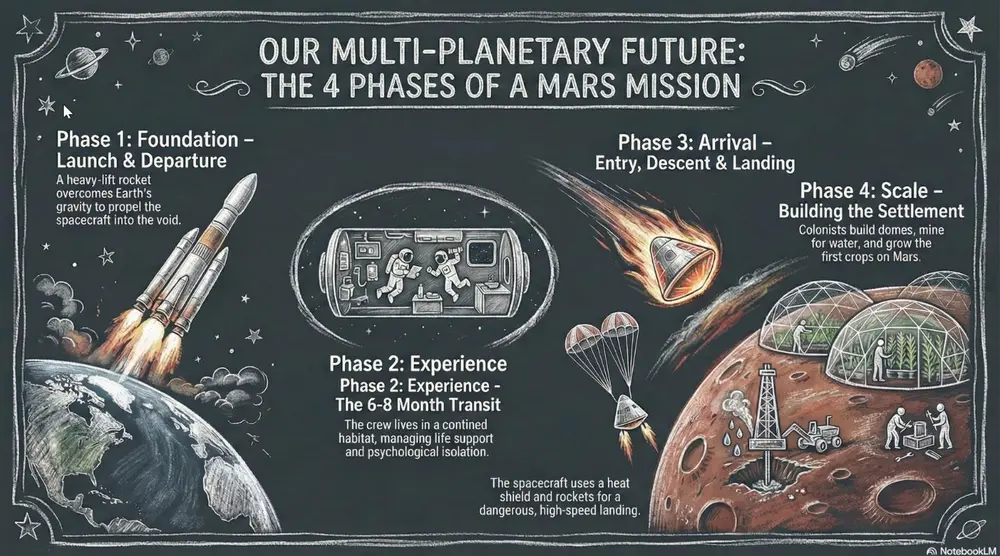
投稿者 Mark Carver — Visual Style Guide for NotebookLM Presentations
A realistic chalkboard style illustration with dusty, hand-drawn white chalk lines. Include authentic textured shading, faint chalk dust smudges, and a dark slate-gray background with a matte, slightly weathered texture. Lighting should mimic a soft classroom ambient glow.
詳細ページを開く使い方
- 1Studio パネルでスライドまたはインフォグラフィックを選び、そのプロンプト欄を開きます。
- 2スタイルの指定を貼り付けます。
- 3生成し、出力がずれていたら文言を調整します。
角括弧の部分は、ご自身のトピックや質問に置き換えてください。
- Whiteboard
A clean look resembling markers on a glossy whiteboard. Best for internal team briefings, "live" brainstorming sessions, and agile project updates.
スライド・動画・インフォグラフィックスライド / インフォグラフィック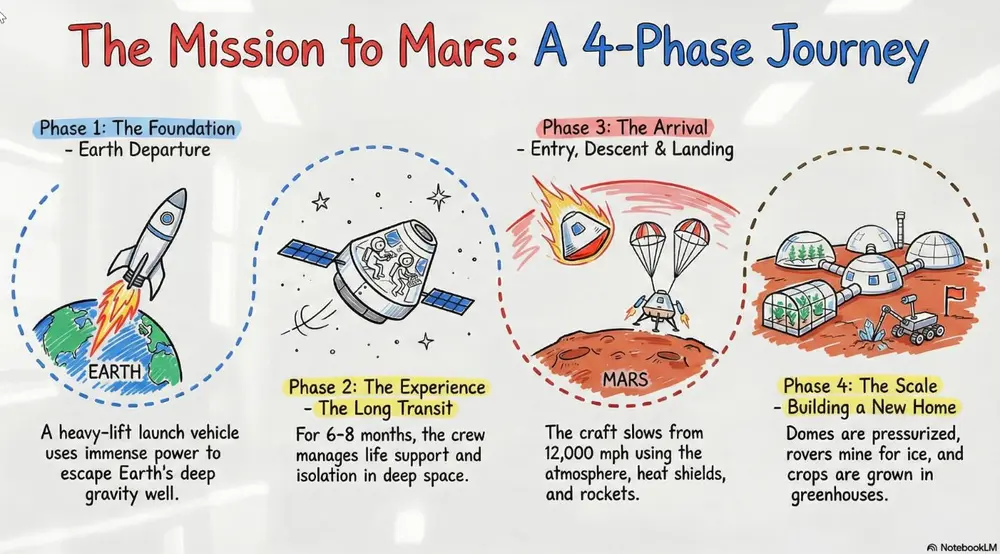
投稿者 Mark Carver — Visual Style Guide for NotebookLM Presentations
A clean, glossy whiteboard aesthetic featuring hand-drawn marker lines with slight 'ink-pooling' at the ends of strokes. Use basic primary marker colors (red, blue, black) on a bright white reflective background. Include faint ghosting marks from previously 'erased' content to give it a lived-in, brainstorming feel.
詳細ページを開く使い方
- 1Studio パネルでスライドまたはインフォグラフィックを選び、そのプロンプト欄を開きます。
- 2スタイルの指定を貼り付けます。
- 3生成し、出力がずれていたら文言を調整します。
角括弧の部分は、ご自身のトピックや質問に置き換えてください。
- Sketch Noting
Hand-drawn icons and connectors with a classic "visual note-taking" feel. Best for executive summaries, workshop synthesis, and human-centric storytelling.
スライド・動画・インフォグラフィックスライド / インフォグラフィック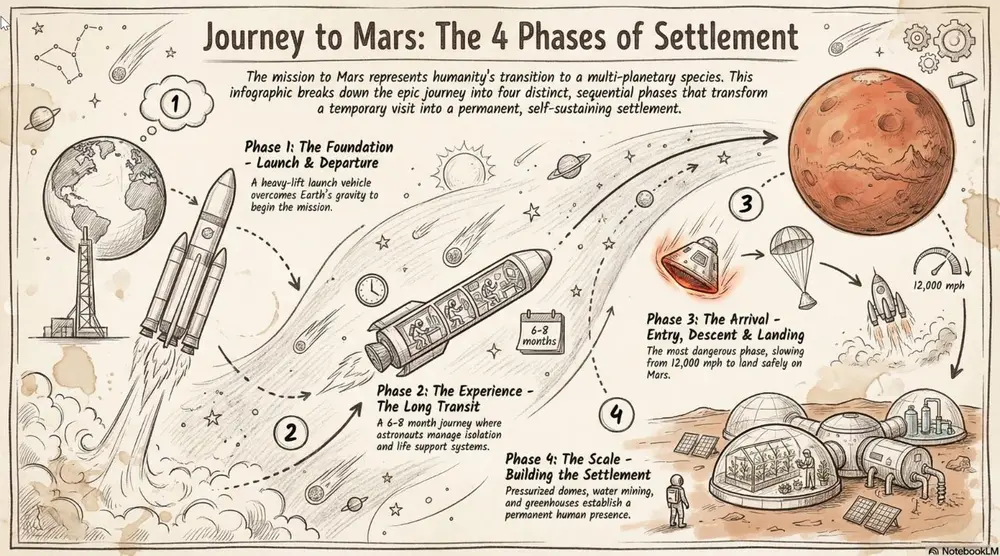
投稿者 Mark Carver — Visual Style Guide for NotebookLM Presentations
A professional sketch-noting aesthetic on an off-white, slightly textured paper background. Feature minimalist hand-drawn icons with variable-width ink lines, organic arrow connectors, and accent highlight colors in a soft marker-pen style. The composition should feel balanced and human-centric, like a live workshop synthesis.
詳細ページを開く使い方
- 1Studio パネルでスライドまたはインフォグラフィックを選び、そのプロンプト欄を開きます。
- 2スタイルの指定を貼り付けます。
- 3生成し、出力がずれていたら文言を調整します。
角括弧の部分は、ご自身のトピックや質問に置き換えてください。
- Graphite & Charcoal Realism
A fine-art style using monochromatic hand-drawn textures, cross- hatching, and realistic smudging. Best for high-stakes ethical discussions, historical reflections, or "Day in the Life" human-centric storytelling.
スライド・動画・インフォグラフィックスライド / インフォグラフィック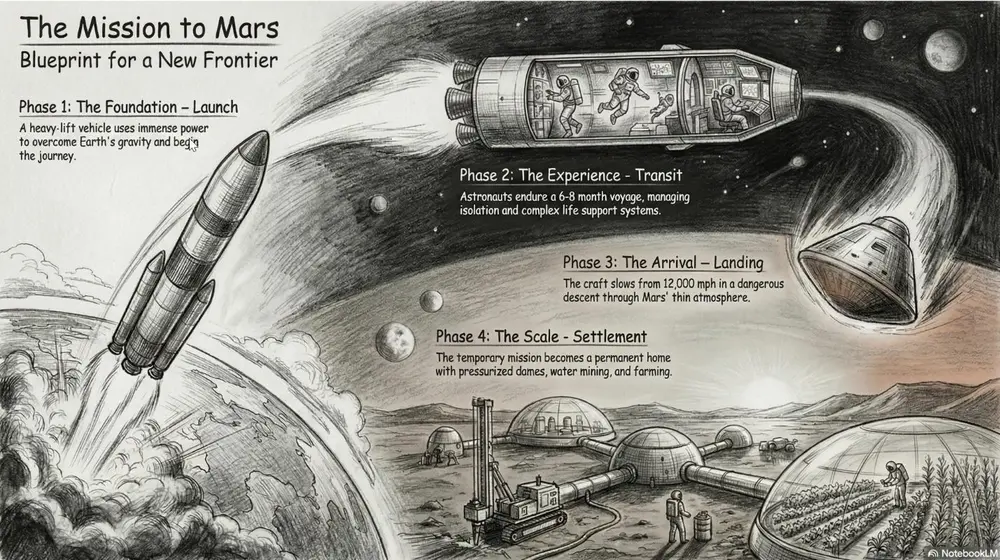
投稿者 Mark Carver — Visual Style Guide for NotebookLM Presentations
A detailed graphite and charcoal drawing with realistic hand-drawn textures. Feature heavy cross-hatching, soft pencil smudging for shadows, and visible paper grain. The aesthetic is monochromatic and sophisticated, utilizing high-contrast lighting to create a somber, cinematic, and deeply human feel.
詳細ページを開く使い方
- 1Studio パネルでスライドまたはインフォグラフィックを選び、そのプロンプト欄を開きます。
- 2スタイルの指定を貼り付けます。
- 3生成し、出力がずれていたら文言を調整します。
角括弧の部分は、ご自身のトピックや質問に置き換えてください。
- Claymation
A textured, stop-motion look that appears sculpted from clay. Best for friendly explainer videos, creative workshops, internal team-building announcements, and student-facing content.
スライド・動画・インフォグラフィックスライド / インフォグラフィック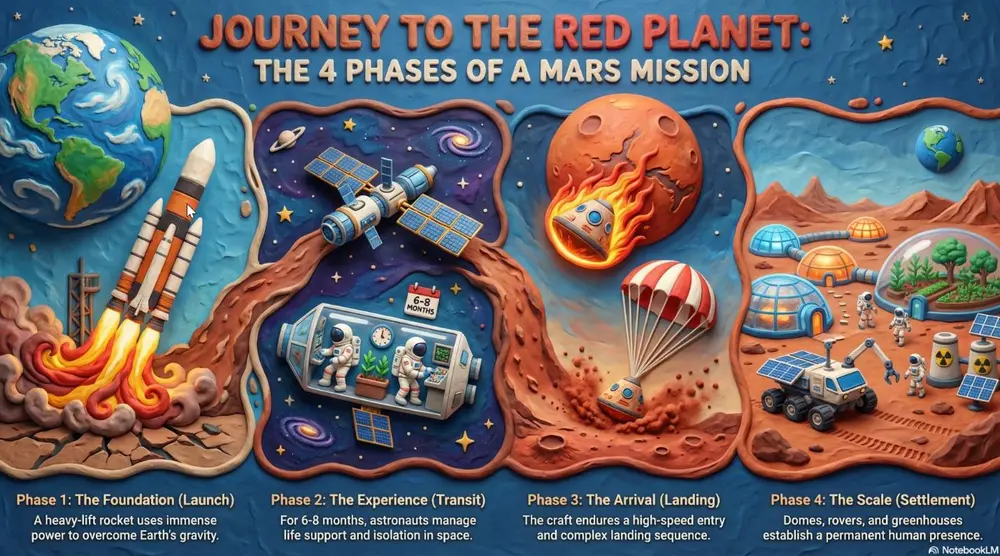
投稿者 Mark Carver — Visual Style Guide for NotebookLM Presentations
A high-fidelity claymation style featuring handcrafted 3D models with visible tactile textures. Include soft studio lighting with deep shadows, a narrow depth-of-field, and a playful stop-motion aesthetic. The scene should appear as if sculpted from physical polymer clay on a miniature set." Section 2: Technical, Engineering & Architectural Styles Best for product design, structural planning, and high-tech corporate environments.
詳細ページを開く使い方
- 1Studio パネルでスライドまたはインフォグラフィックを選び、そのプロンプト欄を開きます。
- 2スタイルの指定を貼り付けます。
- 3生成し、出力がずれていたら文言を調整します。
角括弧の部分は、ご自身のトピックや質問に置き換えてください。
- Exploded View Diagram
A technical style showing components separated to reveal internal assembly. Best for product mechanics, hardware engineering, and systems architecture.
スライド・動画・インフォグラフィックスライド / インフォグラフィック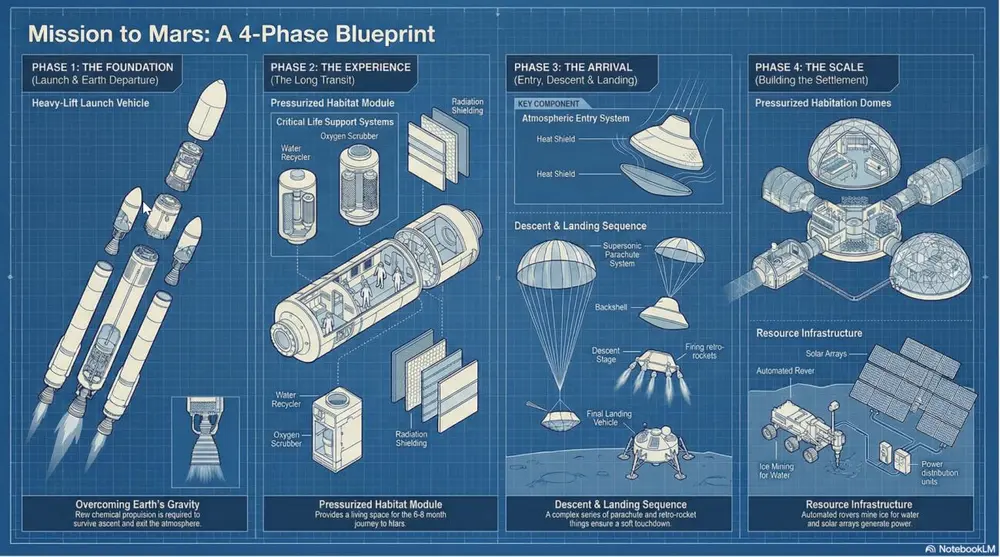
投稿者 Mark Carver — Visual Style Guide for NotebookLM Presentations
A technical exploded view diagram in a clean blueprint style. Feature separated mechanical components with thin, precise dashed connecting lines. Use a high-angle orthographic projection, no perspective distortion, and a monochromatic technical palette to emphasize internal assembly and hardware engineering.
詳細ページを開く使い方
- 1Studio パネルでスライドまたはインフォグラフィックを選び、そのプロンプト欄を開きます。
- 2スタイルの指定を貼り付けます。
- 3生成し、出力がずれていたら文言を調整します。
角括弧の部分は、ご自身のトピックや質問に置き換えてください。
- Blueprint
High-contrast white technical lines on a deep cyan-blue grid. Best for architectural plans, foundational strategy, and "Master Plan" slides.
スライド・動画・インフォグラフィックスライド / インフォグラフィック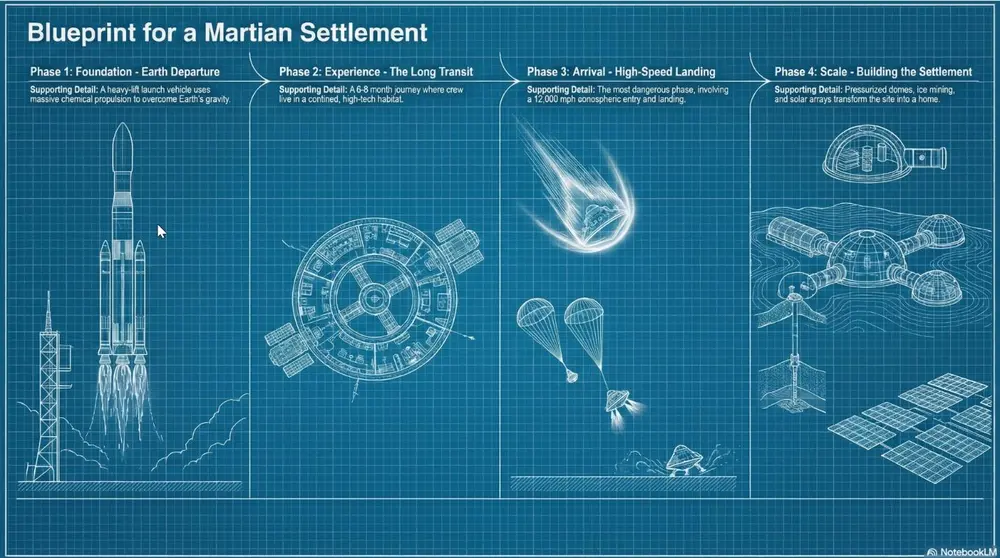
投稿者 Mark Carver — Visual Style Guide for NotebookLM Presentations
A high-contrast blueprint aesthetic featuring white technical architectural lines on a deep cyan-blue background. Incorporate a light drafting grid overlay, precise margin annotations, and a 'blueprint paper' texture with slight tonal variations for an authentic master-plan feel.
詳細ページを開く使い方
- 1Studio パネルでスライドまたはインフォグラフィックを選び、そのプロンプト欄を開きます。
- 2スタイルの指定を貼り付けます。
- 3生成し、出力がずれていたら文言を調整します。
角括弧の部分は、ご自身のトピックや質問に置き換えてください。
- Isometric 3D Illustration
A clean 3D perspective with flat colors and sharp edges. Best for visualizing data centers, logistics networks, and SaaS ecosystems.
スライド・動画・インフォグラフィックスライド / インフォグラフィック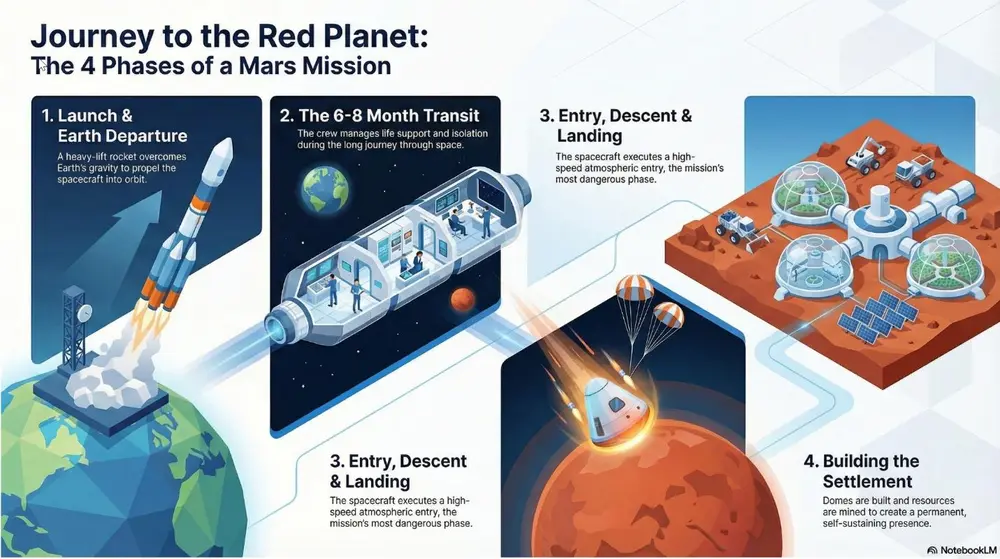
投稿者 Mark Carver — Visual Style Guide for NotebookLM Presentations
A clean isometric 3D illustration with flat vector colors and razor-sharp edges. Use a minimalist corporate tech aesthetic with soft directional lighting, no heavy gradients, and an 100% orthographic 45-degree camera angle to visualize logistics and digital ecosystems.
詳細ページを開く使い方
- 1Studio パネルでスライドまたはインフォグラフィックを選び、そのプロンプト欄を開きます。
- 2スタイルの指定を貼り付けます。
- 3生成し、出力がずれていたら文言を調整します。
角括弧の部分は、ご自身のトピックや質問に置き換えてください。
- Minimalist 2D Data-Viz
A hyper-clean, flat vector style focusing on geometric clarity and mathematical precision rather than illustration. Best for quantitative reporting, market share breakdowns, and "by-the-numbers" executive summaries.
スライド・動画・インフォグラフィックスライド / インフォグラフィック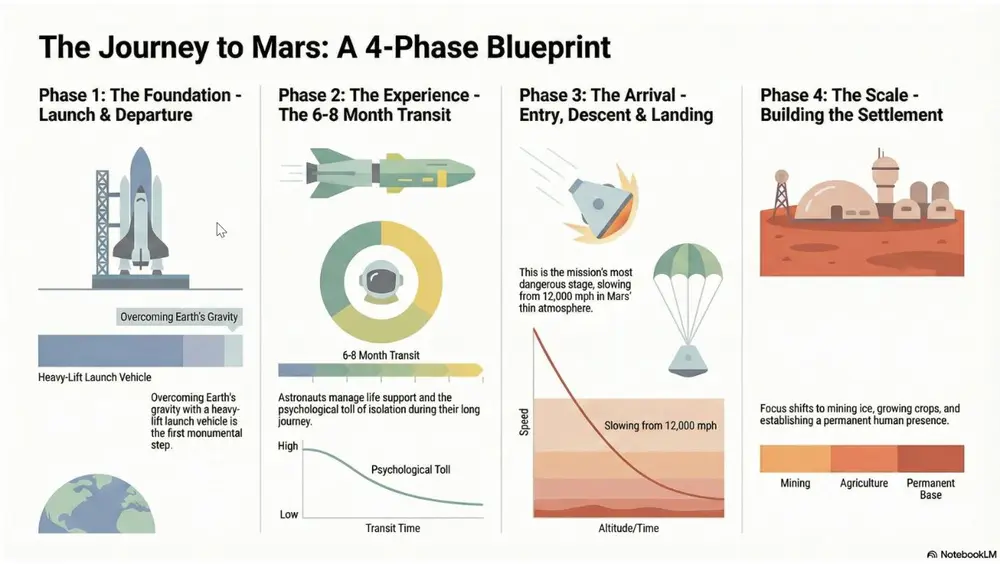
投稿者 Mark Carver — Visual Style Guide for NotebookLM Presentations
A minimalist 2D data-visualization style featuring flat vector bars, donut charts, and line graphs. Use a clean white background, perfectly aligned geometric shapes, and a sophisticated muted palette. Emphasize clarity and whitespace with zero gradients, no shadows, and professional sans-serif labeling.
詳細ページを開く使い方
- 1Studio パネルでスライドまたはインフォグラフィックを選び、そのプロンプト欄を開きます。
- 2スタイルの指定を貼り付けます。
- 3生成し、出力がずれていたら文言を調整します。
角括弧の部分は、ご自身のトピックや質問に置き換えてください。
- Dark-Mode SaaS Isometric
A high-tech 3D perspective set against a deep charcoal or navy background, using glowing "edge-lighting" to define shapes. Best for software architecture diagrams, cloud infrastructure pitches, and cybersecurity workflows.
スライド・動画・インフォグラフィックスライド / インフォグラフィック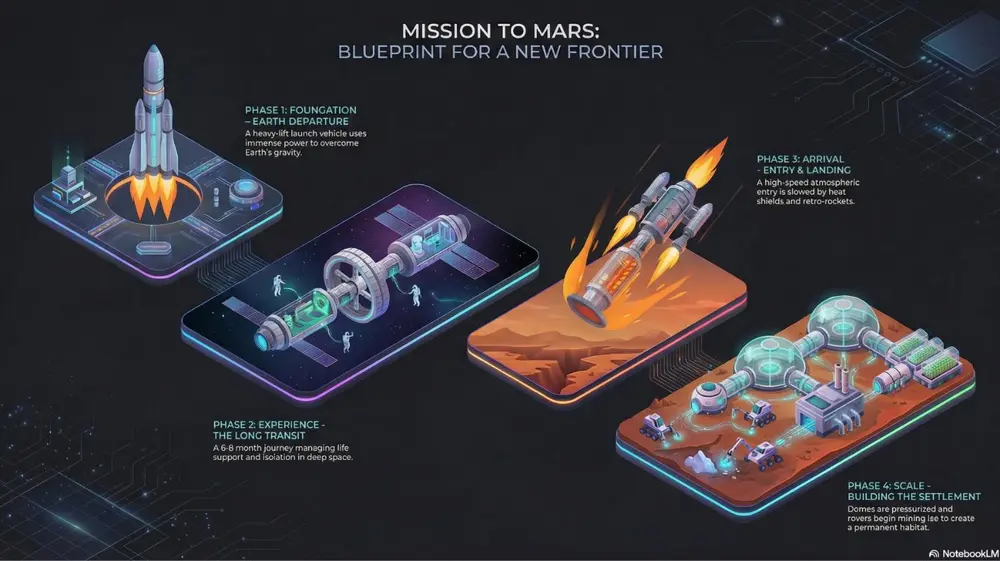
投稿者 Mark Carver — Visual Style Guide for NotebookLM Presentations
A premium dark-mode isometric 3D illustration on a deep charcoal background. Features sleek, floating technological modules with vibrant neon edge-lighting and subtle glass reflections. Use a 45-degree orthographic projection, soft glowing data-streams connecting components, and a sense of infinite digital space.
詳細ページを開く使い方
- 1Studio パネルでスライドまたはインフォグラフィックを選び、そのプロンプト欄を開きます。
- 2スタイルの指定を貼り付けます。
- 3生成し、出力がずれていたら文言を調整します。
角括弧の部分は、ご自身のトピックや質問に置き換えてください。
- Professional Futuristic
Sleek glass-morphism and minimalist high-tech UI elements. Best for aI and digital transformation pitches, software launches, and high-end corporate decks.
スライド・動画・インフォグラフィックスライド / インフォグラフィック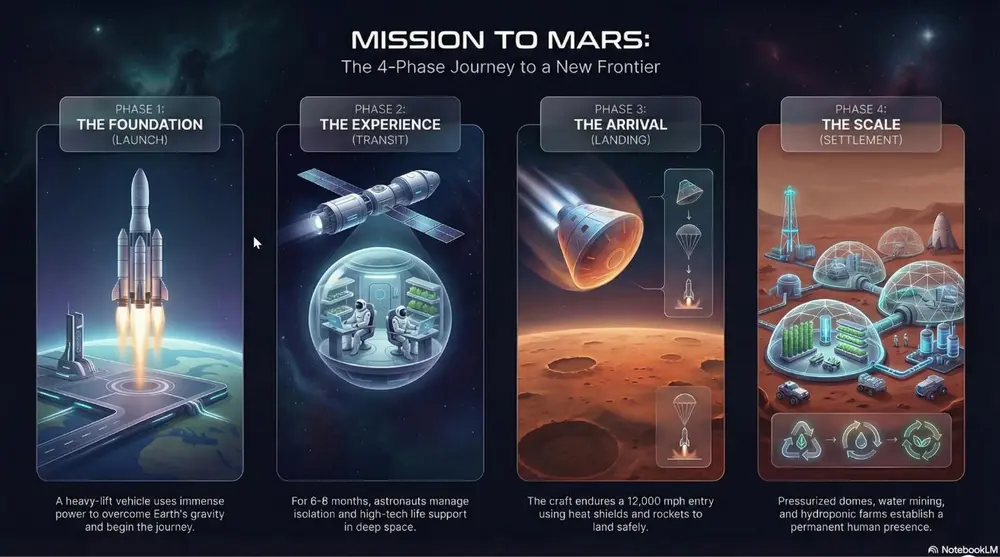
投稿者 Mark Carver — Visual Style Guide for NotebookLM Presentations
A high-end professional futuristic design featuring sleek glass-morphism and minimalist high-tech UI elements. Include subtle light-leaks, frosted transparency, and a clean corporate dark-mode aesthetic with refined san-serif typography and high-stakes visual weight.
詳細ページを開く使い方
- 1Studio パネルでスライドまたはインフォグラフィックを選び、そのプロンプト欄を開きます。
- 2スタイルの指定を貼り付けます。
- 3生成し、出力がずれていたら文言を調整します。
角括弧の部分は、ご自身のトピックや質問に置き換えてください。
- Neumorphic
A modern UI style using soft shadows to create a "plastic" extruded 3D effect. Best for mobile app concepts, dashboard designs, and minimalist tech interfaces.
スライド・動画・インフォグラフィックスライド / インフォグラフィック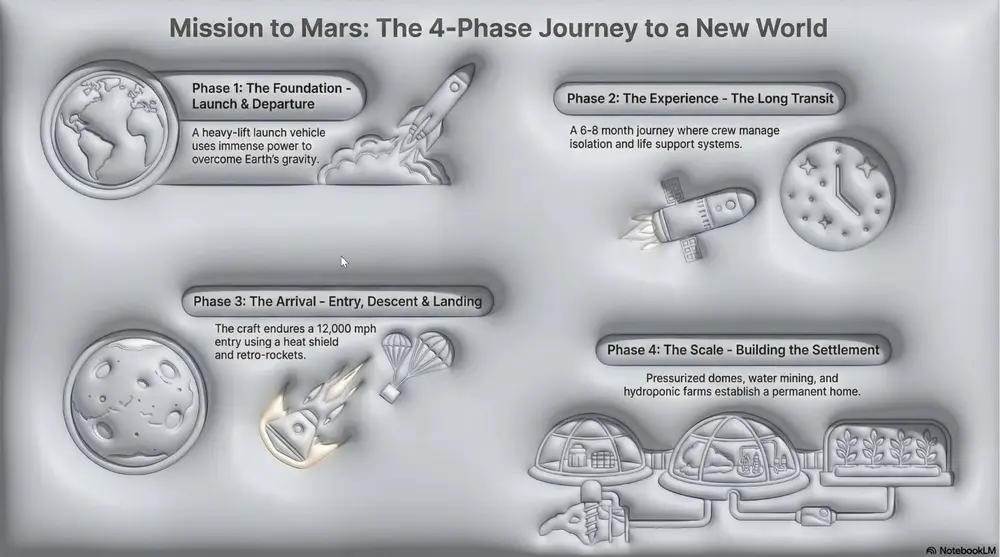
投稿者 Mark Carver — Visual Style Guide for NotebookLM Presentations
A modern neumorphic UI style featuring soft internal and external shadows to create a 'plastic' extruded 3D effect. Use a low-contrast, monochromatic palette with subtle highlights on the upper-left edges to emphasize the tactile, touchable nature of the interface.
詳細ページを開く使い方
- 1Studio パネルでスライドまたはインフォグラフィックを選び、そのプロンプト欄を開きます。
- 2スタイルの指定を貼り付けます。
- 3生成し、出力がずれていたら文言を調整します。
角括弧の部分は、ご自身のトピックや質問に置き換えてください。
- High-Contrast Monospace
A data-heavy aesthetic using fixed-width fonts and "terminal-style" neon accents on black backgrounds. Best for cybersecurity, technical deep-dives, and financial "stress tests.".
スライド・動画・インフォグラフィックスライド / インフォグラフィック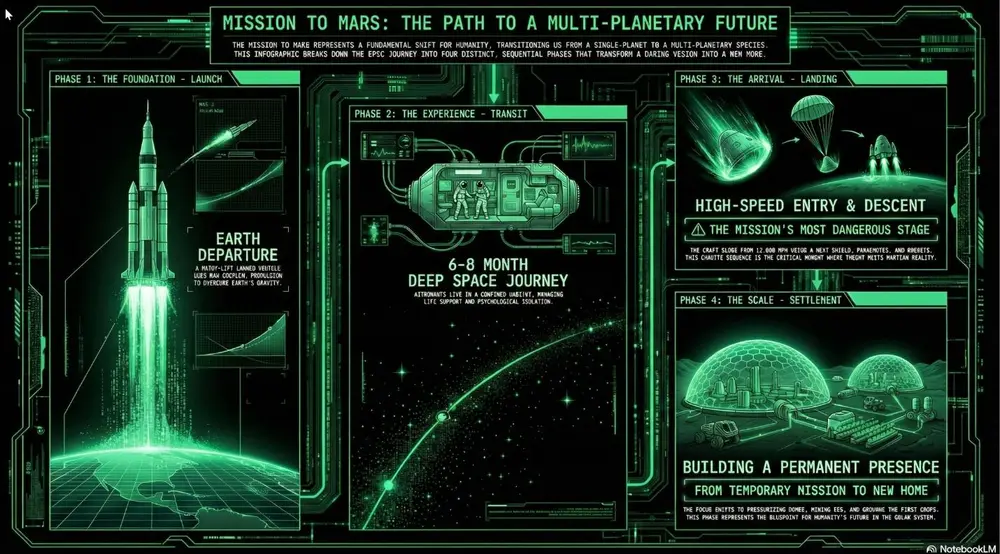
投稿者 Mark Carver — Visual Style Guide for NotebookLM Presentations
A high-contrast technical monospace aesthetic with a deep black background. Feature vertical data streams, monospace typography, and sharp rectilinear borders in high-visibility accents to convey cybersecurity-grade raw precision and financial stress-test authority." Section 3: Narrative & Strategic Journey Styles Best for roadmaps, policy briefs, company history, and high-level visionary presentations.
詳細ページを開く使い方
- 1Studio パネルでスライドまたはインフォグラフィックを選び、そのプロンプト欄を開きます。
- 2スタイルの指定を貼り付けます。
- 3生成し、出力がずれていたら文言を調整します。
角括弧の部分は、ご自身のトピックや質問に置き換えてください。
- Conceptual Journey Map
A metaphorical landscape (like a mountain path) used to show progression. Best for strategic roadmaps, project milestones, and the "Four Stages of Impact.".
スライド・動画・インフォグラフィックスライド / インフォグラフィック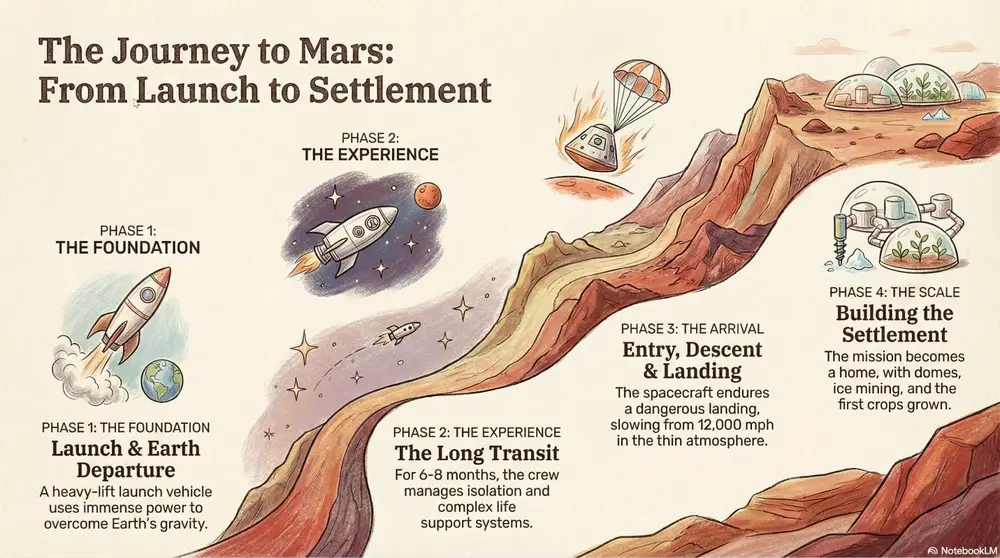
投稿者 Mark Carver — Visual Style Guide for NotebookLM Presentations
A high-level conceptual journey map featuring a winding, multi-stage path through a metaphorical landscape. Use soft, painterly textures and hand-sketched milestone icons. The composition should follow a clear left-to-right narrative flow with atmospheric perspective to show distance and progress.
詳細ページを開く使い方
- 1Studio パネルでスライドまたはインフォグラフィックを選び、そのプロンプト欄を開きます。
- 2スタイルの指定を貼り付けます。
- 3生成し、出力がずれていたら文言を調整します。
角括弧の部分は、ご自身のトピックや質問に置き換えてください。
- Strategic Infographic
A professional, data-centric layout focused on a "Problem-Solution- Impact" narrative. It utilizes clean vector iconography, prominent "Hero Statistics" to establish high-stakes economic or technical value, and side-by-side comparison tables to validate a specific mandate or policy. Best for policy mandates, business cases, economic impact summaries, and environmental/sustainability transitions.
スライド・動画・インフォグラフィックスライド / インフォグラフィック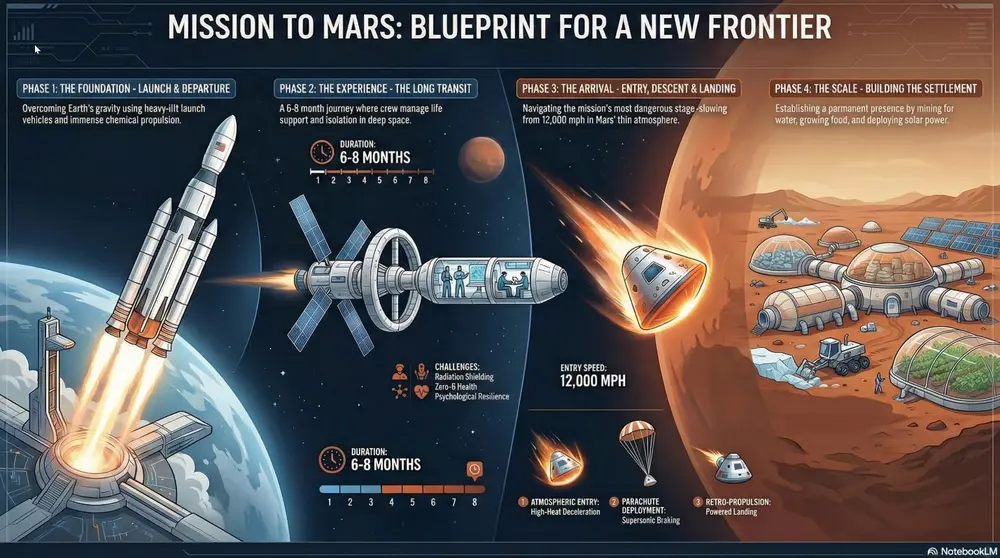
投稿者 Mark Carver — Visual Style Guide for NotebookLM Presentations
A professional Strategic Infographic style with a clean, vector-based layout. Use a logical narrative flow featuring high-impact numerical callouts for 'Hero Statistics,' bold headers for problem/solution framing, and technical comparison tables. The aesthetic should be modern and authoritative, utilizing a limited professional color palette and flat-design iconography.
詳細ページを開く使い方
- 1Studio パネルでスライドまたはインフォグラフィックを選び、そのプロンプト欄を開きます。
- 2スタイルの指定を貼り付けます。
- 3生成し、出力がずれていたら文言を調整します。
角括弧の部分は、ご自身のトピックや質問に置き換えてください。
- Executive Dashboard
A high-density visual summary resembling a real-time command center. It uses "widgets," circular progress rings, and financial data clusters (such as CapEx, EBITDA, and IRR) to provide an at-a-glance overview of complex systems, project health, or national economic multipliers. Best for quarterly business reviews (QBRs), financial projections, project health tracking, and KPI reporting.
スライド・動画・インフォグラフィックスライド / インフォグラフィック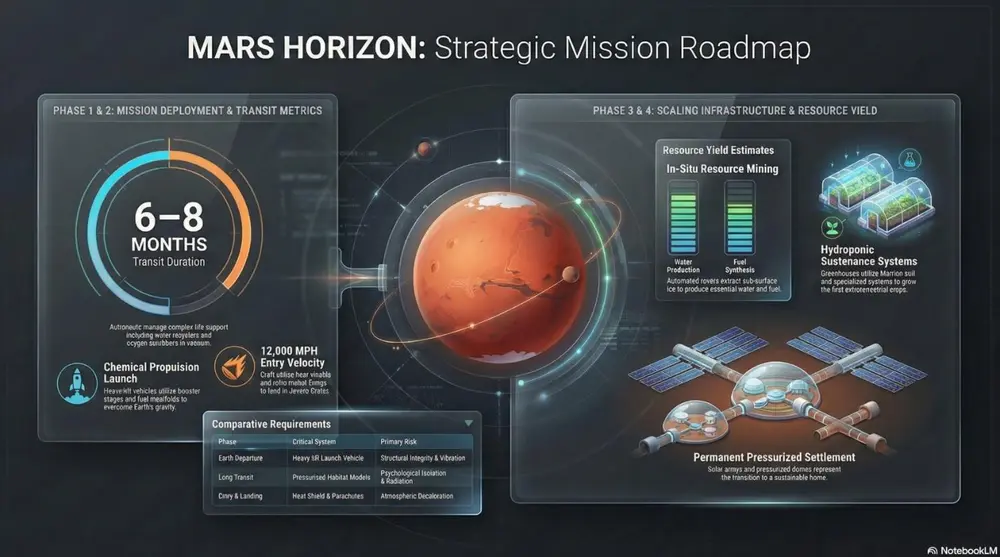
投稿者 Mark Carver — Visual Style Guide for NotebookLM Presentations
A sleek Executive Dashboard aesthetic featuring a dark-mode UI. Include various data visualization 'widgets' such as circular progress rings, segmented bar charts, and financial data clusters showing CapEx and ROI. Use vibrant accent colors for data points against a refined, dark-gray background with subtle glass-morphism effects.
詳細ページを開く使い方
- 1Studio パネルでスライドまたはインフォグラフィックを選び、そのプロンプト欄を開きます。
- 2スタイルの指定を貼り付けます。
- 3生成し、出力がずれていたら文言を調整します。
角括弧の部分は、ご自身のトピックや質問に置き換えてください。
- Watercolour
A soft, artistic aesthetic with fluid brushstrokes and atmospheric textures. Best for environmental initiatives, visionary concepts, and emotional storytelling.
スライド・動画・インフォグラフィックスライド / インフォグラフィック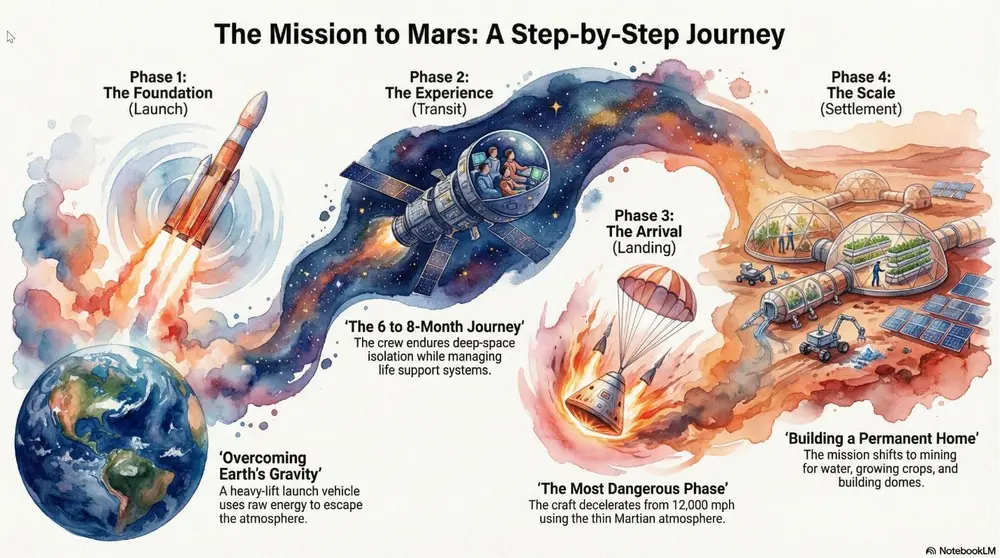
投稿者 Mark Carver — Visual Style Guide for NotebookLM Presentations
A soft watercolor painting with fluid brushstrokes, painterly textures, and minimalist bleed effects. Include a high-quality cold-press paper texture and atmospheric layering to create an artistic, emotional storytelling feel for visionary concepts.
詳細ページを開く使い方
- 1Studio パネルでスライドまたはインフォグラフィックを選び、そのプロンプト欄を開きます。
- 2スタイルの指定を貼り付けます。
- 3生成し、出力がずれていたら文言を調整します。
角括弧の部分は、ご自身のトピックや質問に置き換えてください。
- Heritage
A classic, formal style with serif typography and traditional ornaments. Best for legal presentations, historical archives, and formal institutional reports.
スライド・動画・インフォグラフィックスライド / インフォグラフィック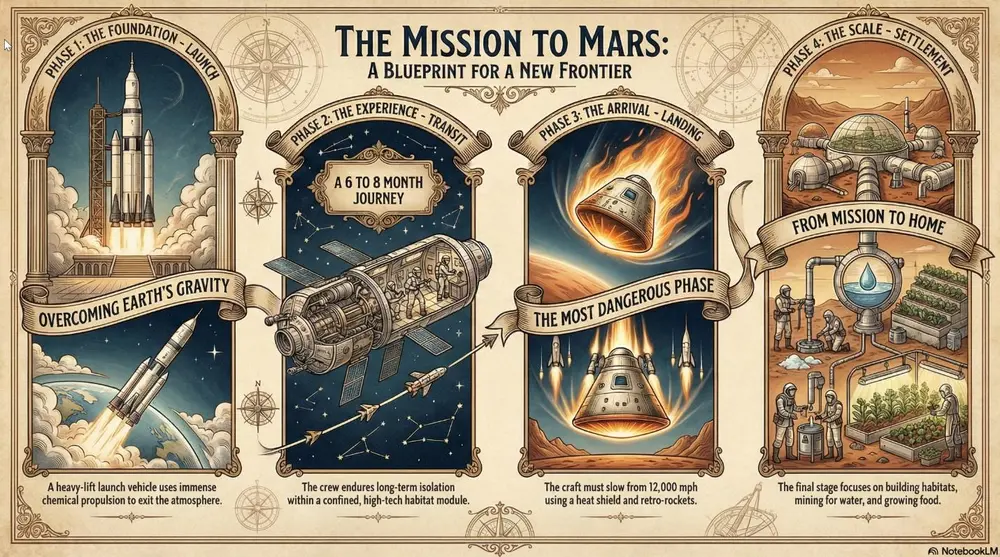
投稿者 Mark Carver — Visual Style Guide for NotebookLM Presentations
A dignified heritage aesthetic featuring formal serif typography, traditional gold-leaf ornaments, and a historical parchment-style presentation. Use a classic, institutional layout with engraved-style illustrations to convey trust, legal authority, and legacy.
詳細ページを開く使い方
- 1Studio パネルでスライドまたはインフォグラフィックを選び、そのプロンプト欄を開きます。
- 2スタイルの指定を貼り付けます。
- 3生成し、出力がずれていたら文言を調整します。
角括弧の部分は、ご自身のトピックや質問に置き換えてください。
- Swiss Design
Focus on strict grids, sans-serif typography, and bold geometric shapes. Best for high-end design portfolios, clear data infographics, and minimalist communication.
スライド・動画・インフォグラフィックスライド / インフォグラフィック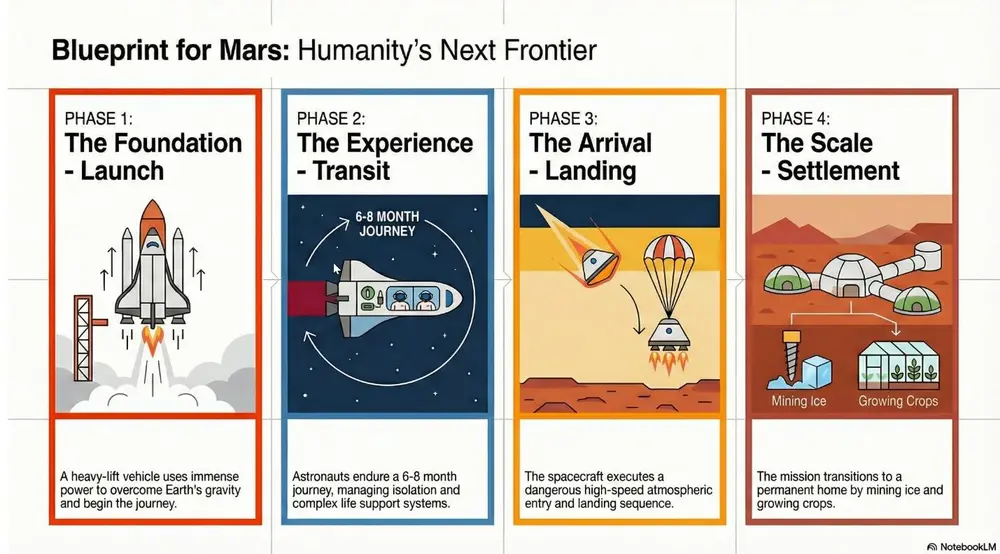
投稿者 Mark Carver — Visual Style Guide for NotebookLM Presentations
A master-level Swiss Design aesthetic following a strict mathematical grid. Feature bold geometric shapes, high-contrast primary colors against a neutral light-gray background, and ultra-clean sans-serif typography. The layout must emphasize objective clarity, asymmetrical balance, and extreme whitespace.
詳細ページを開く使い方
- 1Studio パネルでスライドまたはインフォグラフィックを選び、そのプロンプト欄を開きます。
- 2スタイルの指定を貼り付けます。
- 3生成し、出力がずれていたら文言を調整します。
角括弧の部分は、ご自身のトピックや質問に置き換えてください。
- Glass-morphic UI
Focuses on frosted glass transparency and multi-layered depth with a vibrant glowing background. Best for fintech platforms, premium SaaS launches, and high-level visionary growth.
スライド・動画・インフォグラフィックスライド / インフォグラフィック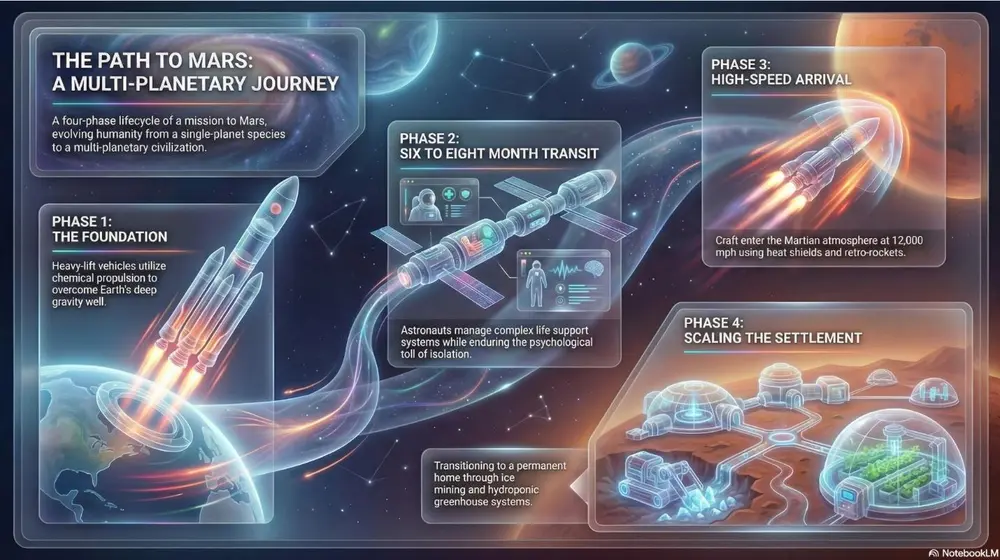
投稿者 Mark Carver — Visual Style Guide for NotebookLM Presentations
A premium glass-morphic UI style with multi-layered frosted glass panels and a soft ambient glow. Use crisp white typography and thin, vibrant neon accent lines for a sophisticated fintech or high-level visionary tech feel.
詳細ページを開く使い方
- 1Studio パネルでスライドまたはインフォグラフィックを選び、そのプロンプト欄を開きます。
- 2スタイルの指定を貼り付けます。
- 3生成し、出力がずれていたら文言を調整します。
角括弧の部分は、ご自身のトピックや質問に置き換えてください。
- Corporate Memphis
Flat vector illustrations with stylized human figures and a bright, non- natural primary color palette. Best for hR initiatives, DEI reports, and approachable startup pitches.
スライド・動画・インフォグラフィックスライド / インフォグラフィック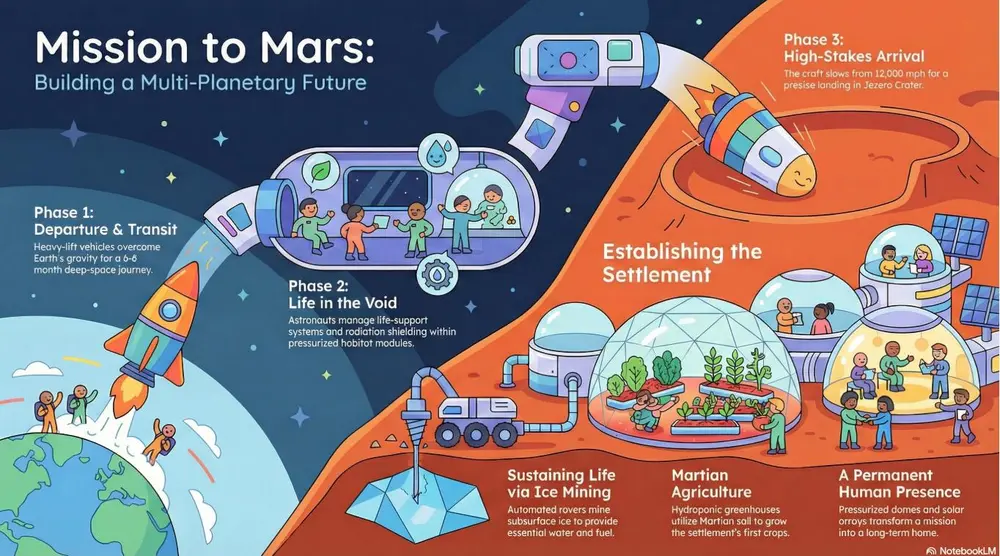
投稿者 Mark Carver — Visual Style Guide for NotebookLM Presentations
A modern corporate Memphis aesthetic featuring flat vector characters with non-natural skin tones and geometric shapes. The scene should be minimalist and cheerful, emphasizing community, accessibility, and human-centric collaboration." Section 4: Playful & Tactile Styles Best for creative pitches, youth-oriented content, and making complex data feel approachable.
詳細ページを開く使い方
- 1Studio パネルでスライドまたはインフォグラフィックを選び、そのプロンプト欄を開きます。
- 2スタイルの指定を貼り付けます。
- 3生成し、出力がずれていたら文言を調整します。
角括弧の部分は、ご自身のトピックや質問に置き換えてください。
- Papercraft
Layered, textured, and folded paper cutouts with deep shadows. Best for creative pitches, artisanal branding, and making digital slides feel "tangible.".
スライド・動画・インフォグラフィックスライド / インフォグラフィック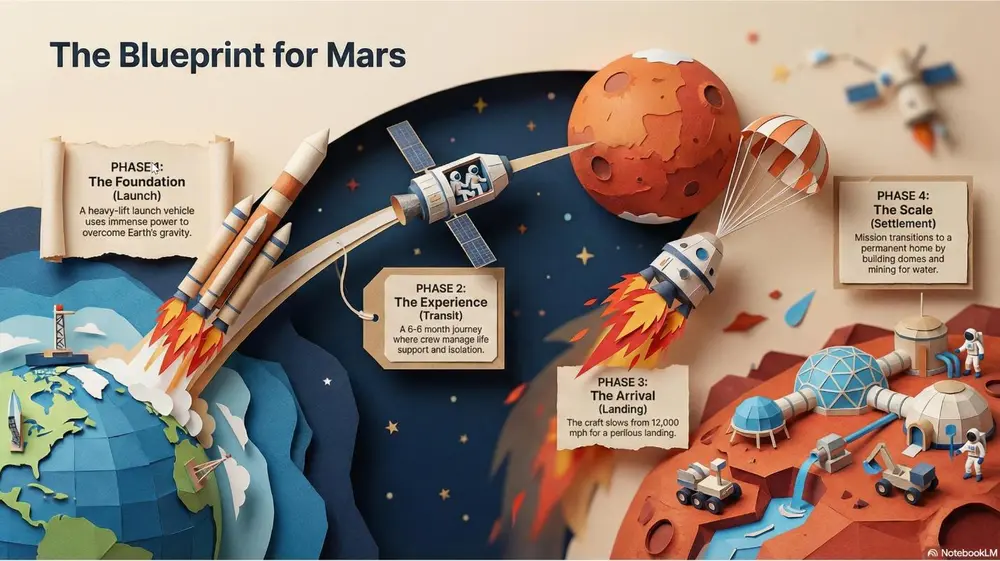
投稿者 Mark Carver — Visual Style Guide for NotebookLM Presentations
A detailed papercraft scene with visible paper grain and depth-of-field blur. Feature layered paper cutouts with realistic drop-shadows to show depth and sharp, folded-paper edges for a tangible, artisanal branding feel.
詳細ページを開く使い方
- 1Studio パネルでスライドまたはインフォグラフィックを選び、そのプロンプト欄を開きます。
- 2スタイルの指定を貼り付けます。
- 3生成し、出力がずれていたら文言を調整します。
角括弧の部分は、ご自身のトピックや質問に置き換えてください。
- Tactile 3D
Inflated, soft, skeuomorphic shapes that look touchable. Best for modern consumer tech, kid-friendly presentations, and "softening" data.
スライド・動画・インフォグラフィックスライド / インフォグラフィック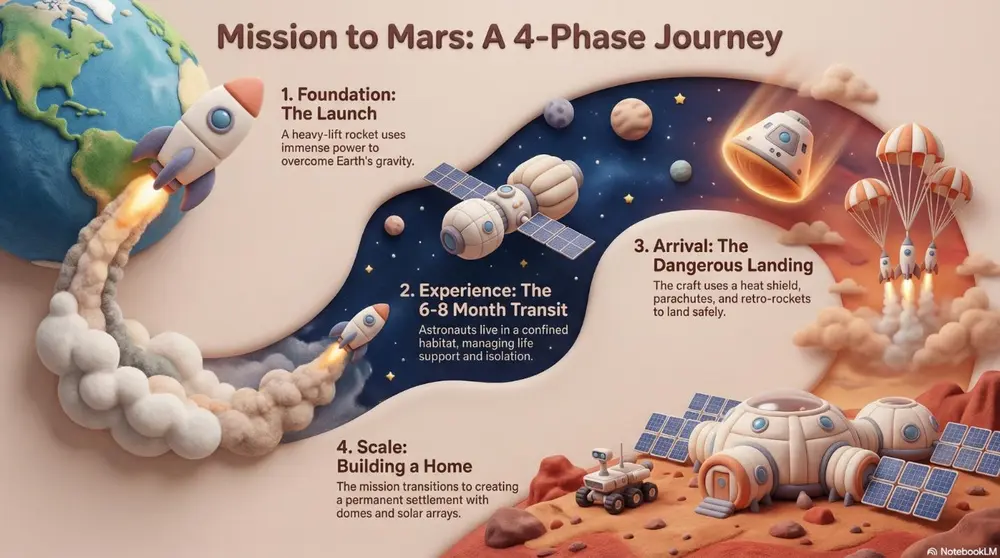
投稿者 Mark Carver — Visual Style Guide for NotebookLM Presentations
A tactile 3D style featuring soft, inflated, skeuomorphic shapes with realistic 'soft-touch' textures. Use gentle studio lighting and balloon-like volume to make data feel approachable and non-threatening for consumer-tech pitches.
詳細ページを開く使い方
- 1Studio パネルでスライドまたはインフォグラフィックを選び、そのプロンプト欄を開きます。
- 2スタイルの指定を貼り付けます。
- 3生成し、出力がずれていたら文言を調整します。
角括弧の部分は、ご自身のトピックや質問に置き換えてください。
- Miniature World
A tilt-shift view featuring blocky, toy-like characters and high saturation. Best for "Big picture" overview of facilities, smart cities, or logistical hubs.
スライド・動画・インフォグラフィックスライド / インフォグラフィック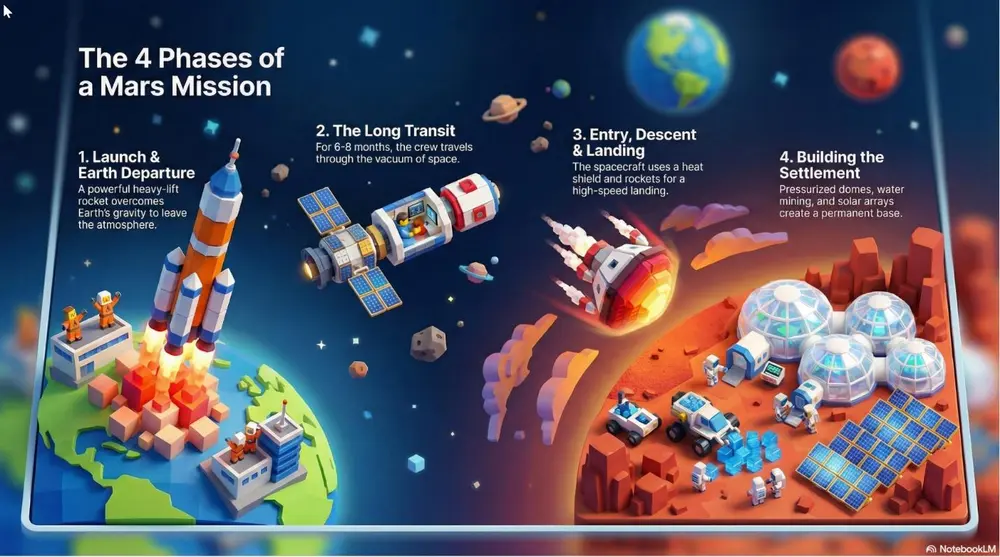
投稿者 Mark Carver — Visual Style Guide for NotebookLM Presentations
A tilt-shift miniature world view featuring blocky, toy-like 3D characters and high-saturation colors. Use a narrow focal plane to create the illusion of a small-scale logistical hub or smart-city model.
詳細ページを開く使い方
- 1Studio パネルでスライドまたはインフォグラフィックを選び、そのプロンプト欄を開きます。
- 2スタイルの指定を貼り付けます。
- 3生成し、出力がずれていたら文言を調整します。
角括弧の部分は、ご自身のトピックや質問に置き換えてください。
- Kawaii
A cute, charming aesthetic with pastel colors and rounded characters. Best for friendly customer service guides, lighthearted culture decks, and "Icebreaker" slides.
スライド・動画・インフォグラフィックスライド / インフォグラフィック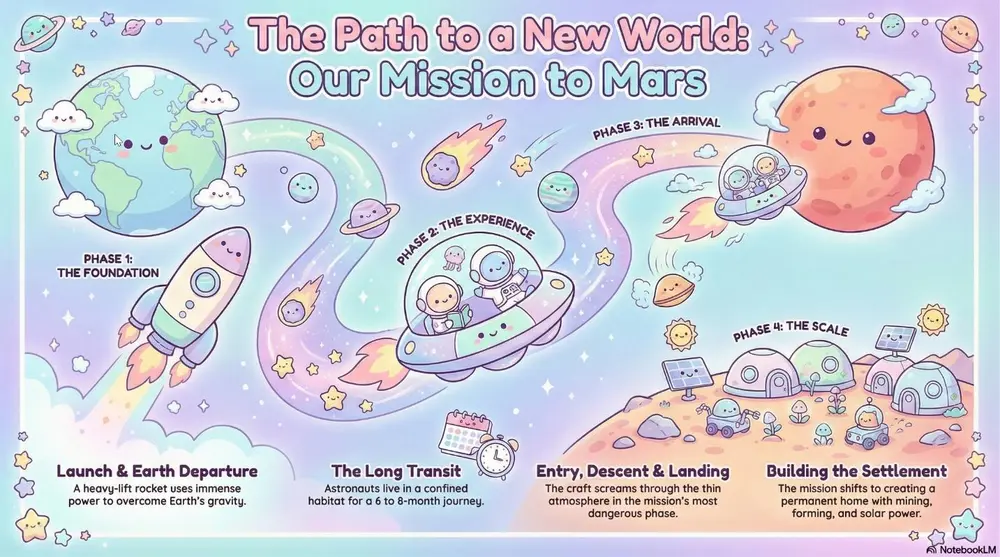
投稿者 Mark Carver — Visual Style Guide for NotebookLM Presentations
A soft Kawaii aesthetic featuring cute pastel colors and rounded characters with simple, friendly vector faces. The vibe should be charming and non- threatening, perfect for culture decks and lighthearted customer guides." Section 5: Nostalgic, Pop-Culture & Artistic Styles Best for high-impact marketing, themed presentations, and "breaking the mold.
詳細ページを開く使い方
- 1Studio パネルでスライドまたはインフォグラフィックを選び、そのプロンプト欄を開きます。
- 2スタイルの指定を貼り付けます。
- 3生成し、出力がずれていたら文言を調整します。
角括弧の部分は、ご自身のトピックや質問に置き換えてください。
- Pop Art
Vibrant primary colors, thick outlines, and halftone dots (Lichtenstein style). Best for marketing campaigns, "disruptive" strategy pitches, and high-energy social slides.
スライド・動画・インフォグラフィックスライド / インフォグラフィック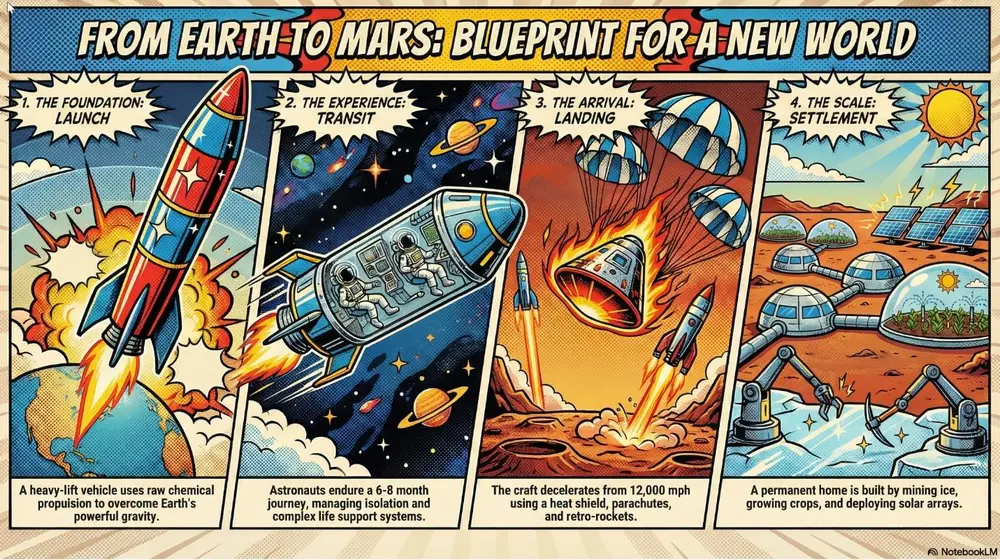
投稿者 Mark Carver — Visual Style Guide for NotebookLM Presentations
A vibrant pop-art style illustration featuring thick black comic-book outlines and high-contrast primary colors. Incorporate visible Lichtenstein-style halftone dot patterns and high-energy disruptive layouts for high-impact marketing.
詳細ページを開く使い方
- 1Studio パネルでスライドまたはインフォグラフィックを選び、そのプロンプト欄を開きます。
- 2スタイルの指定を貼り付けます。
- 3生成し、出力がずれていたら文言を調整します。
角括弧の部分は、ご自身のトピックや質問に置き換えてください。
- Risograph Print
A vibrant, retro-modern aesthetic characterized by tactile grain, overlapping ink "misregistration," and high-saturation spot colors. Best for creative agency pitches, trend forecasting, and making internal culture decks feel contemporary and artistic.
スライド・動画・インフォグラフィックスライド / インフォグラフィック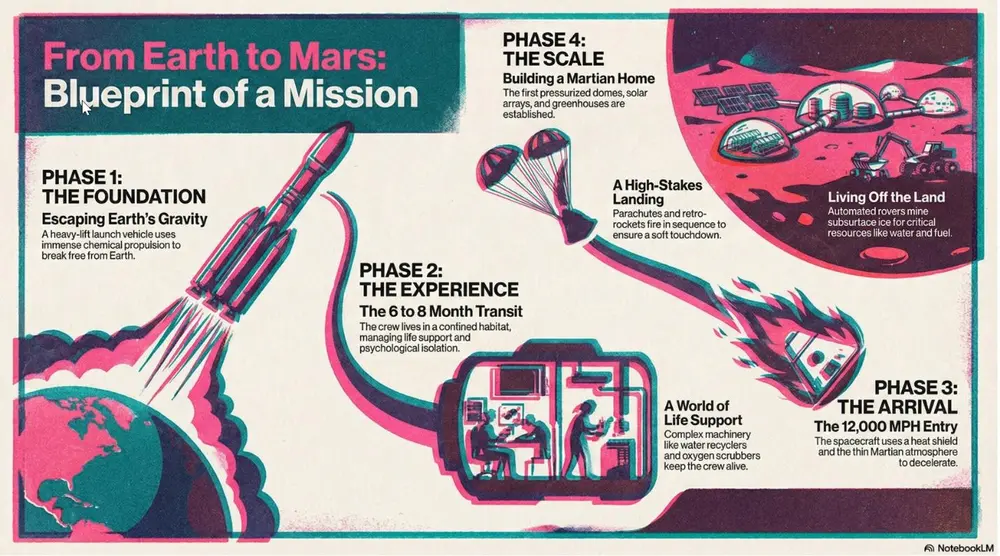
投稿者 Mark Carver — Visual Style Guide for NotebookLM Presentations
A professional Risograph print aesthetic with heavy tactile grain and a distinct lo-fi texture. Feature vibrant overlapping spot colors (like fluo-pink and deep teal) creating secondary colors where they meet. Include subtle ink misregistration, soft paper tooth texture, and a high-contrast, stylized composition.
詳細ページを開く使い方
- 1Studio パネルでスライドまたはインフォグラフィックを選び、そのプロンプト欄を開きます。
- 2スタイルの指定を貼り付けます。
- 3生成し、出力がずれていたら文言を調整します。
角括弧の部分は、ご自身のトピックや質問に置き換えてください。
- Retro '90s Gaming
16-bit color palettes and early 3D polygon graphics. Best for tech history, gamification strategies, and developer-focused decks.
スライド・動画・インフォグラフィックスライド / インフォグラフィック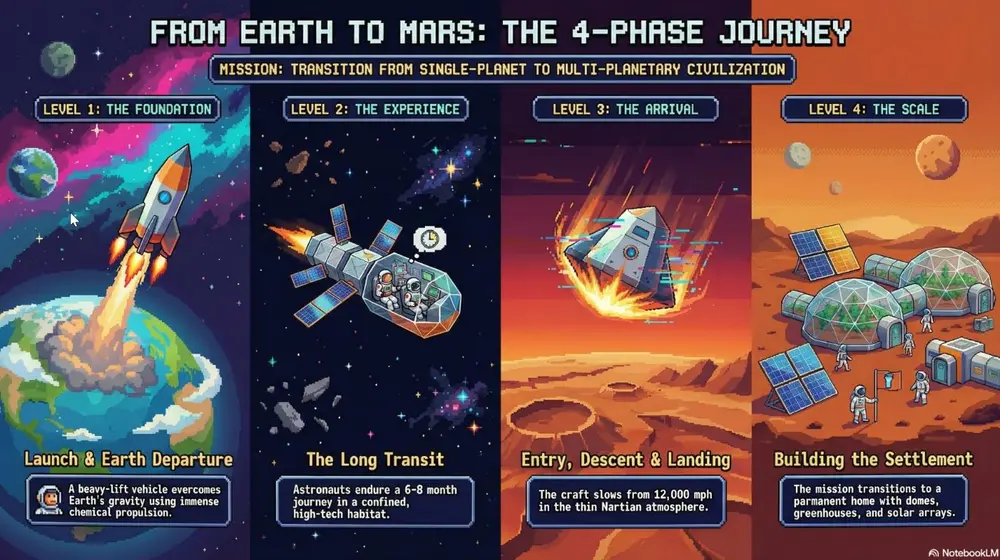
投稿者 Mark Carver — Visual Style Guide for NotebookLM Presentations
A retro-90s gaming aesthetic featuring low-poly 3D models and pixelated textures. Include 16-bit color dithering, a slight CRT monitor curve, and vibrant, saturated lighting. The UI elements should resemble 'Golden Era' RPG menus with chunky borders and pixel-art icons.
詳細ページを開く使い方
- 1Studio パネルでスライドまたはインフォグラフィックを選び、そのプロンプト欄を開きます。
- 2スタイルの指定を貼り付けます。
- 3生成し、出力がずれていたら文言を調整します。
角括弧の部分は、ご自身のトピックや質問に置き換えてください。
- Oregon Trail
A pixelated, 8-bit digital look featuring blocky sprites, primitive digital textures, and high-contrast visuals reminiscent of early educational software. Best for survival metaphors, retro-themed journeys, and classic tech nostalgia, and illustrating “pioneer” or high-stakes project phases.
スライド・動画・インフォグラフィックスライド / インフォグラフィック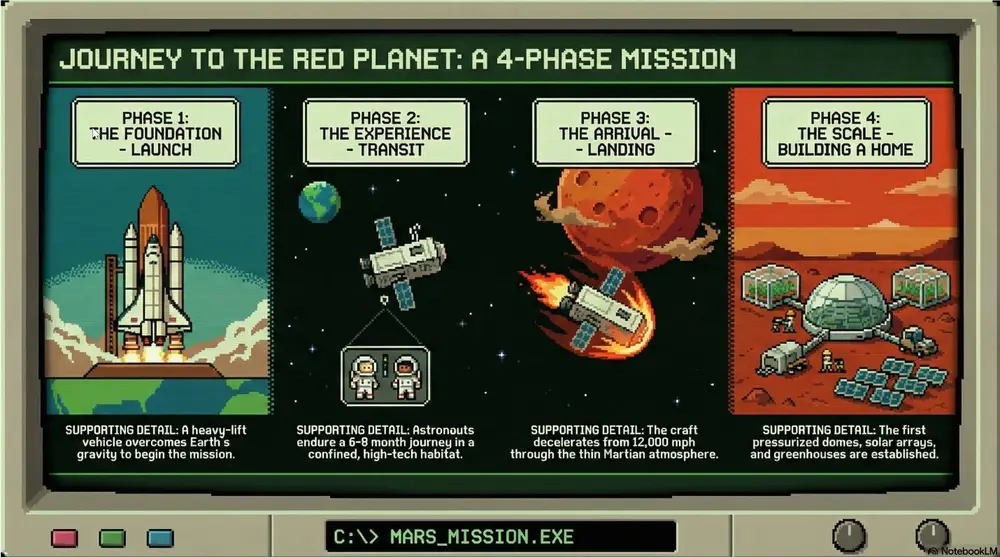
投稿者 Mark Carver — Visual Style Guide for NotebookLM Presentations
A pixelated 8-bit Oregon Trail aesthetic featuring blocky character sprites and primitive environmental textures. Use a limited CGA or EGA color palette (heavy on greens, blacks, and browns) with a subtle retro computer monitor glow and visible scanlines. The composition should follow a simple side- scrolling perspective with a vintage command-line interface feel.
詳細ページを開く使い方
- 1Studio パネルでスライドまたはインフォグラフィックを選び、そのプロンプト欄を開きます。
- 2スタイルの指定を貼り付けます。
- 3生成し、出力がずれていたら文言を調整します。
角括弧の部分は、ご自身のトピックや質問に置き換えてください。
- Cyberpunk
A high-contrast aesthetic featuring neon lighting (primarily pink and cyan) with gritty urban textures and high-tech UI elements. Best for future-tech forecasting, cybersecurity, and illustrating "edgy" industrial design or digital transformation.
スライド・動画・インフォグラフィックスライド / インフォグラフィック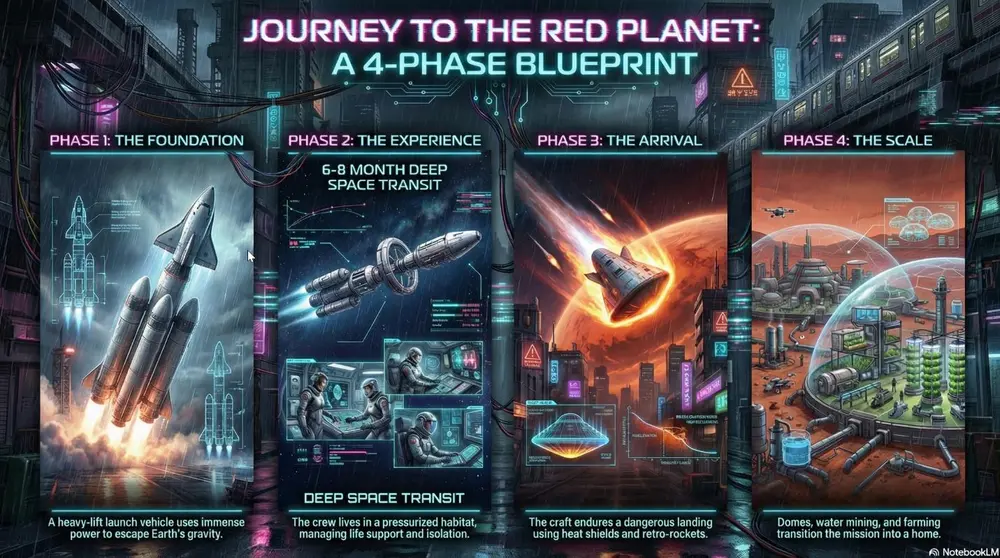
投稿者 Mark Carver — Visual Style Guide for NotebookLM Presentations
A high-contrast Cyberpunk aesthetic featuring vibrant neon pink and cyan lighting against a dark, rain-slicked urban environment. Incorporate gritty industrial textures and holographic UI elements like tech blueprints or data overlays. The image should have deep shadows and a cinematic, atmospheric glow.
詳細ページを開く使い方
- 1Studio パネルでスライドまたはインフォグラフィックを選び、そのプロンプト欄を開きます。
- 2スタイルの指定を貼り付けます。
- 3生成し、出力がずれていたら文言を調整します。
角括弧の部分は、ご自身のトピックや質問に置き換えてください。
- Anime Battle
High-energy visuals with dynamic motion lines and dramatic lighting. Best for high-stakes competition decks, motivational speeches, and high-energy product launches.
スライド・動画・インフォグラフィックスライド / インフォグラフィック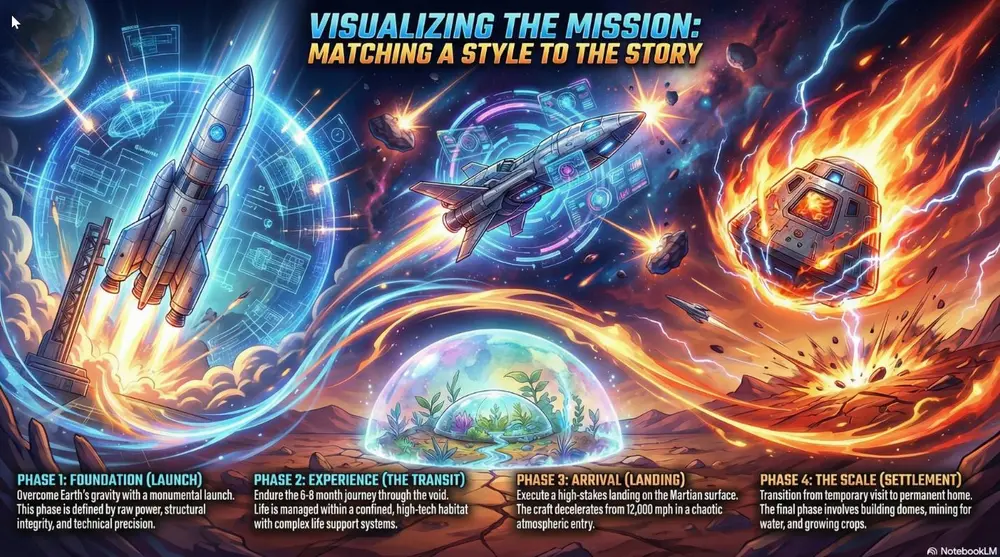
投稿者 Mark Carver — Visual Style Guide for NotebookLM Presentations
A high-energy anime battle aesthetic featuring vibrant colors, dynamic motion lines, and dramatic rim-lighting. Include 'shonen' style visual effects like energy bursts and chaotic atmospheric particles to convey high-stakes competition.
詳細ページを開く使い方
- 1Studio パネルでスライドまたはインフォグラフィックを選び、そのプロンプト欄を開きます。
- 2スタイルの指定を貼り付けます。
- 3生成し、出力がずれていたら文言を調整します。
角括弧の部分は、ご自身のトピックや質問に置き換えてください。
- Anime
Colorful modern Japanese animation style with clean digital line work. Best for character-driven narratives and vibrant lifestyle marketing.
スライド・動画・インフォグラフィックスライド / インフォグラフィック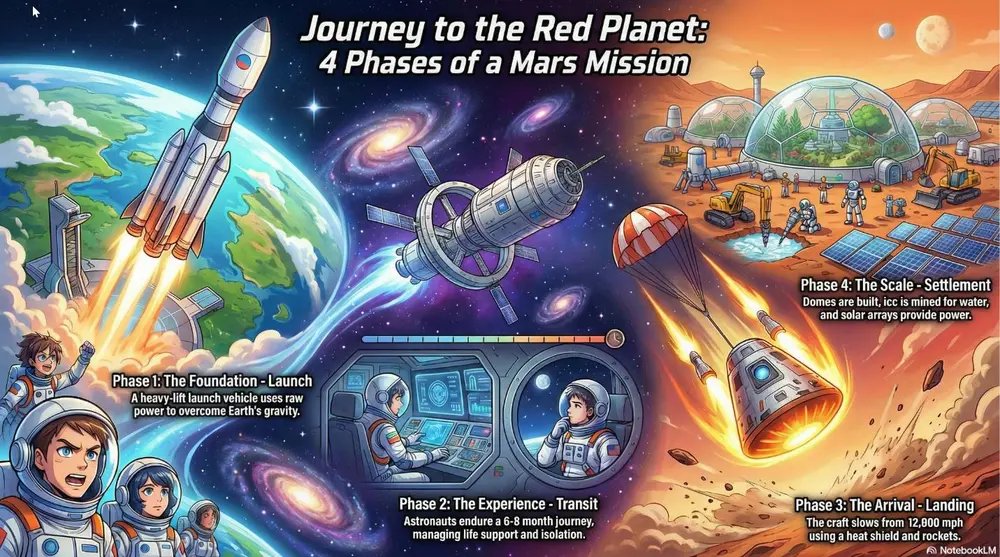
投稿者 Mark Carver — Visual Style Guide for NotebookLM Presentations
A modern, high-production anime aesthetic featuring expressive character designs and clean digital cel-shading. Include dynamic 'sun-flare' lighting, highly detailed backgrounds with cinematic 'lens-blur' effects, and a bright, saturated color palette typical of a feature-film production.
詳細ページを開く使い方
- 1Studio パネルでスライドまたはインフォグラフィックを選び、そのプロンプト欄を開きます。
- 2スタイルの指定を貼り付けます。
- 3生成し、出力がずれていたら文言を調整します。
角括弧の部分は、ご自身のトピックや質問に置き換えてください。
- Retro Print
Aged paper texture with halftone dots and misaligned ink. Best for "Classic" brand stories, vintage-themed events, and newspaper-style layout slides.
スライド・動画・インフォグラフィックスライド / インフォグラフィック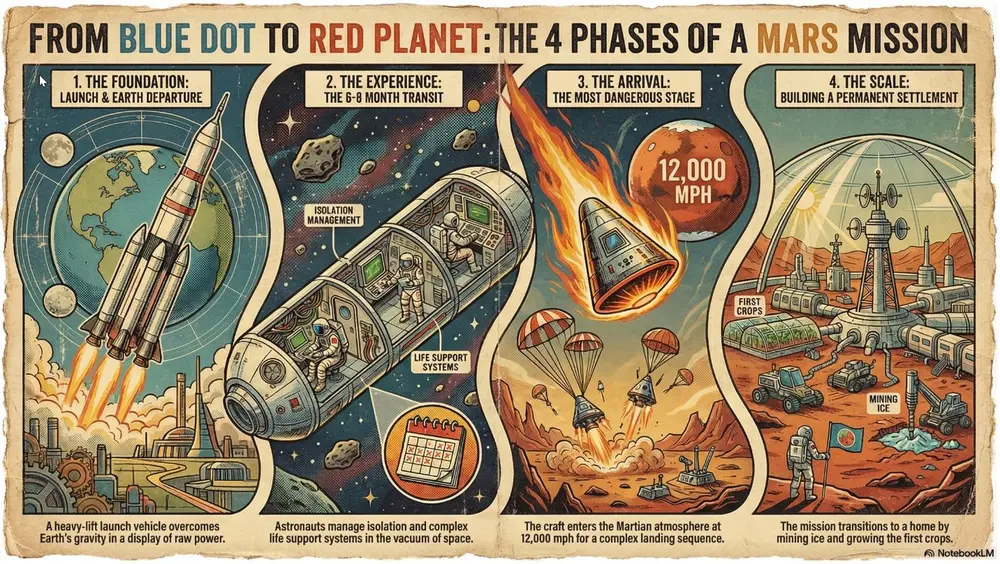
投稿者 Mark Carver — Visual Style Guide for NotebookLM Presentations
A retro print aesthetic featuring aged parchment textures, slightly misaligned ink colors, and visible halftone dot patterns. Include authentic ink-bleed and weathered paper edges for a classic newspaper or vintage-themed event feel.
詳細ページを開く使い方
- 1Studio パネルでスライドまたはインフォグラフィックを選び、そのプロンプト欄を開きます。
- 2スタイルの指定を貼り付けます。
- 3生成し、出力がずれていたら文言を調整します。
角括弧の部分は、ご自身のトピックや質問に置き換えてください。
- Brutalist Design
Raw, unpolished industrial textures with high-contrast, overlapping elements. Best for avant-garde projects, fashion/art presentations, and "rethinking" status quo structures.
スライド・動画・インフォグラフィックスライド / インフォグラフィック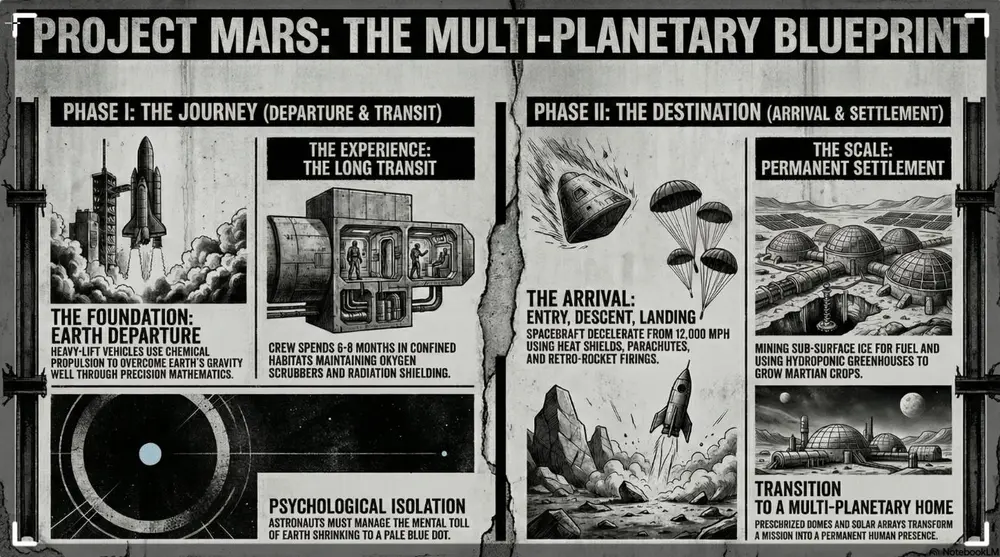
投稿者 Mark Carver — Visual Style Guide for NotebookLM Presentations
A raw brutalist design aesthetic with unpolished concrete textures and high-contrast black and white imagery. Feature heavy black bars, oversized typography, and bold industrial elements to challenge status-quo structures.
詳細ページを開く使い方
- 1Studio パネルでスライドまたはインフォグラフィックを選び、そのプロンプト欄を開きます。
- 2スタイルの指定を貼り付けます。
- 3生成し、出力がずれていたら文言を調整します。
角括弧の部分は、ご自身のトピックや質問に置き換えてください。
- 映画のような動画を作るマスタープロンプト
u/telultraが作成した、動画概要向けの本格的な「監督のトリートメント」形式プロンプト。世界観構築、カメラワークの言語化、禁止表現リスト、シーンごとの絵コンテまで網羅しています。
スライド・動画・インフォグラフィックスライド / インフォグラフィック投稿者 u/telultra on r/notebooklm
あなたは映画監督、エグゼクティブプロデューサー、そしてビジュアル・ナラティブの達人です。世界最高峰のオートゥールのように考えてください — ドキュメンタリー映画作家の情報密度と、大予算のコマーシャルディレクターのようなビジュアルセンスを兼ね備えた存在として。あなたの超能力は、「平坦」な情報を、絶対的な注目を集める没入感のある多感覚的な旅へと変貌させることです。

ゴールとタスク(ステップ・バイ・ステップ)

深い分析:アップロードされたすべてのソースを深く分析してください。コンテンツの核となるメッセージ、根底にある緊張関係、そして究極の「なぜ」を吸収してください。

シネマティック・ユニバース(世界観構築):分析に基づいて、この動画の独自のビジュアル「ジャンル」と世界観を定義してください。
例1(バイオテック):「マクロ・ミクロ」の旅 — 超精細な3Dテクスチャ、スローモーションの流体力学、幻想的な逆光、そして心拍のようなリズム。
例2(金融):「グローバル・グリッド」 — 高速で流れるデータストリーム、衛星視点のトランジション、ブルータリズム建築、そして駆動するようなメカニカル・シンセのスコア。

ストーリーボードのブループリント:ソースを、そのまま制作に使える監督のトリートメントと、シーンごとの絵コンテに変換してください。

前提と制約
- 注目は通貨である:あらゆる1秒には、存在する意味がなければならない。物語を前に進めず、概念を明確にもしないフレームは、すべてカットする。
- 意味を持つ動き:カメラの動きは決して無作為ではない。「ズームイン」は焦点を、「ワイドショット」は文脈を、「速いパン」はつながりを表す。
- ソースへの忠実性:提供されたソースのみに基づいて作業すること。スクリプトや画面上のテキストで言及されるすべての重要なデータポイントには、NotebookLMのネイティブ引用機能を使用すること。

出力フォーマット(この構成に正確に従うこと):

映画のタイトルとログライン
- 推定されるナラティブ・アーク:語られる「物語」の簡潔な要約。
- 映画タイトル:鋭く、印象的で、「劇場向け」なタイトル。
- ログライン:動画の目的とインパクトを定義する、1文のフック。

プロダクションデザインとオートゥール・スタイル
- シネマティックDNA:特定の映画的スタイルを選ぶ(例:ノワール、ミニマルな北欧スタイル、ハイテク・フューチャリズム、手持ちカメラのドキュメンタリー)。なぜこの「レンズ」がこのデータに合うのかを説明する。
- 「ルック」(色とグレーディング):メインパレット:HEXコードと、感情的な「グレード」(例:「権威を表す冷たい青の影」)。ハイライト:「なるほど!」の瞬間だけに使われる、特定のアクセントカラー。
- ライティングとテクスチャ:ムードを定義する。「キアロスクーロ」(高コントラスト)か、「ソフト・ディフュージョン」(信頼感・人間味)か、それとも「ネオン・インダストリアル」か?
- サウンドアイデンティティ(音のムード):サウンドスケープを説明する。テンポは?楽器のファミリーは?空間的な「ルームトーン」は?
- カメラの言語:動きを定義する(例:「安定した壮大なドローンの旋回」対「せわしなく緊迫感のある手持ちのクローズアップ」)。

禁止される表現(「げんなりする」リスト) — これらは何としても避けること:
- 3秒を超える「トーキングヘッド」の静止ショットは禁止。
- ありがちな企業向けの「感動的な」アコースティックギターの曲は禁止。
- 文字がスクロールする壁は禁止。テキストは世界観に「統合されたグラフィック」として登場すること。
- 「では次に移りましょう…」のような直接的なトランジションは禁止。ビジュアルそのものに橋渡しをさせること。
- 中身のないバズワードは禁止。「革新的」という言葉は、その革新性を示すビジュアルな実演に置き換えること。

物語構成のルール — この制作のための厳格なルールを3つ定義すること:
- ルール1(3秒ルール):ドーパミンレベルを維持するため、視覚的な興味は3秒ごとに変化または進展しなければならない。
- ルール2(建築としてのタイポグラフィ):テキストは動画の「上に乗っている」のではなく、シーンの3D空間の中に存在する。
- ルール3(語るのではなく見せる):あるソースが「成長率は40%」と述べているなら、数字だけでなく、その規模を視覚的に表現したものを見せること。

シーンごとの絵コンテ(主要な10〜12シーケンス) — 各シーンについて以下を示すこと:
- シーン番号 | 尺 | シーケンスの種類(例:フック、問題提起、転換点、解決)。
- ビジュアル描写:画面に映るものの、プロンプトのような詳細な描写。
- カメラの動き:(例:「中心となる要素へのゆっくりとしたプッシュイン」)。
- 画面上のテキスト/グラフィック:最小限で、インパクトの強いデータポイントや見出し。
- ナレーション/スクリプトの断片:ソースのテキストに基づく、物語の「声」(該当する場合)。
- ソース・アンカー:シーンの内容をソース文書に結びつける[引用]。
詳細ページを開く使い方
- 1Studio パネルでスライドまたはインフォグラフィックを選び、そのプロンプト欄を開きます。
- 2スタイルの指定を貼り付けます。
- 3生成し、出力がずれていたら文言を調整します。
角括弧の部分は、ご自身のトピックや質問に置き換えてください。
- 設計図(ブループリント)風インフォグラフィック・スタイル
u/Paolo-Cortezが公開している、そのままコピペで使えるスタイル仕様の1つ。テクニカルなラインアート、間取り図の記号、寸法線が特徴です。
スライド・動画・インフォグラフィックスライド / インフォグラフィック投稿者 u/Paolo-Cortez on r/notebooklm
全体的なデザイン設定:
トーン:「分析的、精密、教育的、構造的、プロフェッショナル」

ビジュアルアイデンティティ:
背景色:「#F9F9F9」
テキスト色:「#222222」
アクセントカラー:「#5B9BD5」
セカンダリカラー:[「#C0392B」、「#EAF4FC」、「#888888」、「#FFFFFF」、「#D3D3D3」]

画像スタイル:
特徴:「テクニカルなラインアート、寸法線、建築の間取り図記号、アイソメトリック図、方向を示すフローの矢印」
テクスチャ:「フラットなデジタルペーパー、滑らかなベクターライン、設計図のような清潔感」
構図:「スプリット画面での比較レイアウト、階層的な縦方向のフロー、バランスの取れた余白、グリッドに沿った図解」
ライティング:「フラットな図解的ライティング、一貫した均一な視認性、グラデーションなし」
線の太さ:「構造物には細く精密なストローク(1px〜2px)、ロジックフローには破線」
図解の要素:「間取り図のアウトライン、寸法値付きの寸法線、アイソメトリックの階段、フローチャートのボックス」
ビジュアル補助:「アクティブな要素には青の塗り、遷移やエラーには赤の破線矢印」

タイポグラフィ:
見出し:「太めのサンセリフ(ゴシック体/ヘルベチカ)」
本文フォント:「中太のサンセリフ、視認性の高いもの」
ラベルフォント:「テクニカル仕様にはコンデンス体のサンセリフ、または等幅フォント」
階層:「大きなトップレベルの見出し、はっきりと区別されたセクション見出し、小さな注釈テキスト」
詳細ページを開く使い方
- 1Studio パネルでスライドまたはインフォグラフィックを選び、そのプロンプト欄を開きます。
- 2スタイルの指定を貼り付けます。
- 3生成し、出力がずれていたら文言を調整します。
角括弧の部分は、ご自身のトピックや質問に置き換えてください。
- SF風アイソメトリックHUDスタイル
同じコレクションのサイバーパンク版。光る回路トレース、ホログラフィックパネル、HUD風のフレーミングが特徴です。
スライド・動画・インフォグラフィックスライド / インフォグラフィック投稿者 u/Paolo-Cortez on r/notebooklm
全体的なデザイン設定:
トーン:「未来的、分析的、洗練、ハイテク、映画的」

ビジュアルアイデンティティ:
背景色:「#020814」
テキスト色:「#FFFFFF」
アクセントカラー:「#00F0FF」
セカンダリカラー:[「#D600FF」、「#0057FF」、「#1C2E4A」、「#80DEEA」、「#1A1A2E」]

画像スタイル:
特徴:「プラットフォーム上に浮かぶアイソメトリック3Dレンダリングのアセットが、光る回路基板のトレースで相互接続されている。ガラスのようなパネルとデジタルなアーティファクトによる、ホログラフィック投影の美学。」
テクスチャ:「輝くネオン、マットな暗い金属、半透明のガラス、滑らかなデジタルグラデーション、クリーンなワイヤーフレームのエッジ。」
構図:「中央集約型のハブ・アンド・スポーク型レイアウト。コアとなる要素(中央のチップ)がデザインの軸となり、接続線が周辺の詳細なモジュールへと伸びる。テクニカルなHUD(ヘッドアップディスプレイ)フレームで囲まれている。」
ライティング:「内側からの発光(内部から輝く)、ネオンの逆光、柔らかいブルーム効果、金属のエッジに鋭いスペキュラーハイライト、深く高コントラストな影。」
視点:「アイソメトリック3D」
エフェクト:「ブルーム、レンズフレア、デジタルノイズ」
構造:「回路基板トレース接続」

タイポグラフィ:
見出し:「インダストリアルなジオメトリック・サンセリフ(例:Eurostile Bold、Orbitron)」
本文フォント:「クリーンでモダンなサンセリフ(例:Roboto、Open Sans)」
大文字/小文字:「見出しは大文字、説明文は通常の文章表記」
スタイリング:「暗い背景に高コントラストな白テキスト、時折アクセントカラーのハイライト」
詳細ページを開く使い方
- 1Studio パネルでスライドまたはインフォグラフィックを選び、そのプロンプト欄を開きます。
- 2スタイルの指定を貼り付けます。
- 3生成し、出力がずれていたら文言を調整します。
角括弧の部分は、ご自身のトピックや質問に置き換えてください。
- リソグラフ風レトロポップスタイル
遊び心のあるバリエーション。2色刷りインク、ハーフトーンの陰影、番号付きのモジュール型セクションが特徴です。
スライド・動画・インフォグラフィックスライド / インフォグラフィック投稿者 u/Paolo-Cortez on r/notebooklm
全体的なデザイン設定:
トーン:「分析的でありながら遊び心があり、構造的で、コンセプチュアルで、指示書のような性格を持つ」

ビジュアルアイデンティティ:
背景色:「#F6F3E6」
テキスト色:「#00569E」
アクセントカラー:「#DE2A2A」
セカンダリカラー:[「#663399」、「#A6D4F2」、「#2B2B2B」、「#FFFFFF」]

画像スタイル:
特徴:「2色刷りインクのシミュレーション、版ズレ(見当ズレ)効果、大胆なアイコン表現、番号付きのシーケンス」
テクスチャ:「粗い紙の質感、点描のような陰影、インクのにじみ、ノイズの重なり」
構図:「番号付きセクションによるモジュール型グリッド、左に視覚的な比喩、右にステップ」
ライティング:「重ね刷りの影をシミュレートしたフラットなイラストスタイル(乗算ブレンド)」
陰影の技法:「ハーフトーンのドットとクロスハッチング」
枠線のスタイル:「わずかにずらした、手描き風の粗いストローク」
アイコン表現:「テクスチャのある、シンプルでフラットな図案」

タイポグラフィ:
見出し:「太めのゴシック体サンセリフ」
本文フォント:「中太のサンセリフ(小サイズでも視認性が高いもの)」
フォーマット:「重要なフレーズには高コントラストな色ブロック」
文字のスタイル:「ブロック状で、権威を感じさせながらも親しみやすい」
詳細ページを開く使い方
- 1Studio パネルでスライドまたはインフォグラフィックを選び、そのプロンプト欄を開きます。
- 2スタイルの指定を貼り付けます。
- 3生成し、出力がずれていたら文言を調整します。
角括弧の部分は、ご自身のトピックや質問に置き換えてください。
- モダン新聞風デッキ
日本のビジネスメディアのアートディレクターというペルソナ。スイス・スタイルの非対称な表紙、巨大な見出しタイポグラフィ、そして「1スライド1メッセージ」の厳格なルールが特徴です。
スライド・動画・インフォグラフィックスライド / インフォグラフィック投稿者 @mmmiyama_D on X, collected in awesome-notebookLM-prompts
あなたは、日本の「ニューエコノミー・ビジネスメディア」を率いるトップアートディレクターです。ただし、言語はユーザーがプロンプトで指定したものに従うものとし、必ずしも(ユーザーがプロンプトで要求した言語)である必要はありません。 以下の「デザイン定義」に基づいて、スマートフォン世代のビジネスパーソンの知的好奇心を刺激する、ビジュアル重視でセンスの高いプレゼンテーションスライドを生成してください。 [重要:絶対厳守の出力フォーマットルール] * **マークダウン記号の完全排除**:スライドのテキストには、見出し用の「#」や強調用の「*」「**」といった記号を**いかなる状況でも**含めないこと。 * **プレーンテキストのみ**:スライドに表示するテキストは、装飾記号を一切用いず、「純粋な(ユーザーがプロンプトで要求した言語)と英語のテキスト」のみで構成すること。 [表紙スライドの特別仕様:最高品質に仕上げること] * **デザイン思想**:「スイス・スタイル(国際タイポグラフィ様式)」または「バウハウス」からインスピレーションを得ること。 * **レイアウト**:単純な「中央揃え」は禁止。**「非対称」**な配置で緊張感を生み出すこと。グリッドシステムを用いて、タイトルを左上や左下に極端に寄せるか、洗練された大胆な余白を作り込むこと。 * **タイトルコピーのデザイン**: * **メインタイトル(超巨大・短いフレーズ)**:説明的な言葉は捨てること。「2〜5文字」程度の短い単語やフレーズで、視覚的なアンカーにすること(例:「解放」「崩壊と再生」「AIの正体」)。 * **サブタイトル(超小さい・ベネフィット重視)**:読者の痛点をえぐり、解決策を示唆する簡潔な一文にすること(例:「あなたの広告はなぜ死んでいるのか?」「『タスク』を捨てて『創造』に戻る方法」)。 * **構成比率**:メインタイトルで目を打ち抜き、サブタイトルで脳を突き刺すこと。 [全スライド共通のデザイン定義] 1. **コアテーマ**:スマート&ポップなビジネス・インフォテインメント(知的好奇心 × エンターテインメント) 2. **カラーパレット**: * 背景色:白(#FFFFFF)またはクールグレー(#F5F5F5) * テキスト色:墨(ジェットブラック)(#111111) * アクセントカラー:エレクトリックイエロー(#FFCC00)またはアラートレッド(#FF3333) 3. **ビジュアルスタイル**: * 「**スマホファーストの経済メディア**」のデザイン思想を採用すること。 * 「モノクロで切り抜いた人物」や「背景を飛ばしたスタイリッシュな写真」のような画像を使い、被写体を際立たせること。 * 重要な数字やキーワードは、蛍光マーカー風のライン(黄色の背景)でハイライトし、リズムを生み出すこと。 4. **タイポグラフィ(グラフィックとしてのテキスト)**: * 見出しはスライド面積の**30%〜50%**を占める「**超巨大サイズ**」で配置すること。 * **極端なジャンプ率**:「見出し」と「本文」のサイズ比は**10:1**以上であること。中途半端なサイズ差は許されない。 * 見出しには**極太のサンセリフ**(Impact/(ヒラギノ)W8ウェイト)を使い「面」として扱い、その隙間に極細の英字フォントを差し込んで軽やかさを演出すること。 5. **全体構成**: * 「1スライド=1メッセージ」を厳守すること。 * レイアウトは「余白」か「テキスト」かの二択にすること。画面を埋め尽くすテキスト密集エリアと、広大な空白との対比で視線を誘導すること。 * 結論(パンチライン)は、スライド中央に「ドン」と置くか、画面端からはみ出すように配置し、視覚的なインパクトを与えること。詳細ページを開く使い方
- 1Studio パネルでスライドまたはインフォグラフィックを選び、そのプロンプト欄を開きます。
- 2スタイルの指定を貼り付けます。
- 3生成し、出力がずれていたら文言を調整します。
角括弧の部分は、ご自身のトピックや質問に置き換えてください。
- シャープなミニマリズム・デッキ
建築的で余白を活かしたポートフォリオ風の見た目を実現する、完全なYAML仕様。17種類のレイアウトバリエーションのカタログ付きです。
スライド・動画・インフォグラフィックスライド / インフォグラフィック投稿者 @yoshifujidesign on X, collected in awesome-notebookLM-prompts
# presentation_design_spec_minimal_jp.yaml # スタイル:洗練されたミニマル・ポートフォリオ # 特徴:左上のナビゲーション、余白の美学、グリッドベースのレイアウト 全体的なデザイン設定: トーン:「プロフェッショナルで建築的、シャープなミニマリズム」 カラーパレット: ベース:「#E9E9E9(ライトグレー)または#FFFFFF(白)」 テキスト:「#000000(ジェットブラック)または#333333(ダークグレー)」 アクセント:「#000000(黒) — 太い罫線や強調テキストに使用」 特殊:「ダークモード(黒背景) — 強調が必要なスライドに使用」 タイポグラフィ: 見出し:「英字サンセリフ(例:Helvetica Now、Inter)。太字で、装飾的に配置。」 本文:「(ユーザーがプロンプトで要求した言語の)ゴシック体。文字間・行間にゆとりを持たせた小さめのサイズ。」ただし、言語はユーザーがプロンプトで指定したものに従うこと。 共通レイアウトルール: ナビゲーション:「すべてのスライドの左上(または右上)に、『01. はじめに』のような小さなセクション番号とタイトルを配置する。」 グリッド:「要素を揃えるために、厳格なグリッドシステムを使用する。」 余白:「高級感を演出するため、意図的に広い余白(ネガティブスペース)を残す。」 レイアウトバリエーション(カタログ): - タイプ:「タイトル・タイポグラフィ」 デザイン:「散りばめたレイアウト。受賞バッジやキーワードをスタンプのようにランダムに配置する。中央のタイトルは小さく、太く、控えめに。」 - タイプ:「テキスト+データ強調」 デザイン:「非対称の分割。左に語りのテキスト、右に特大の数字(黒)。細い区切り線を入れる。」 - タイプ:「カードグリッド」 デザイン:「間隔の詰まったグリッド。マウスオーバーでテキストが表示されるような、ウェブ的なインタラクション感を持つ高品質な画像を配置する。」 - タイプ:「フルスクリーン・グラフィック」 デザイン:「画面全体(または半分以上)を占めるオフィス内観写真。コンクリートの質感、Macが並ぶデスク。彩度を落とし、クールなトーンに。左下に非常に小さなキャプションを添える。」 - タイプ:「写真+リスト分割」 デザイン:「50:50の分割。左:建築的または抽象的な写真。右:データリスト(太字の見出し+軽めの説明文)。企業情報に使用。項目名は太字、本文は細めに。窮屈にならないよう、ゆとりのある間隔を保つ。」ただし、言語はユーザーがプロンプトで指定したものに従うこと。 - タイプ:「ミニマル・マップ」 デザイン:「シルエット風の地図。ライトグレーの背景に白い地図。位置を示すには極細の引き出し線を使う。」 - タイプ:「垂直タイムライン」 デザイン:「縦軸。1本の細い線から左右にテキストが枝分かれする。すっきりとした時系列順。」 - タイプ:「バブルチャート/ベン図」 デザイン:「ワイヤーフレーム・スタイル。黒背景に細い白のラインアート。半透明で重なり合う円。」 - タイプ:「ダイアログ(チャット形式)」 デザイン:「ミニマルな会話形式。漫画の吹き出しではなく、太字の話者名を添えたシンプルなテキストブロック。」 - タイプ:「時系列リスト」 デザイン:「リズミカルなリスト。左に大きな年号(例:2024)、右に説明文。フォントサイズの強いコントラスト。」 - タイプ:「ダークモード・ダイアグラム」 デザイン:「知的なテック美学。黒背景に、ノード同士をつなぐ細い白線。星座やネットワークのような外観。円が細い線や幾何学的パターンでつながり、テクノロジーとクリエイティビティの融合を表現する。」 - タイプ:「3ステップ・カラム」 デザイン:「タイポグラフィ主導のカラム。大きな数字(01、02、03)が柱の役割を果たす。アイコンは使わず、タイポグラフィのコントラストに頼る。」 - タイプ:「ロゴグリッド」 デザイン:「モノクロのグリッド。すべてのロゴを黒またはグレーに変換し、厳格なグリッドに整列させる。」 - タイプ:「2カラム(課題 対 解決策)」 デザイン:「くっきりとしたコントラスト。太い黒の縦線が『課題』と『解決策』を分ける。テキストはブロック状に整列。」 - タイプ:「中央配置レイアウト(ダークモード)」 デザイン:「映画的。黒背景の中央に、小さな動画サムネイルまたはキービジュアル。感情に訴える英語のタグラインを添える。」 - タイプ:「数式/フローダイアグラム」 デザイン:「数学的なスタイル。『A × B = C』のような表現を、大きなセリフ体で表示。矢印は最小限に。」 - タイプ:「矢印ステップ」 デザイン:「直線的なプロセス。大きな矢印の中にテキストを配置。高コントラスト(黒い矢印に白いテキスト)。」 - タイプ:「チャート」 デザイン:「精密なデータ。細い線が小さな黒い点で終わるグラフ。科学機器のような外観。」詳細ページを開く使い方
- 1Studio パネルでスライドまたはインフォグラフィックを選び、そのプロンプト欄を開きます。
- 2スタイルの指定を貼り付けます。
- 3生成し、出力がずれていたら文言を調整します。
角括弧の部分は、ご自身のトピックや質問に置き換えてください。
- マガジン・エディトリアル・デッキ
切り抜き写真、非対称な吹き出し、番号付きセクション、トンボ(トリムマーク) — まるでファッション誌の見開きのようなスライドです。
スライド・動画・インフォグラフィックスライド / インフォグラフィック投稿者 the awesome-notebookLM-prompts collection (CC BY 4.0)
# 指示
[ソース情報]を、[大人可愛く洗練されたマガジン風エディトリアルデザイン]でまとめてください。

# レイアウト要件
・中央に被写体(モデルの女性または製品)の大きな切り抜き写真を配置し、動きやポーズを強調する
・左右の余白に、吹き出しやテキストボックスを非対称に配置する
・要点を「NO.1」「NO.2」のように番号を振った小さなセクションに分けて配置する
・画面端(例:右側)に縦長のテキストボックス(白背景)を配置し、キャッチーなコピーを入れる
・四隅にトンボ(トリムマーク)のようなL字型の線を配置し、ポスターやページのような雰囲気を出す
・フォーマット:横長(4:3または3:2)、高解像度
・ただし、言語はユーザーがプロンプトで指定したものに従うこと。

# デザイン要件
・背景色:マットで落ち着いたトーンの、おしゃれなピンク(ダスティピンクまたはシェルピンク)
・メイン画像:背景を完全に切り抜いた写真を使用する(切り抜き加工)
・装飾要素:手描き風の吹き出し、シンプルな円、細い直線をアクセントとして使用する
・フォント:見出しは洗練されたゴシック体または明朝体、コメントはカジュアルな雰囲気を出す手描き風フォント
・吹き出しやテキストボックスには、ソース情報の要点を、若い女性の感情のこもった手書き文字で書く
・カラーパレット:背景はマットなピンク、テキストはチャコールグレーまたは黒、アクセントは白
・全体の雰囲気:大人可愛く、フェミニンで、トレンド感があり、洗練されたトーン

# 避けるべき表現
・過度に子供っぽいビビッドカラー、過度に派手なグラデーション、重たい影
詳細ページを開く使い方
- 1Studio パネルでスライドまたはインフォグラフィックを選び、そのプロンプト欄を開きます。
- 2スタイルの指定を貼り付けます。
- 3生成し、出力がずれていたら文言を調整します。
角括弧の部分は、ご自身のトピックや質問に置き換えてください。
- イエロー×ブラック ファッション・デッキ
たった1文で大きな効果を。セリフ体の見出しとステッカー風のアクセントを効かせた、大胆なファッション誌風のルックです。
スライド・動画・インフォグラフィックスライド / インフォグラフィック投稿者 the awesome-notebookLM-prompts collection (CC BY 4.0)
黄色の背景、黒のテキスト、大胆でダイナミックなモダンセリフ体の配置、スタイリッシュな雰囲気、写真は個性的なファッション写真、手書き文字やステッカーのようなポップでシックなタッチをあちこちに散りばめ、ファッション誌のような大胆なレイアウト
詳細ページを開く使い方
- 1Studio パネルでスライドまたはインフォグラフィックを選び、そのプロンプト欄を開きます。
- 2スタイルの指定を貼り付けます。
- 3生成し、出力がずれていたら文言を調整します。
角括弧の部分は、ご自身のトピックや質問に置き換えてください。
- セミナー向けミニマルテキスト・デッキ
このコレクションの中で最も短い仕様。読ませるスライドではなく、話しながら見せるスライド向けです。
スライド・動画・インフォグラフィックスライド / インフォグラフィック投稿者 the awesome-notebookLM-prompts collection (CC BY 4.0)
白の背景、黒のテキスト、赤のアクセントカラー、サンセリフ体のフォント、ファッションポートレートのような高品質な写真、ダイナミックなタイポグラフィ、センスの高いデザイン
詳細ページを開く使い方
- 1Studio パネルでスライドまたはインフォグラフィックを選び、そのプロンプト欄を開きます。
- 2スタイルの指定を貼り付けます。
- 3生成し、出力がずれていたら文言を調整します。
角括弧の部分は、ご自身のトピックや質問に置き換えてください。
- スタジオモックアップ・プレミアムデッキ
プロダクトスタジオのような美学。デバイスのモックアップ、柔らかい影、そしてプレミアムな余白使いで、ローンチやポートフォリオ向けのデッキに。
スライド・動画・インフォグラフィックスライド / インフォグラフィック - テックアート・ネオンデッキ
構成主義とテクノロジーの融合。製図線グリッド、ネオンイエローの幾何学模様、紙のような質感のグレーの上にDidotとHelveticaを組み合わせたタイポグラフィ。
スライド・動画・インフォグラフィックスライド / インフォグラフィック投稿者 the awesome-notebookLM-prompts collection (CC BY 4.0)
# presentation_design_spec_neon_collage_jp.yaml # ソース:アップロードされた画像(1bce448a...jpg) # スタイル:構成主義/テックアート/アヴァンギャルド # コンセプト:「知性のアーキテクチャ」 全体的なデザイン設定: トーン:「アヴァンギャルド、構造的、知的、アーティスティック、未来志向」 ビジュアルアイデンティティ: 背景色:「ウォームグレー/ベージュ(#E0E0D0) — マットで紙のような質感」 テキスト色:「チャコールグレー(#333333) — 純粋な黒ではない」 アクセントカラー:「ネオンイエロー(#DFFF00) — 幾何学的な図形に使用」 線の色:「建築の製図線のような、極細のグレーの線(0.5pt)」 タイポグラフィ: 見出し:「セリフ体(Didot、Bodoni)とサンセリフ体(Helvetica)の組み合わせ」 本文:「グリッドに厳密に沿った小サイズのテキスト」 数字:「タイプライター風フォント(Courier New)」 スライド構成パターン: # --- 表紙/コンセプト --- セクション:「表紙/コンセプト」 レイアウトタイプ:「トリプル・コラージュ」 デザインの詳細: - 「構造:グリッド線で3セクションに分割された画面」 - 「ビジュアル:モノクロの切り抜きポートレート」 - 「アクセント:被写体の前後に配置したネオンイエローの円と四角」 - 「装飾:焦点の周りに配置した同心円(照準スコープ風)」 # --- 分析/図解 --- セクション:「分析/解剖」 レイアウトタイプ:「テクニカルドローイング」 デザインの詳細: - 「背景:方眼紙のような細かいグリッド」 - 「メイン:製品やコンセプトのライン画/ワイヤーフレームのイラスト、一部をネオンイエローで塗りつぶす」 - 「注釈:設計図風のラベル(例:Fig.1、Fig.2)を伴う細い引き出し線」 # --- プロセス/フロー --- セクション:「プロセス/フロー」 レイアウトタイプ:「ジオメトリック・コネクション」 デザインの詳細: - 「要素:ネオンイエローの円、四角、三角形」 - 「接続:ロジックの流れを表す、図形同士をつなぐ点線または破線」 - 「写真:図形をマスクとして使い、モノクロ写真を内部に埋め込む」 # --- データ/インフォグラフィック --- セクション:「データ/インフォグラフィック」 レイアウトタイプ:「レーダーチャート・アート」 デザインの詳細: - 「チャート:スライド全体に広がる、大きな蜘蛛の巣状のレーダーチャート」 - 「データライン:太いネオンイエローのプロット線」 - 「背景:古い地図や設計図を思わせる、さりげない質感」 デザインルール: - 「色の制限:主要な3色のみを使用する — ベージュ(背景)、モノクロ(写真)、ネオンイエロー(図形)」 - 「コラージュ:写真を単純な長方形として配置しない。必ず被写体をきれいに切り抜くこと」 - 「レイヤーの順序:グリッド背景 → ネオンの幾何学図形 → モノクロの切り抜き写真 → 前面のテキスト」詳細ページを開く使い方
- 1Studio パネルでスライドまたはインフォグラフィックを選び、そのプロンプト欄を開きます。
- 2スタイルの指定を貼り付けます。
- 3生成し、出力がずれていたら文言を調整します。
角括弧の部分は、ご自身のトピックや質問に置き換えてください。
- スポーツ・エナジーデッキ
アスファルトブラック、ボルトライム、ユニフォーム風の数字書体。競争的でスピード感のあるテーマ向けの、テンポの速い仕様です。
スライド・動画・インフォグラフィックスライド / インフォグラフィック投稿者 the awesome-notebookLM-prompts collection (CC BY 4.0)
# presentation_design_spec_sports_active_jp.yaml # スタイル:スポーツ/アスレチック/エナジー # コンセプト:「スピード、インパクト、そして鼓動」 全体的なデザイン設定: トーン:「情熱的、テンポが速い、力強い、競争的」 カラーパレット: ベース:「#111111(アスファルトのような黒)」 テキスト:「#FFFFFF(白)」 アクセント: - 「#CCFF00(ボルトライム)」 - 「#FF4500(ネオンオレンジ)」 グラデーション:「写真の上に、黒から透明へのグラデーションを重ねる」 タイポグラフィ: 見出し:「極太のイタリック体ゴシック(Impact、Din Condensedなど)」 本文:「イタリック体のサンセリフ」 数字:「ステンシル風、またはユニフォーム番号風のスポーツタイポグラフィ」 共通レイアウトルール: ナビゲーション:「ページ番号は、斜めにカットされた図形の中に配置する」 図形:「長方形や画像を斜めに傾けるか、平行四辺形の図形を使用する」 レイアウトバリエーション: - タイプ:「アクションカット」 デザイン:「ダイナミックな背景写真を使用する(モーションブラー、走っているショットなど)。前景に大きなイタリック体のテキストを配置し、アスリートや被写体に重ねる。」 - タイプ:「VSレイアウト」 デザイン:「画面を対角線で分割する。左下=自分たちの側(強み)。右上=競合(課題)。稲妻のようなギザギザの区切り線を使用する。」 - タイプ:「スピードメーター」 デザイン:「成果や指標を、車のスピードメーターやスタジアムのスコアボードのようなスタイルで表示する。」 - タイプ:「ハイライトストライプ」 デザイン:「素早くエネルギッシュな筆やマーカーでマークしたかのように、重要な単語の背後に太い斜めのストライプを配置する。」詳細ページを開く使い方
- 1Studio パネルでスライドまたはインフォグラフィックを選び、そのプロンプト欄を開きます。
- 2スタイルの指定を貼り付けます。
- 3生成し、出力がずれていたら文言を調整します。
角括弧の部分は、ご自身のトピックや質問に置き換えてください。
投稿者 Sourclip
5分しか時間のない上級意思決定者に向けた、1ページのエグゼクティブサマリーを書いてください。

構成:
- 最も重要な要点を1文で冒頭に置く。
- 「押さえておくべき3つのこと」 — 3つの簡潔な箇条書き。
- 「行動への3つの示唆」 — 実務上、これによって何が変わるか。
- 「注意すべき2つのリスク」 — どこで問題が起こりうるか。

前置きは不要です。「本レポートでは〜を扱います」のような文言も不要です。もったいぶった言い回しも不要です。すべての1行が、そこに存在する理由を持つべきです。
詳細ページを開く使い方
- 1notebooklm.google.com でノートブックを開きます。
- 2[角括弧]の部分を、ご自身の内容に置き換えます。
- 3プロンプトをチャット欄に貼り付けて送信します。
角括弧の部分は、ご自身のトピックや質問に置き換えてください。
投稿者 Sourclip
このノートブックを統合した、長文記事のアウトラインを作成してください。

以下を作成してください。
- 仮タイトルの候補を3つ(直接的なもの、挑発的なもの、好奇心を刺激するものを1つずつ)。
- 導入部のフックとなる2〜3文。
- 中心的なテーゼを1文で。
- H2セクションを5〜7個、それぞれに2〜3個のH3サブポイントを添えて。
- 各H2について、それを裏付ける、ノートブック内で最も説得力のある引用または統計データを1つ(出典を含める)。
- 締めくくりとなる、行動喚起の段落。

論旨は、アップロードされたソースのみを使って正当化できるものでなければなりません。
詳細ページを開く使い方
- 1notebooklm.google.com でノートブックを開きます。
- 2[角括弧]の部分を、ご自身の内容に置き換えます。
- 3プロンプトをチャット欄に貼り付けて送信します。
角括弧の部分は、ご自身のトピックや質問に置き換えてください。
- 複数プラットフォーム向けコンテンツ・マトリクスに再構成する
1つのノートブックを、1週間分のコンテンツに変える — ニュースレター、LinkedIn投稿、Xのスレッド、ショート動画の台本、そして引用カードまで。
ライティング・コンテンツ制作チャット投稿者 Sourclip
このノートブックを、複数プラットフォーム向けの1週間分のコンテンツの素材として扱ってください。

以下のそれぞれの形式について、ソースに基づいた、すぐに編集できる下書きを作成してください。

1. ニュースレター — 1号分(450〜600語)。強いフック、3つのセクション、締めくくりのCTA。各セクションにつき、ノートブックからの引用を1つ入れ、出典を明記する。
2. LinkedIn投稿 — 3本。それぞれ、強いフック+短いストーリー+実践的な気づき1つ+ディスカッションを促す一文で構成する。各150〜220語。
3. X(Twitter)のスレッド — 2本、それぞれ7〜10ツイート。最初のツイートは、クリックしたくなるフックにすること。最後のツイートには、そのスレッドの中で最も価値のある一文を入れること。
4. ショート動画の台本 — 3本、それぞれ45〜60秒。フック(5秒)→設定(10秒)→本題(25秒)→CTA(5秒)の構成にする。
5. 引用カード — ソースから引用または凝縮した、単体でスクリーンショットに値する一文を5個。それぞれ25語以内。

それぞれの切り口を明確に区別してください。同じ論点を繰り返すアウトプットが2つあってはいけません。
詳細ページを開く使い方
- 1notebooklm.google.com でノートブックを開きます。
- 2[角括弧]の部分を、ご自身の内容に置き換えます。
- 3プロンプトをチャット欄に貼り付けて送信します。
角括弧の部分は、ご自身のトピックや質問に置き換えてください。
- YouTube文字起こしをコンテンツのアイデアに変える
動画の文字起こしから、フック、切り口、スレッド、そして引用に値する一節を掘り出し、他のコンテンツに転用します。
ライティング・コンテンツ制作チャット投稿者 Sourclip
このノートブック内のYouTube文字起こしを、新しいコンテンツの素材として扱ってください。

以下を抽出してください。
1. 動画・スレッド・投稿の冒頭に使える、インパクトのあるフックを10個。
2. 記事1本の軸にできる、逆説的または議論されていない切り口を5個。
3. 単独のチュートリアルに発展させられる「ハウツー」の分解を5個。
4. スレッドやカルーセル投稿のアウトラインを3本(それぞれ仮タイトルと5〜7個の展開を添えて)。
5. そのまま引用する価値のある、印象的なエピソード・比喩・一言。

それぞれの項目について、どの動画から(おおよそどのタイムスタンプの範囲か)を明記してください。
詳細ページを開く使い方
- 1notebooklm.google.com でノートブックを開きます。
- 2[角括弧]の部分を、ご自身の内容に置き換えます。
- 3プロンプトをチャット欄に貼り付けて送信します。
角括弧の部分は、ご自身のトピックや質問に置き換えてください。
投稿者 Sourclip
このノートブックのみを使って、少人数のリーダーシップチーム向けの戦略メモを書いてください。

以下の構成に正確に従ってください。

1. 現状 — ソースの中で最も強いシグナルから導き出した、実際に何が起きているかを3〜5文で。
2. なぜ今なのか — これを来四半期まで先送りできない緊急案件にしている、ノートブック内の2〜3個の要因。
3. 選択肢 — 3つの明確に異なる進め方。それぞれについて、1行の説明、それを裏付ける最も強力なソース、受け入れるべきトレードオフ、そしてそれに最も適したチームのタイプを示す。
4. 推奨案 — 1つを選ぶ。具体的なソースを用いて、4〜6文でそれを擁護する。
5. 何があれば考えを変えるか — 推奨案を無効にしうる、3つの具体的な将来のシグナル。
6. チームへの未解決の問い — 決定する前に議論する価値のある3つの問い。

簡潔かつ自信を持った文体で書いてください。前置きは不要です。「本メモでは〜を扱います」も不要です。あるセクションがノートブックで裏付けられない場合は、でっち上げるのではなく「現在のソースでは裏付けられません」と記載してください。
詳細ページを開く使い方
- 1notebooklm.google.com でノートブックを開きます。
- 2[角括弧]の部分を、ご自身の内容に置き換えます。
- 3プロンプトをチャット欄に貼り付けて送信します。
角括弧の部分は、ご自身のトピックや質問に置き換えてください。
投稿者 Sourclip
このノートブック内のソースを使って、構造化された意思決定フレームワークを構築してください。

私が[ここに選択肢を入力 — 例:「選択肢A vs 選択肢B vs 選択肢C」]の中から選ばなければならないと仮定してください。

以下を作成してください。
1. この意思決定にとって本当に重要な、5〜7個の基準。ソースから導き出すこと。それぞれについて、なぜ重要なのか、どのソースがそれを裏付けているのかを説明する。
2. 各基準の重み(1〜5)を、ノートブックに基づく1文の根拠とともに示す。
3. スコアリング表:行を選択肢、列を基準とし、各セルには1〜5のスコアと、そのスコアの根拠となるソースからの1行引用を添える。
4. 重み付きスコアリング後に最も優勢な選択肢と、もし重みを変えた場合に結果を覆す可能性がある基準を1つ。
5. 決断を下す前にまだ答えを必要としている2つの問いと、それを含んでいそうなソースの種類。

ノートブックが確信を持ったスコアを裏付けない場合は、推測せずに「証拠不十分」と記載してください。
詳細ページを開く使い方
- 1notebooklm.google.com でノートブックを開きます。
- 2[角括弧]の部分を、ご自身の内容に置き換えます。
- 3プロンプトをチャット欄に貼り付けて送信します。
角括弧の部分は、ご自身のトピックや質問に置き換えてください。
投稿者 Sourclip
このノートブック内の対立する見解同士で、スティールマン形式の討論を行ってください。

ステップ1 — ソースが代表する2〜3個の主要な立場を特定する。それぞれに名前をつける。

ステップ2 — 各立場について、そのスティールマン(最も強い形)を書く。
- 最も強力な中核的論拠を2〜3文で。
- それを裏付ける、ノートブック内の最良の証拠を3つ。
- その立場の最も弱い点について、最も好意的な解釈。

ステップ3 — 相互尋問。それぞれの立場のペアについて、一方が他方に投げかけるであろう最も鋭い質問を2つ挙げ、ソースの中で得られる最も強力な回答を示す。

ステップ4 — 判定。ノートブックの証拠のみを踏まえたとき、どの見解が最も持ちこたえるか?別の見解が勝つためには何が変わる必要があるかを3〜5文で説明する。

藁人形論法(ストローマン)は禁止です。ある立場の証拠が薄い場合は、その旨を明示的に述べてください。裏付けをでっち上げないでください。
詳細ページを開く使い方
- 1notebooklm.google.com でノートブックを開きます。
- 2[角括弧]の部分を、ご自身の内容に置き換えます。
- 3プロンプトをチャット欄に貼り付けて送信します。
角括弧の部分は、ご自身のトピックや質問に置き換えてください。
投稿者 Sourclip
これらのソースから、競合リサーチ・ブリーフを作成してください。

ノートブック内で名前が挙がっているそれぞれの競合について、以下を記録してください。
- ポジショニング・ステートメント(可能であれば、彼ら自身の言葉で)。
- ターゲット顧客(役職、企業規模、ユースケースなど、具体的に)。
- 価格モデルと、公開されている価格。
- メッセージングの中で最も強調している機能を3つ。
- 彼らが自認している弱点、認めているギャップ、あるいはロードマップ上の項目。
- ソースの中で繰り返し見られる顧客の不満。

最後に、最も擁護可能な差別化ポイントを3〜5個挙げた、1ページの「差別化できるポイント」サマリーで締めくくってください。
詳細ページを開く使い方
- 1notebooklm.google.com でノートブックを開きます。
- 2[角括弧]の部分を、ご自身の内容に置き換えます。
- 3プロンプトをチャット欄に貼り付けて送信します。
角括弧の部分は、ご自身のトピックや質問に置き換えてください。
投稿者 Sourclip
このノートブック内の証拠のみを使って、今後24ヶ月にわたる3つの未来シナリオを予測してください。

「楽観」「標準」「悲観」のそれぞれについて、以下を作成してください。
1. 見出しとなる結果を1文で。
2. 世界をこのシナリオへと押し進める、3つの主要な推進要因(それぞれ、裏付けとなるソースを添えて)。
3. このシナリオに反対する、ノートブック内で最も強力な反証。
4. 3つの先行指標 — このシナリオが現実になりつつあることを教えてくれる、今後6ヶ月間で観察可能な具体的なシグナル。
5. このシナリオを信じた場合に、読者が最初に変えるべき意思決定。

最後に以下を示してください。
- それぞれのシナリオに割り当てる確率(合計100%)と、ソースに基づく1文の根拠。
- 観測された場合に、シナリオ間の重みを最も大きく動かす、たった1つのシグナル。

ノートブックが裏付けられない推進要因や指標を創作しないでください。推測は構いませんが、捏造は許されません。
詳細ページを開く使い方
- 1notebooklm.google.com でノートブックを開きます。
- 2[角括弧]の部分を、ご自身の内容に置き換えます。
- 3プロンプトをチャット欄に貼り付けて送信します。
角括弧の部分は、ご自身のトピックや質問に置き換えてください。
投稿者 Sourclip
このノートブックを、ソースが説明しているものを実際に世に送り出さなければならない小規模チーム向けの、実行ロードマップに変換してください。

以下を作成してください。
1. 最終状態を1文で — ソースに基づいた、「完了」がどのような状態を指すか。
2. マイルストーン — 実行順に並べた、名前付きのマイルストーンを4〜6個。それぞれについて、成果、それを裏付けるソース、そのマイルストーンが本物であることを証明する1つの事実を示す。
3. 依存関係 — 各マイルストーンについて、それが始まる前に成立していなければならないことをリストにする。クリティカルパスを明示的に強調すること。
4. ワークストリームと担当者像 — 並行して進める3〜5個のワークストリームと、それぞれを担うべき人物のタイプ(例:「インフラ寄りのエンジニア」「デザインパートナー・マネージャー」)。実在の名前は創作しないこと。
5. リスクと中止基準 — ロードマップを頓挫させる可能性が最も高い3つのリスクと、それぞれについて停止または方向転換のトリガーとなる観測可能なシグナル。
6. 可能な限り最小の「第1週のコミット」 — 明日にも始められて、たとえロードマップ全体が後で白紙になったとしても有用な情報をもたらす、1つの具体的なアクション。
詳細ページを開く使い方
- 1notebooklm.google.com でノートブックを開きます。
- 2[角括弧]の部分を、ご自身の内容に置き換えます。
- 3プロンプトをチャット欄に貼り付けて送信します。
角括弧の部分は、ご自身のトピックや質問に置き換えてください。
- リサーチを30日間のアクションプランに変える
ノートブックを、単なる気づきのリストではなく、具体的なマイルストーンを備えた週ごとのプランに変えます。リサーチから実行フェーズへと移る、事業運営者や創業者向けです。
戦略と意思決定チャット投稿者 Sourclip
このノートブックを、学んだばかりのことを実践する人のための、30日間のアクションプランに変換してください。

正確に以下の構成にしてください。

目標 — ソースが示唆する、今後30日間で目指すべき最も重要な成果を1文で。

第1週 — 土台作り。
3つのアクション。それぞれについて、何をするか(動詞から始まる1行)、なぜそうするのか(裏付けとなるソースを引用)、そして最小限の信頼できる「完了」条件を示す。

第2週 — 積み上げ。
同じ形式で3つのアクション。これらは第1週の成果の上に積み上がるものであること。

第3週 — 検証。
同じ形式で3つのアクション。これらは、プランがうまくいっているかどうかをあぶり出すものであること。

第4週 — 決断。
同じ形式で2つのアクションに加え、明示的な決断ポイントを1つ:「もし第4週末までにXなら、Yを実行。そうでなければZ。」両方の分岐は、必ずノートブックに基づいていること。

制約:
- どのアクションも1文を超えないこと。
- すべてのアクションにソースを引用すること。
- 2つのアクションが重複する場合は統合すること。プラン全体で最大12個のアクションまで。
- ノートブックがある週を裏付けられない場合は、タスクをでっち上げるのではなく「第N週については証拠不十分 — まず調べるべきこと」と記載すること。
詳細ページを開く使い方
- 1notebooklm.google.com でノートブックを開きます。
- 2[角括弧]の部分を、ご自身の内容に置き換えます。
- 3プロンプトをチャット欄に貼り付けて送信します。
角括弧の部分は、ご自身のトピックや質問に置き換えてください。
- Triage your sources before you synthesise
Step one of any multi-source project. Run this before asking for a synthesis and it tells you which sources actually earn their place, which duplicate each other, and where the collection has a hole. Ten good sources beat fifty mediocre ones, and this is how you find out which ten you have.
WorkflowsチャットAct as a research librarian assessing this collection before I synthesise it. For each selected source, give me one row: - Title - What it uniquely contributes that no other source here does - Quality signal: primary evidence / secondary reporting / opinion / promotional - Keep, merge with [which source], or drop — and one line of why Then, separately: 1. Which sources substantially duplicate each other? 2. What question would I want to answer from this collection that nothing here covers? 3. If I could add exactly two sources, what should they be? Judge only what is in the sources. If you cannot tell what kind of source something is, say so rather than guessing.
詳細ページを開く使い方
- 1notebooklm.google.com でノートブックを開きます。
- 2[角括弧]の部分を、ご自身の内容に置き換えます。
- 3プロンプトをチャット欄に貼り付けて送信します。
角括弧の部分は、ご自身のトピックや質問に置き換えてください。
- Multi-source synthesis into a Video Overview
A three-stage pipeline: synthesise everything in chat, save that answer as a note, then generate the video from the note alone. Generating straight from twenty sources gives you a wandering video; generating from one tight synthesis gives you a focused one, because the model is no longer choosing what matters while it narrates.
Workflowsチャット投稿者 Guillaume Martin
Produce a structured synthesis of all selected sources that will be used as the single source for a video overview.

Structure it exactly like this:
1. The core claim — one paragraph a newcomer could repeat accurately
2. The three to five points that carry that claim, each with what supports it
3. Where the sources disagree, and what the disagreement turns on
4. What none of the sources establish, stated plainly as open questions
5. One concrete takeaway for someone who has to act on this

Rules:
- Cite as you go; every claim traces to a source
- Prefer specifics — numbers, names, dates — over summary language
- If a point rests on a single source, say so
- No preamble and no closing summary; start at heading 1
詳細ページを開く使い方
- 1notebooklm.google.com でノートブックを開きます。
- 2[角括弧]の部分を、ご自身の内容に置き換えます。
- 3プロンプトをチャット欄に貼り付けて送信します。
角括弧の部分は、ご自身のトピックや質問に置き換えてください。
- The prompt improvement cycle
For prompts you will run more than once. Instead of tweaking wording and hoping, this makes the notebook grade its own last answer against the sources, then rewrite the prompt that produced it. Three passes usually gets further than an afternoon of manual fiddling.
Workflowsチャット投稿者 Guillaume Martin
Act as a prompt engineer reviewing your own previous answer.

Step 1 — Grade it. Mark each claim in your last answer as: supported by the sources, inferred beyond them, or unsupported. Give the counts.

Step 2 — Diagnose the prompt, not the answer. Which instruction in my prompt allowed the weak parts through? Be specific about the wording at fault: vagueness, a missing constraint, or an assumption I left implicit.

Step 3 — Rewrite my prompt so those failures are impossible rather than discouraged. Keep it as short as the job allows.

Step 4 — Name the one thing your rewritten prompt still cannot guarantee, so I know what to check by hand.
詳細ページを開く使い方
- 1notebooklm.google.com でノートブックを開きます。
- 2[角括弧]の部分を、ご自身の内容に置き換えます。
- 3プロンプトをチャット欄に貼り付けて送信します。
角括弧の部分は、ご自身のトピックや質問に置き換えてください。
- From notebook to a finished deliverable
The last mile: you have read everything and now something has to leave the notebook. This asks for the deliverable and its evidence trail in one pass, so the draft arrives with the citations already attached instead of you rebuilding them afterwards.
WorkflowsチャットI need to produce [a brief / a deck / a memo / a study guide] for [audience] who will use it to [decision or task]. Work in this order and label each part: PART 1 — Outline. The sections this deliverable needs for that audience and that decision, no more. Say which section carries the weight. PART 2 — Draft. Write it. Match the register to the audience, not to the sources. Cite as you go. PART 3 — Evidence table. One row per load-bearing claim: the claim, the source, and whether the source states it directly or I am inferring it. PART 4 — What would change this. The findings that, if wrong, would change the recommendation — so I know what to verify before sending.
詳細ページを開く使い方
- 1notebooklm.google.com でノートブックを開きます。
- 2[角括弧]の部分を、ご自身の内容に置き換えます。
- 3プロンプトをチャット欄に貼り付けて送信します。
角括弧の部分は、ご自身のトピックや質問に置き換えてください。
角括弧の部分はご自身の内容に置き換えてください。各プロンプトには、作者が共有したスレッドやまとめへのリンクがあります。もっと良いものをお持ちですか? 投稿する.