Claymation
Diapositives, vidéo et infographiesDans : Diapositives / infographie
A textured, stop-motion look that appears sculpted from clay. Best for friendly explainer videos, creative workshops, internal team-building announcements, and student-facing content.
Partagé par Mark Carver — Visual Style Guide for NotebookLM Presentations — à chacun son mérite.
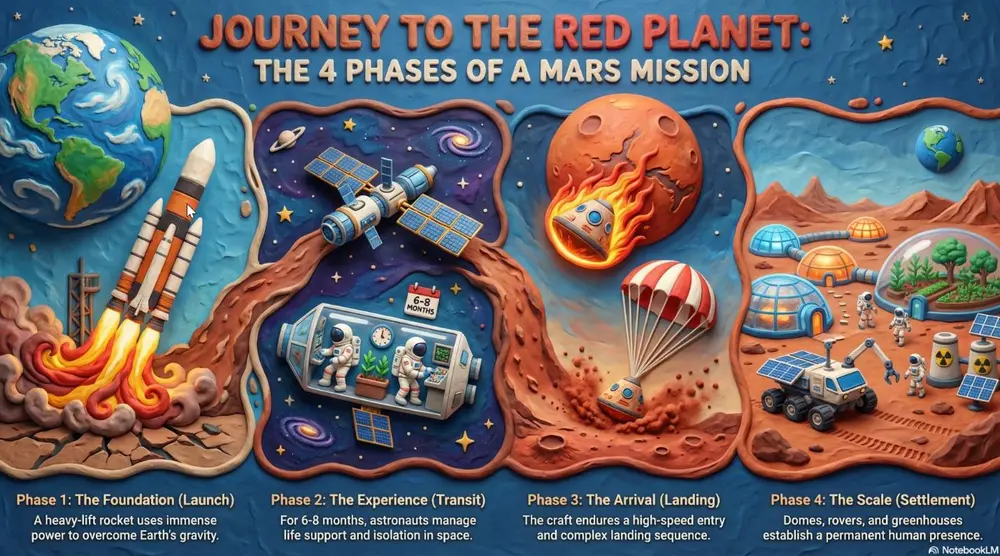
A high-fidelity claymation style featuring handcrafted 3D models with visible tactile textures. Include soft studio lighting with deep shadows, a narrow depth-of-field, and a playful stop-motion aesthetic. The scene should appear as if sculpted from physical polymer clay on a miniature set." Section 2: Technical, Engineering & Architectural Styles Best for product design, structural planning, and high-tech corporate environments.
Comment l'utiliser
- 1Dans le panneau Studio, choisissez diapositives ou infographie, puis ouvrez sa zone de prompt.
- 2Collez la description du style souhaité.
- 3Générez, puis ajustez la formulation si le résultat s'éloigne de l'attendu.
Les crochets indiquent les parties à remplacer par votre propre sujet ou question.
Plus de prompts diapositives, vidéo et infographies
- ChalkboardWhite "chalk" lines on a dark slate background with textured shading. Best for academic lectures, physics/math proofs, and historical retrospectives.
- WhiteboardA clean look resembling markers on a glossy whiteboard. Best for internal team briefings, "live" brainstorming sessions, and agile project updates.
- Sketch NotingHand-drawn icons and connectors with a classic "visual note-taking" feel. Best for executive summaries, workshop synthesis, and human-centric storytelling.
- Graphite & Charcoal RealismA fine-art style using monochromatic hand-drawn textures, cross- hatching, and realistic smudging. Best for high-stakes ethical discussions, historical reflections, or "Day in the Life" human-centric storytelling.