Whiteboard
Slides, vídeos e infográficosVai em: Slides / infográfico
A clean look resembling markers on a glossy whiteboard. Best for internal team briefings, "live" brainstorming sessions, and agile project updates.
Compartilhado por Mark Carver — Visual Style Guide for NotebookLM Presentations — o crédito é de quem merece.
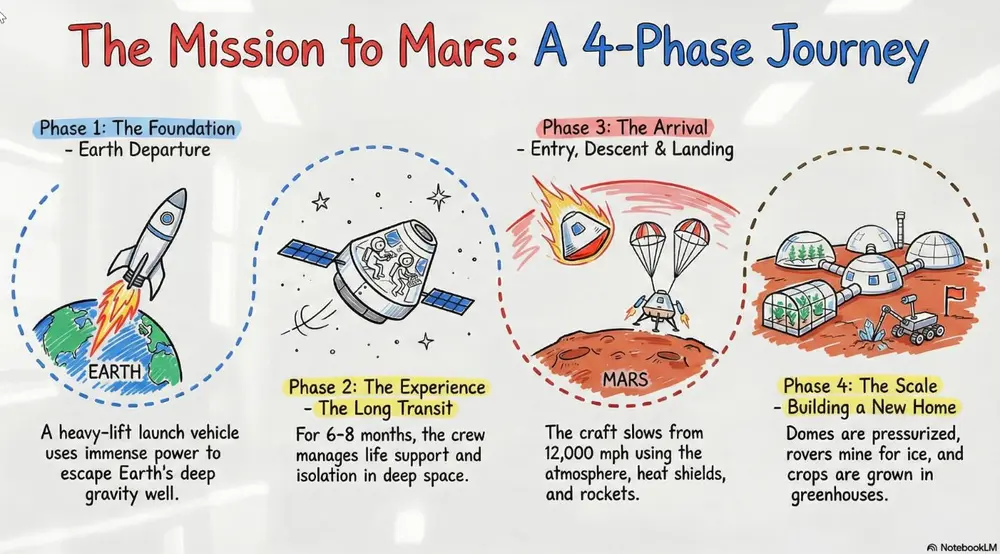
A clean, glossy whiteboard aesthetic featuring hand-drawn marker lines with slight 'ink-pooling' at the ends of strokes. Use basic primary marker colors (red, blue, black) on a bright white reflective background. Include faint ghosting marks from previously 'erased' content to give it a lived-in, brainstorming feel.
Como usar
- 1No painel Studio, escolha slides ou infográfico e abra a caixa de prompt correspondente.
- 2Cole a especificação de estilo.
- 3Gere e ajuste o texto se o resultado fugir do esperado.
Colchetes marcam as partes que você substitui pelo seu tema ou pergunta.
Mais prompts de slides, vídeos e infográficos
- ChalkboardWhite "chalk" lines on a dark slate background with textured shading. Best for academic lectures, physics/math proofs, and historical retrospectives.
- Sketch NotingHand-drawn icons and connectors with a classic "visual note-taking" feel. Best for executive summaries, workshop synthesis, and human-centric storytelling.
- Graphite & Charcoal RealismA fine-art style using monochromatic hand-drawn textures, cross- hatching, and realistic smudging. Best for high-stakes ethical discussions, historical reflections, or "Day in the Life" human-centric storytelling.
- ClaymationA textured, stop-motion look that appears sculpted from clay. Best for friendly explainer videos, creative workshops, internal team-building announcements, and student-facing content.